
Introduction
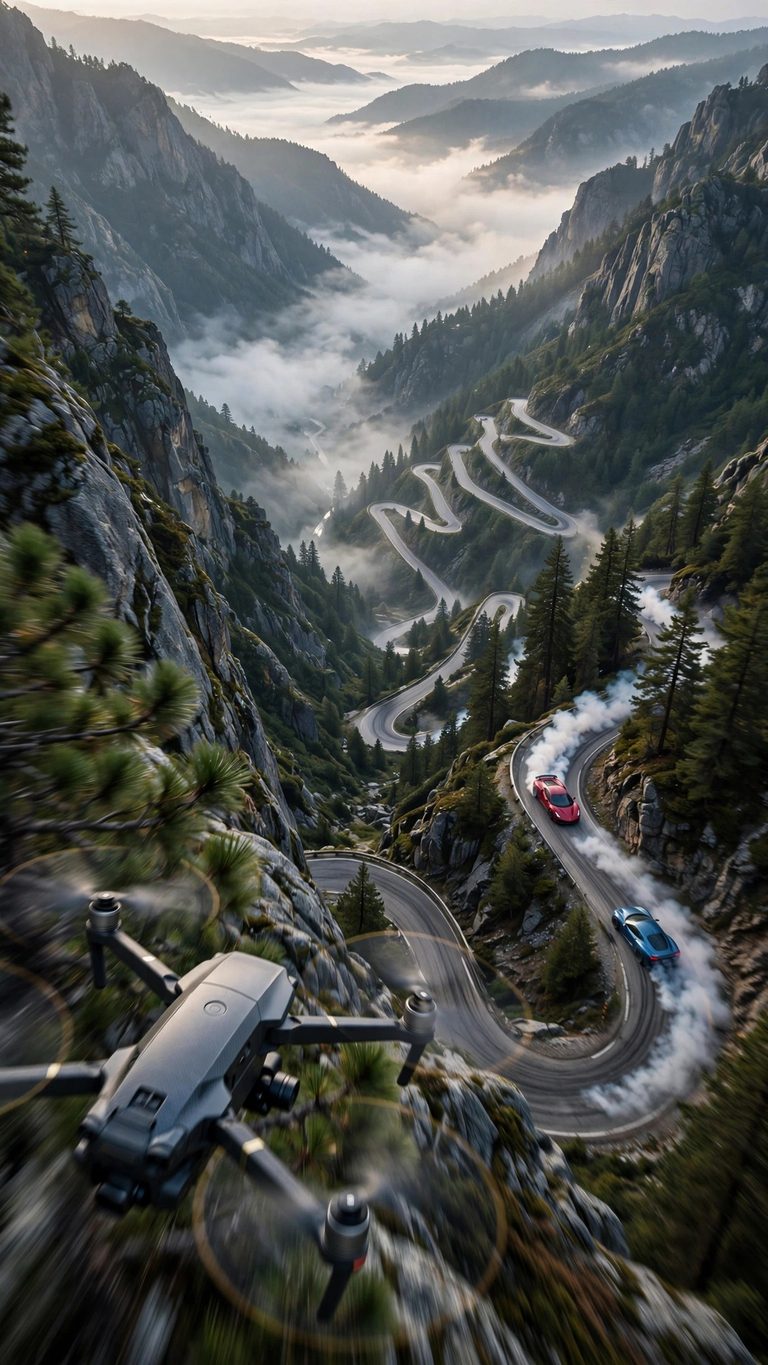
Two sports cars threading mountain switchbacks at the limit, an FPV drone diving between cliffs to chase them, morning fog pooled in the valleys below – this is the shot that makes viewers gasp out loud. Drone chase cinematography is the fastest-growing genre in automotive content because it delivers something no onboard camera can: the feeling of flight fused with the thrill of speed. Real FPV chase filming demands a pro pilot, permits, and genuine risk on cliff roads. This AI Video Prompt conjures the entire sequence from words alone: a ten-second aerial pursuit over hairpin mountain roads with diving, swooping drone motion and epic scale. Tag it for #DroneChase fans and it will travel far beyond car circles into drone and travel communities. In this guide we break down every phrase of the prompt, explain why chase footage is so shareable, and walk you through rendering it on Veo 3, Runway, Kling, Pika, and Sora.
The Prompt
Paste this prompt exactly as written into your AI video generator. The drone-motion vocabulary is doing the cinematic heavy lifting, so keep it word for word on the first render.
Breathtaking drone chase over mountain hairpin roads, two sports cars drifting through switchbacks, drone diving and swooping between cliffs, morning fog in the valleys below, pine forests rushing past, epic aerial cinematography, dramatic scale, ultra realistic, 8k, soaring cliffs, thrilling pursuit
Why This Prompt Works
Chase footage triggers one of the oldest narrative circuits in the human brain: pursuit. From nature documentaries to action films, watching one thing chase another holds attention because the brain automatically starts predicting outcomes – will the drone keep up, will the cars make the corner? That prediction loop is engagement in its purest form, and it is why pursuit videos get shared with captions like “watch till the end.” The FPV drone perspective supercharges this because FPV footage feels embodied; the viewer is not watching a chase, they are flying it. That first-person sensation is why FPV compilations routinely outperform traditional car reviews.
The mountain setting multiplies the effect through sheer scale. Cliffs, valleys, and morning fog give the frame enormous depth, and depth makes speed readable – without reference points rushing past, even 200 kilometers per hour looks static. Pine forests rushing past at the frame edges provide exactly those reference points, while fog in the valleys adds the layered, epic atmosphere that separates premium drone content from flat aerial shots. Two cars instead of one creates a racing narrative with zero exposition: the audience instantly understands there is a contest. In content trends, drone footage remains the highest-status format in automotive and travel niches because it signals production value, and AI generation has just collapsed the cost of that signal to nearly zero. This prompt is a ten-second status symbol any creator can now afford.
How to Use This Prompt
Copy the prompt exactly into Veo 3, Runway, Kling, Pika, or Sora. Set the aspect ratio to 9:16 vertical and the duration to 10 seconds per the post’s FPV drone settings – the extra two seconds give the dive-and-swoop motion room to breathe. Use the highest quality tier and 24 or 30 fps; the prompt’s “ultra realistic, 8k” already targets clean detail. On tools with camera controls, emphasize “FPV drone motion, diving and swooping” in the camera field, because default drone renders often default to a slow, flat hover that kills the thrill. If the cars look too small, add nothing – instead pick a seed where the drone flies lower, which enlarges the cars relative to frame.
Generate four to six seeds; drone trajectory is the most variable element and you want the most dynamic flight path. Export at 1080 by 1920, then add a sound bed of wind rush, distant engine notes, and a rising score – silent aerial footage feels empty without it. A subtle speed ramp on the dive sections in your editor will accentuate the stomach-drop feeling. Post with #Mountain and #Epic tags, and consider cross-posting to drone communities where FPV content has a dedicated, hungry audience.
Pro Tips & Creative Variations
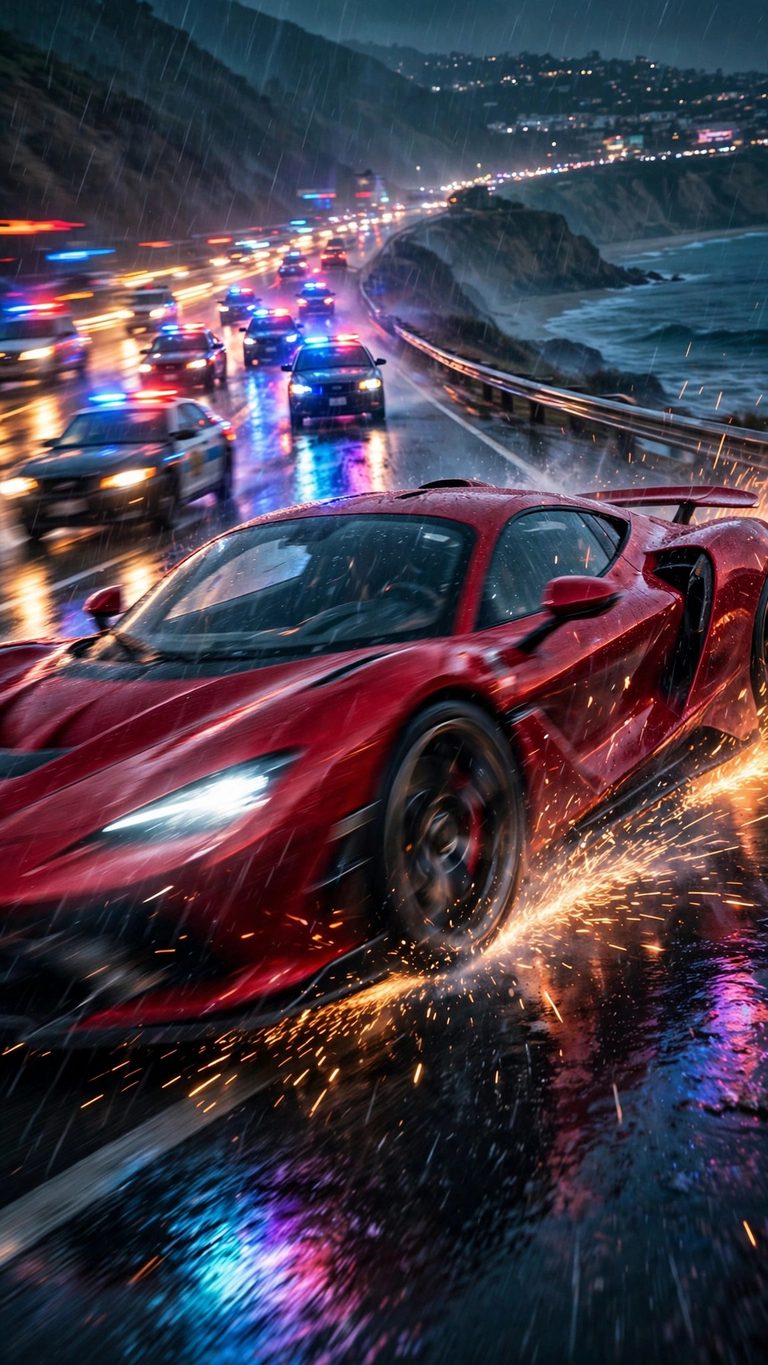
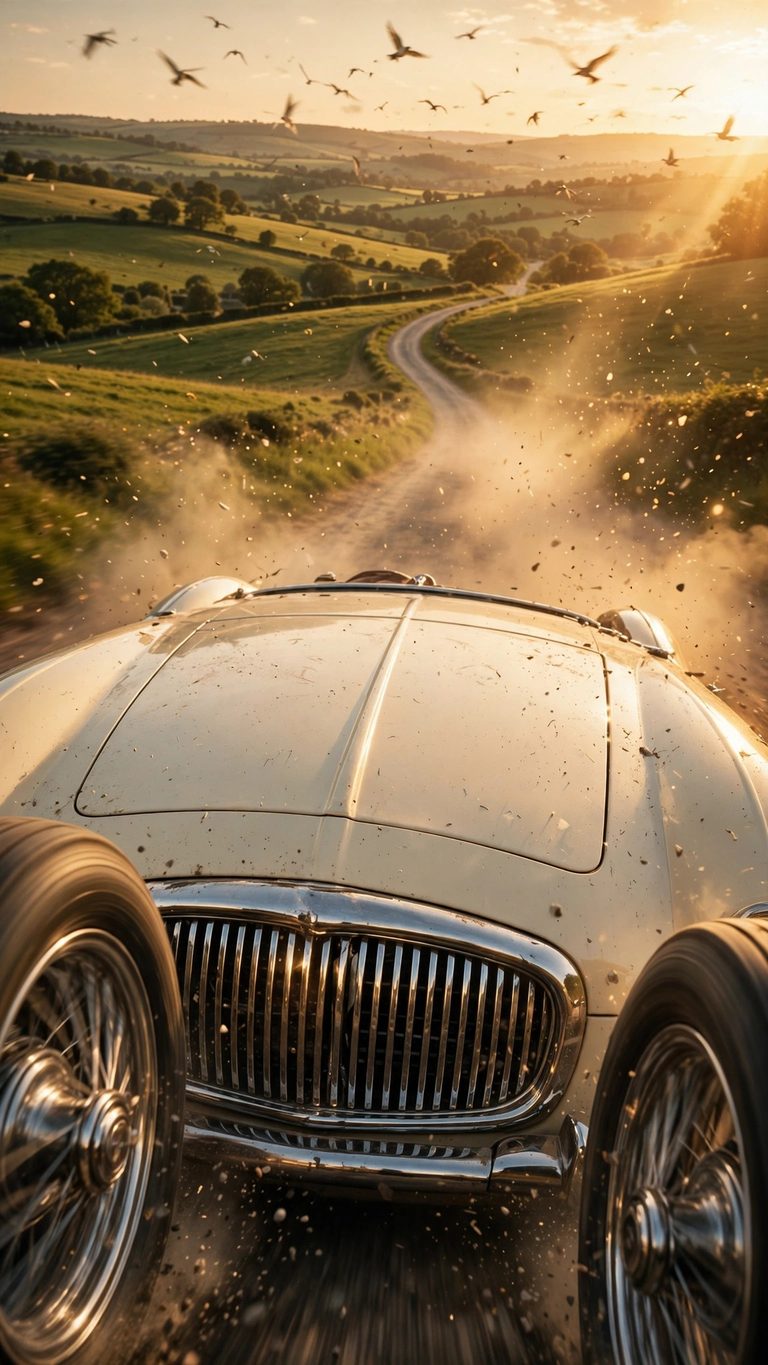
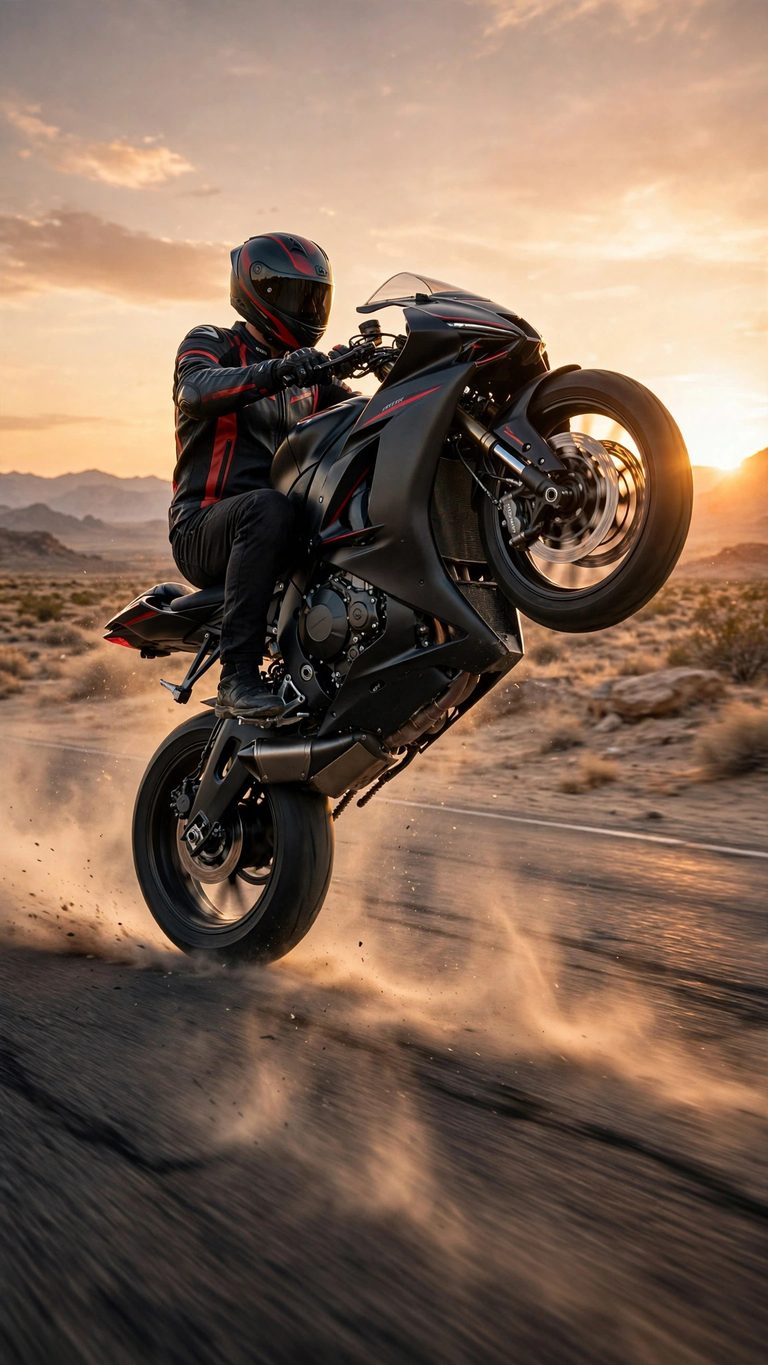
The chase formula adapts to any terrain. Swap mountains for a coastal cliff road at sunset for golden light on the water, or a desert canyon for Mars-like red rock drama. Night variant: “headlights carving through mountain darkness, drone chasing light trails” – it hides generation flaws and looks spectacular. Change the cast: a lone rally car kicking up dust on a gravel pass, or a superbike weaving through traffic on a hillside highway for urban-edge energy. For a narrative twist, generate the chase from the pursued car’s perspective by appending “camera mounted low behind the lead car, drone visible in pursuit” – role reversal keeps a series fresh.
Realism lives in the details: “rotor wash disturbing the fog,” “heat shimmer off the lead car’s exhaust,” and “birds scattering as the drone dives” each add a layer of believability. If the switchbacks confuse the model, simplify the road description to “winding mountain road” and let the AI compose; over-constraining geography is a common cause of warped roads. Build a three-clip sequence – establishing aerial, the dive chase, and a top-down shot of both cars drifting a hairpin – for a 30-second short with genuine cinematic structure. Sound design matters enormously here: whooshing dives synced to the drone’s motion, doppler-shifted engine notes, and a heartbeat-like bass pulse turn a pretty render into a visceral flight.
Frequently Asked Questions
Why does my drone footage look like a slow hover instead of a chase? The model defaulted to safe camera motion. Regenerate with stronger motion language and, on supported tools, raise the camera-motion or dynamism slider. Pick the seed with the most aggressive flight path.
The road looks warped or melting. How do I fix it? Complex geometry like switchbacks stresses video models. Simplify the road description, keep the camera moving (motion hides warping), and choose seeds where the road occupies less of the frame.
Can I extend this to a longer short film? Yes. Generate the chase as the centerpiece and bookend it with an establishing mountain aerial and a finish-line slowdown. Three ten-second clips make a satisfying 30-second short.
Will viewers know it is AI-generated? Some will, and that is fine. Disclose AI use in your caption or hashtags – audiences reward honesty, and “AI drone chase” is itself a novelty hook that drives comments and shares.
Mountain chases are the pinnacle of automotive spectacle, and this prompt puts an FPV drone in your pocket. Render it tonight, choose your wildest flight path, mix in wind and engine audio, and release it to car and drone communities alike. Then take the same chase to the coast, the desert, and the night. The sky is no longer the limit – it is the set.
Related Viral Prompts
- Vintage Village Bus AI Video Prompt: Nostalgic 8K Bengal Countryside Ride in Warm Golden Afternoon Light
- Supercar Studio AI Photo Prompt: Create Dramatic Luxury Car Advertising Shots With Glossy Black Paint and Rim Lighting
- Vintage Car Sunset AI Photo Prompt: Generate Cinematic 1960s Coupe Portraits With Golden Hour Light and Film Grain
# A I V i d e o # P r o m p t B a z a r # D r o n e C h a s e # M o u n t a i n # E p i c

Leave a Reply