
Introduction
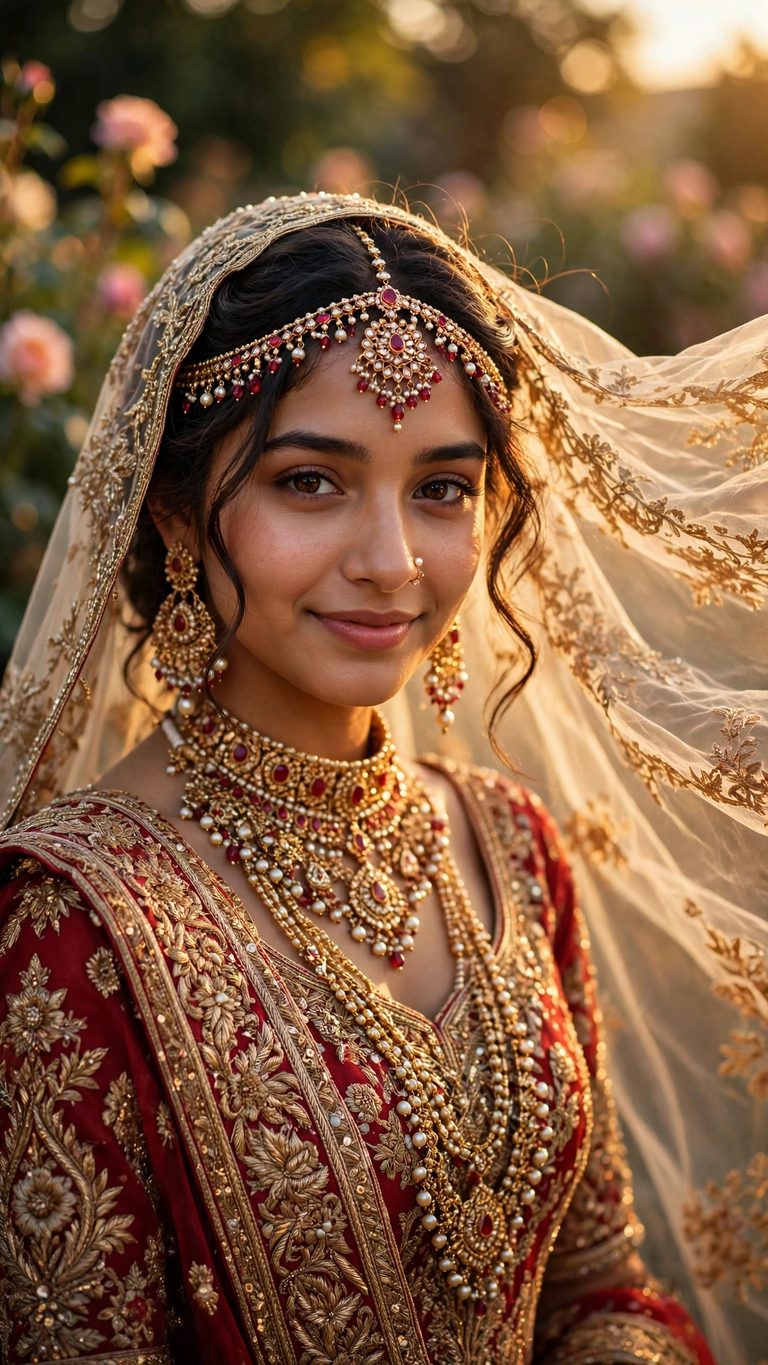
There is a reason the golden hour portrait is the crown jewel of every wedding album. In the final forty-five minutes before sunset, the world seems to conspire in your favor: the light turns to liquid gold, harsh shadows melt into velvet, and even an ordinary garden starts to look like a palace courtyard. For generations, photographers have chased this fleeting window with expensive cameras, assistants holding reflectors, and brides asked to wait patiently while the sun does its magic. Now, with the right AI photo prompt, you can summon that same regal glow in seconds. This particular prompt is engineered to produce a bridal portrait worthy of a royal wedding: ornate red and gold attire, a veil caught in the breeze, hyper-detailed jewelry that sparkles exactly where it should. Whether you are a wedding photographer building a portfolio, a content creator crafting viral wedding content with tags like #Bridal and #GoldenHour, or a bride dreaming up her own editorial-style portraits, this #AIPhotoPrompt delivers professional-grade results on Midjourney, DALL-E 3, and Flux. In this guide, we break down exactly why it works, how to run it on each platform, and how to push it even further with pro-level variations.
The Prompt
Copy the block below exactly as written and paste it into your image generator of choice. Every word earns its place, as we explain in the next section.
Regal golden hour bridal portrait photograph, bride in ornate red and gold attire, veil flowing in wind, soft shy smile, warm sunlight glow on face, blurred garden background, hyper-detailed jewelry and embroidery, professional wedding photography, ultra detailed, 8k quality, dupatta flowing in breeze, royal bridal grace
Why This Prompt Works
Great AI prompts are not word salads; they are stage directions, and this one directs like a cinematographer. The opening word, regal, sets the emotional register before anything visual is described, telling the model this is not a casual snapshot but a portrait with posture, dignity, and presence. Then golden hour does the heavy lifting on lighting: every modern image model has learned that golden hour means warm directional sunlight, long soft shadows, and a honeyed rim light on hair and fabric, so those two words alone unlock a lighting setup that would take a photographer thousands of dollars in gear to reproduce.
The subject description is equally deliberate. Ornate red and gold attire gives the model a rich, culturally specific palette with enormous texture potential, while veil flowing in wind and dupatta flowing in breeze inject motion into a still image, creating that dramatic, alive feeling that separates editorial portraits from stiff poses. Soft shy smile is a masterstroke of expression direction: it avoids the uncanny, overly posed grin that plagues AI portraits and instead suggests genuine emotion. Warm sunlight glow on face tells the model exactly where the key light lands, and blurred garden background guarantees creamy bokeh that keeps all attention on the bride.
Finally, the quality stack at the end, hyper-detailed jewelry and embroidery, professional wedding photography, ultra detailed, 8k quality, acts as both a style anchor and a detail amplifier. Jewelry and embroidery are where AI models genuinely excel at micro-detail, so explicitly requesting them pushes the renderer to lavish attention on sparkle, threadwork, and texture. The closing phrase, royal bridal grace, bookends the prompt with the same emotional register it opened with, a technique that consistently produces more coherent, majestic results.
How to Use This Prompt
Using this prompt is simple, but each platform has its own sweet spots. On Midjourney, type /imagine, paste the full prompt, then add –ar 9:16 –v 7 for a tall portrait composition in the current model version. If the face looks too polished, append –style raw to pull back the default beautification, and use –no blurry, deformed hands, extra fingers to clean up common artifacts. Run two or three variations and pick the strongest; bridal portraits reward cherry-picking.
On DALL-E 3, paste the prompt verbatim into the chat or image interface and request a portrait orientation image. DALL-E 3 follows descriptive language faithfully, so the phrases warm sunlight glow on face and veil flowing in wind translate almost literally. If you want a different outfit color, swap red and gold for emerald and gold or champagne and ivory in a follow-up message rather than rewriting the whole prompt.
On Flux, paste the prompt as is, set the aspect ratio to 9:16, and use 40 or more inference steps with a guidance scale around 3.5 for maximum detail in the jewelry and embroidery. Flux is exceptional at fabric texture, so this prompt plays directly to its strengths. Across all three platforms, generate at the highest resolution available, then upscale once more before posting; fine embroidery detail only survives compression if you start from a large file.
Pro Tips & Creative Variations
Here is where a good prompt becomes a great portfolio piece. First, the wind: veil flowing in wind is doing quiet magic, but you can amplify the drama by adding gentle breeze lifting veil dramatically to one side in a second generation, then composite your favorite face from the first. Second, jewelry catchlight matters enormously; if the necklace or maang tikka looks flat, add sparkling catchlights in jewelry to your variation and watch the whole portrait come alive. According to the original pro tips, keep the smile soft and unposed, and that advice holds for every variation you try.
Now the creative variations. Swap the palette: emerald green and gold attire against a monsoon garden, or ivory and champagne for a modern minimalist bride, each change producing a radically different mood from the same skeleton. Try a night version by replacing golden hour with moonlit blue hour and warm lantern glow for a completely different editorial story. Add a groom silhouette blurred behind the bride for a romantic two-subject composition, or go full macro on just the jewelry and embroidery for detail shots that wedding pages on #PromptBazar love to share. Finally, remember composition: this prompt is tuned for 9:16, the native format of Reels and Shorts, so your portrait doubles as vertical video cover art and Pinterest-ready content without any cropping.
Frequently Asked Questions
Will this prompt work if I want a non-South-Asian bridal look?
Absolutely. The skeleton of the prompt, regal golden hour portrait, wind in the veil, soft expression, blurred background, is universal. Replace ornate red and gold attire with flowing ivory gown and lace veil, and drop dupatta in favor of train billowing softly. The lighting and quality cues do the same work regardless of culture.
Why does my generated bride sometimes have odd-looking hands?
Hands remain the hardest anatomy for image models. If fingers look wrong, add a negative prompt such as –no deformed hands, extra fingers on Midjourney, or regenerate with the hands cropped out of frame by adding elegant three-quarter crop to the prompt. Generating three or four versions and picking the cleanest is standard professional practice.
Can I use these images commercially for my photography business?
Check the terms of the platform you generate on, since commercial rights differ between Midjourney, DALL-E 3, and Flux. As a portfolio or mood-board asset, AI portraits are widely used, but always disclose AI generation to clients and never present an AI portrait as a photograph you shot at a real wedding.
How do I keep the face consistent across multiple portraits?
Use the same seed or reference image across generations. On Midjourney, generate your favorite portrait, then use it as a character reference with –cref for outfit variations. On Flux, image-to-image with a low denoising strength preserves the face while changing the scene around it.
This golden hour bridal portrait prompt distills everything that makes wedding photography magical, regal presence, liquid light, and exquisite detail, into a single copy-paste block. Run it today on your favorite platform, experiment with the variations above, and share your results with #AIPhotoPrompt and #PromptBazar so the community can see what you create.
Related Viral Prompts
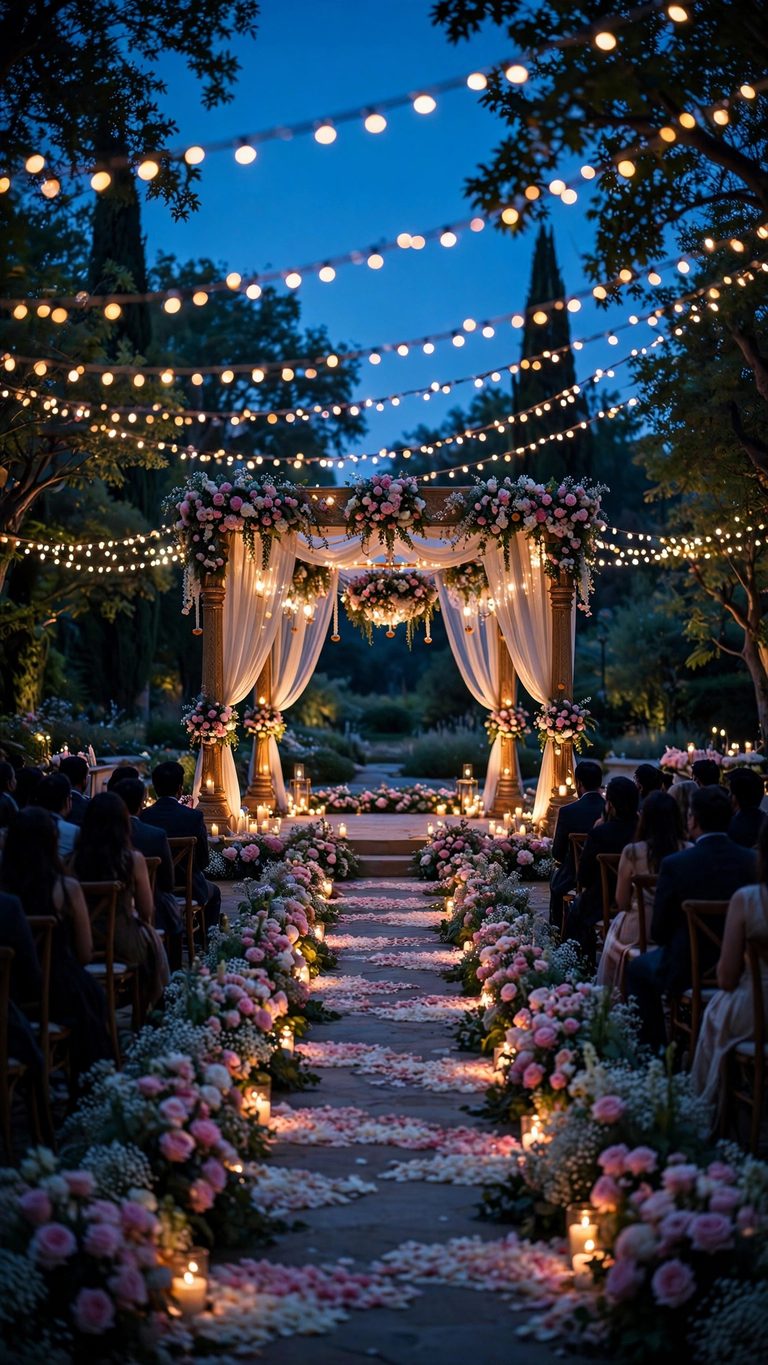
- Dreamy Wedding Venue Decor AI Photo Prompt: Breathtaking Blue Hour Mandap & Fairytale Lighting in 8k Detail
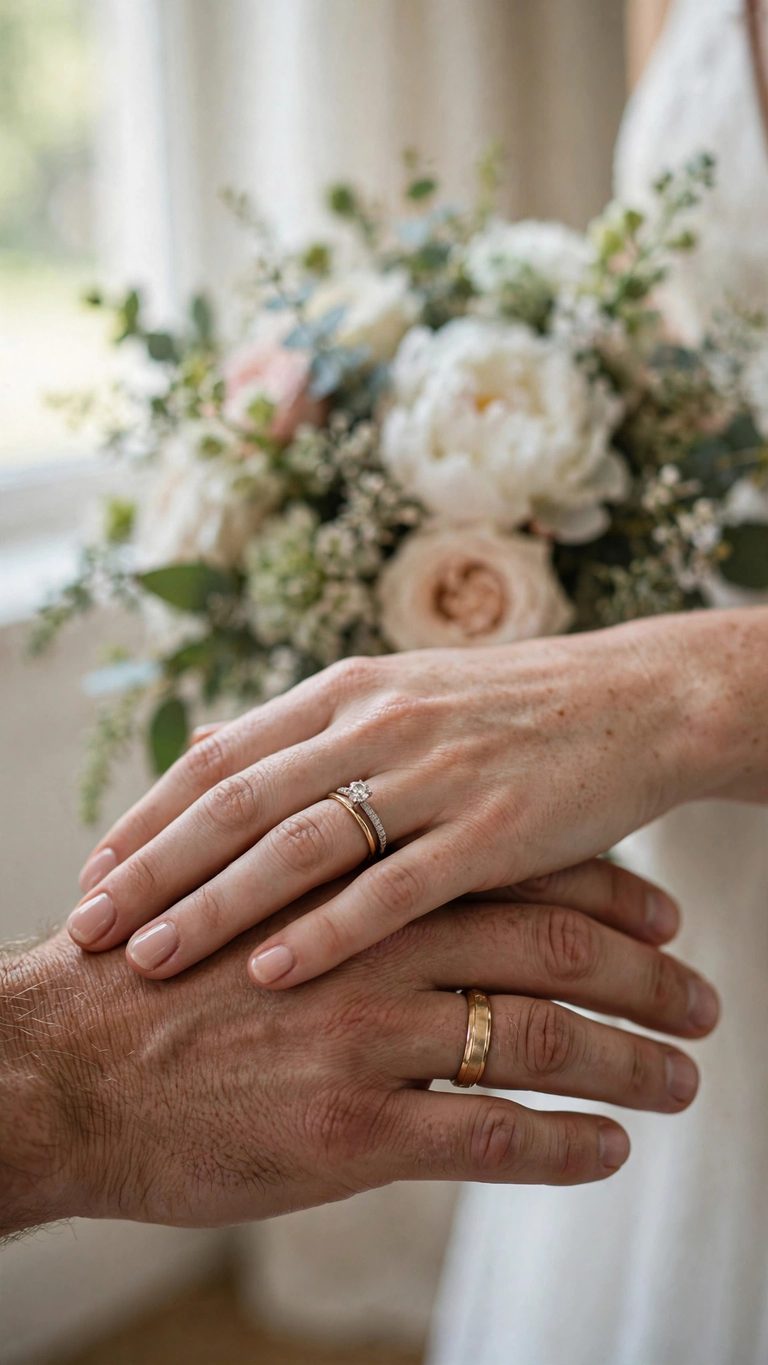
- Couple Hands Wedding Rings AI Photo Prompt: Intimate Fine-Art Close-Up With Henna & Bouquet in 8k Detail
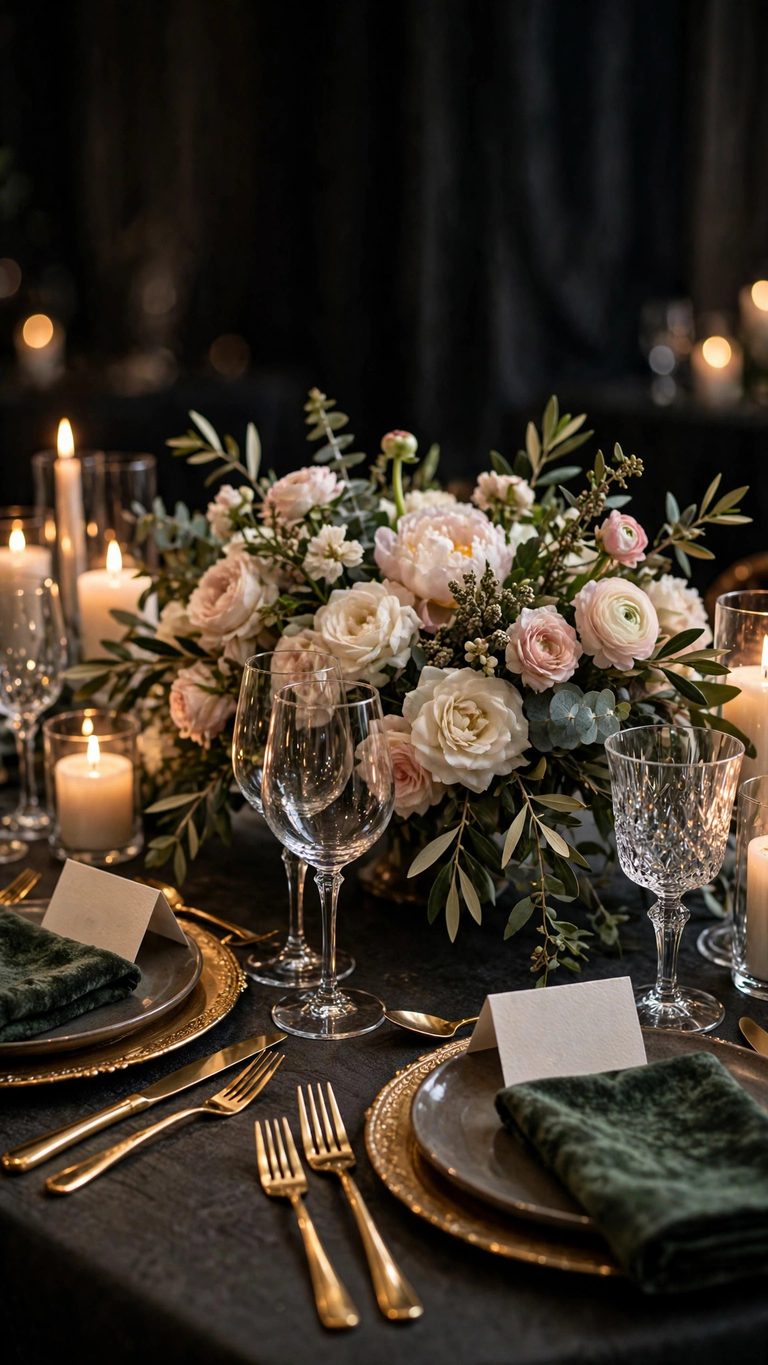
- Luxurious Wedding Table Setting AI Photo Prompt: Crystal, Gold Cutlery & Candle Glow in Elegant 8k Detail
# A I V i d e o # P r o m p t B a z a r # A I P h o t o P r o m p t # B r i d a l # P o r t r a i t # G o l d e n H o u r

Leave a Reply