
Introduction
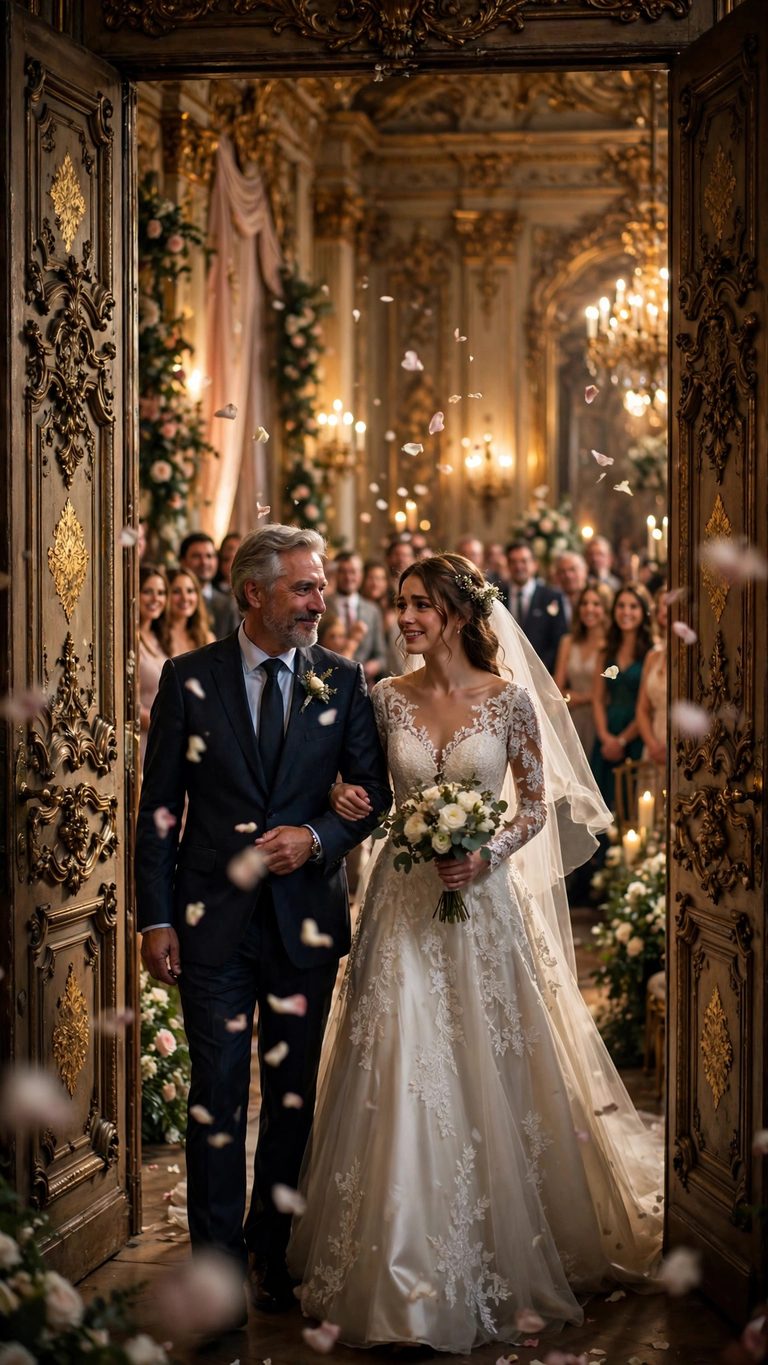
Every wedding has one heartbeat moment — the split second when the grand doors swing open, the music swells, and the bride steps into the light. Guests rise from their seats, phones lift into the air, and the whole room holds its breath for a few suspended seconds. It is the most rewatched, most shared, most tear-inducing scene of any wedding film, which makes a bridal entry clip pure gold for content creators. The catch is that filming a genuinely regal entrance takes a grand venue, flawless timing, a skilled camera operator, and a generous slice of luck. AI video generation rewrites that equation entirely. With a single well-crafted prompt, you can conjure a slow-motion bridal entry worthy of royalty: petals drifting through golden air, a proud father walking beside his daughter, awestruck guests turning in unison as the camera glides backward in perfect rhythm. Whether you run a wedding content page, offer videography services, or simply love cinematic storytelling, this prompt delivers a breathtaking bridal moment in seconds — no crew, no venue, and no five-figure budget required.
The Prompt
Here is the exact prompt, ready to copy. Paste it into Veo 3, Runway, Kling, Pika, or Sora without changing a word for your first render — every phrase is tuned for maximum cinematic impact:
Regal slow-motion shot of a bride's grand entry through large doors, flower petals falling, father beside her, guests turning in awe, camera gliding backward, ornate wedding hall glowing, emotional cinematic music feel, breathtaking bridal moment, ultra realistic, 8k wedding cinema
Why This Prompt Works
This prompt works because it stacks five proven cinematic techniques into a single paragraph. First, slow motion. Few things signal luxury and emotion like time stretched thin; the regal, dreamlike pace tells the viewer instantly that this moment matters. Second, the grand doors. A doorway is the oldest reveal device in cinema — it frames the bride like a painting and turns her entrance into an event rather than a walk. Third, the falling flower petals. Petals add motion, texture, and romance to every frame, and they give the slow motion something beautiful to linger on. Fourth, the people. The father beside her grounds the scene in real emotion, while guests turning in awe supply the reaction shots that make viewers feel they are witnessing something extraordinary. Fifth, the camera move. A camera gliding backward keeps the bride perfectly framed while the world expands around her — a classic red-carpet dolly that builds anticipation with every step. The descriptive phrases do heavy lifting too: an ornate wedding hall glowing cues warm, golden production design; emotional cinematic music feel nudges the model toward rich color grading and sweeping composition; and the closing trio — ultra realistic, 8k, wedding cinema — anchors the output in photorealistic, high-end quality. Together these choices produce a clip that looks filmed rather than generated, which is precisely why bridal entry videos earn saves, shares, and comments across the #Wedding and #BridalEntry communities.
How to Use This Prompt
Follow these steps to turn the prompt into a finished, post-ready clip. First, copy the prompt above exactly as written. Second, open your generator of choice — Veo 3 for the most lifelike motion, Runway for precise camera control, Kling for strong slow-motion physics, Pika for quick stylized drafts, or Sora for richly detailed scenes. Third, set the canvas to 9:16 vertical and the duration to 10 seconds so the clip publishes natively to Reels, Shorts, and TikTok. Fourth, paste the prompt into the text field. If your tool supports it, add a simple negative prompt such as distorted faces, extra fingers, watermark to keep the render clean. Fifth, generate two or three variations and pick the take with the most natural walking motion and the most graceful petal fall. Sixth, in your editor, pair the clip with a soft cinematic track, add a slow fade-in from black at the head, and overlay a title like The Grand Entrance. Export at 1080 by 1920, post with #BridalEntry #Wedding #Cinematic #ViralReels, and watch the saves roll in.
Pro Tips & Creative Variations
Small tweaks unlock big upgrades. Keep the door reveal dramatic by letting the model show the moment the doors first part — that burst of light sells the entire entrance. Push the petal density higher with a phrase like a cascade of rose petals for a dreamier frame. The father walking beside the bride is an emotional anchor; if your render drops him, regenerate rather than settling, because that relationship is what makes viewers tear up. For creative variations, try a nighttime entry by swapping the glowing hall for a candlelit hall with sparklers lining the aisle. Try a garden entry by replacing the ornate hall with a sunlit floral archway. For South Asian audiences, add a phoolon ki chadar held above the bride for an instantly recognizable cultural moment that performs brilliantly on desi wedding pages. You can also reframe the shot: a low-angle version makes the bride look statuesque and powerful, while a close-up on her bouquet and the hem of her gown drifting through petals creates an intimate detail cutaway for highlight reels. Finally, chain this clip with a flower shower walk or a vows close-up to build a full AI wedding film one scene at a time — your followers will binge the whole series.
Frequently Asked Questions
Q: Which AI video tool gives the best results for this bridal entry prompt?
A: Veo 3 currently leads for lifelike human motion and fabric physics, which matter most in a walking shot. Kling is a strong second for slow motion, and Runway gives you the most control over the backward camera glide.
Q: What aspect ratio and length should I use?
A: Stick with 9:16 vertical and 10 seconds, exactly as the prompt intends. The framing and pacing are tuned for that format, and it publishes natively to Reels, Shorts, and TikTok without cropping.
Q: My render has blurry faces or strange hands. How do I fix it?
A: Regenerate with a fresh seed; most tools improve dramatically on the second or third take. Add a negative prompt like distorted faces, extra fingers, blurry, and keep the camera move gentle, since extreme motion stresses the model.
Q: Can I use this clip on my wedding business page or for a client?
A: Yes, AI-generated clips are widely used in wedding content marketing. Just check your generator’s commercial terms and label AI-assisted work wherever your platform or client expects transparency.
This bridal entry prompt compresses a royal wedding’s most emotional minute into ten perfect seconds of slow-motion cinema. Copy it into Veo 3 or your favorite generator today, render your grand entrance, and share it with #BridalEntry and #PromptBazar. Your audience came for the goosebumps — give them the moment they will replay.
Related Viral Prompts
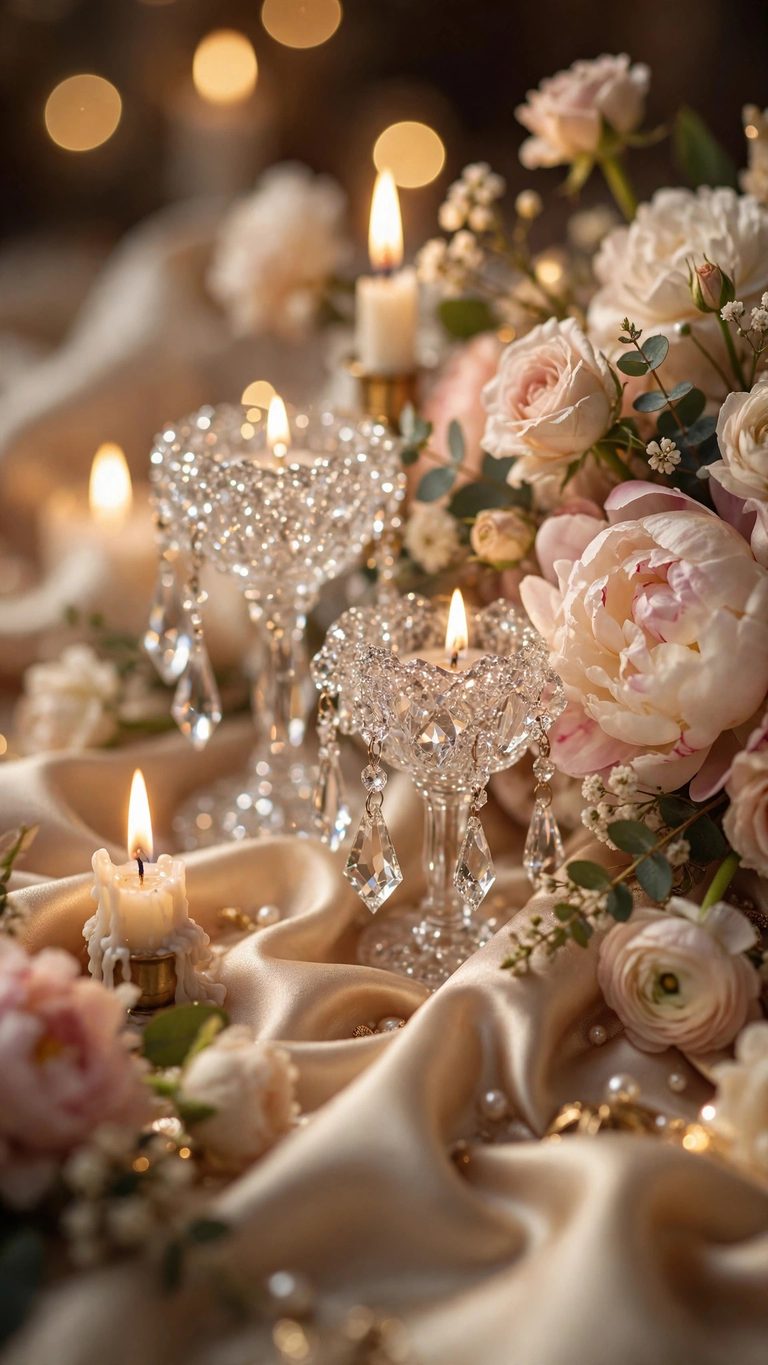
- Wedding Decor AI Video Prompt: Luxurious Cinematic Macro Shots of Centerpieces, Candles & Florals for Viral Reels
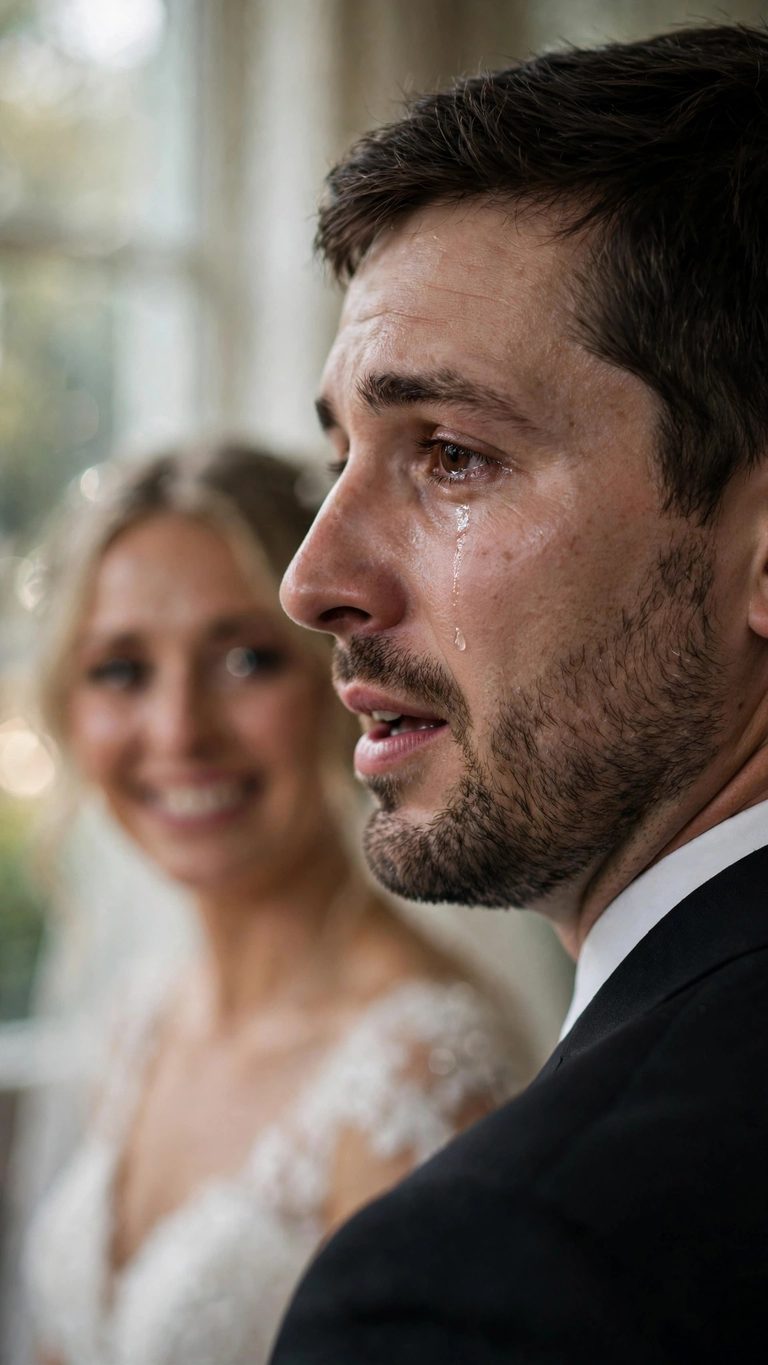
- Wedding Vows AI Video Prompt: Emotional Close-Up of a Groom’s Tearful Vows in Cinematic 8K Wedding Film
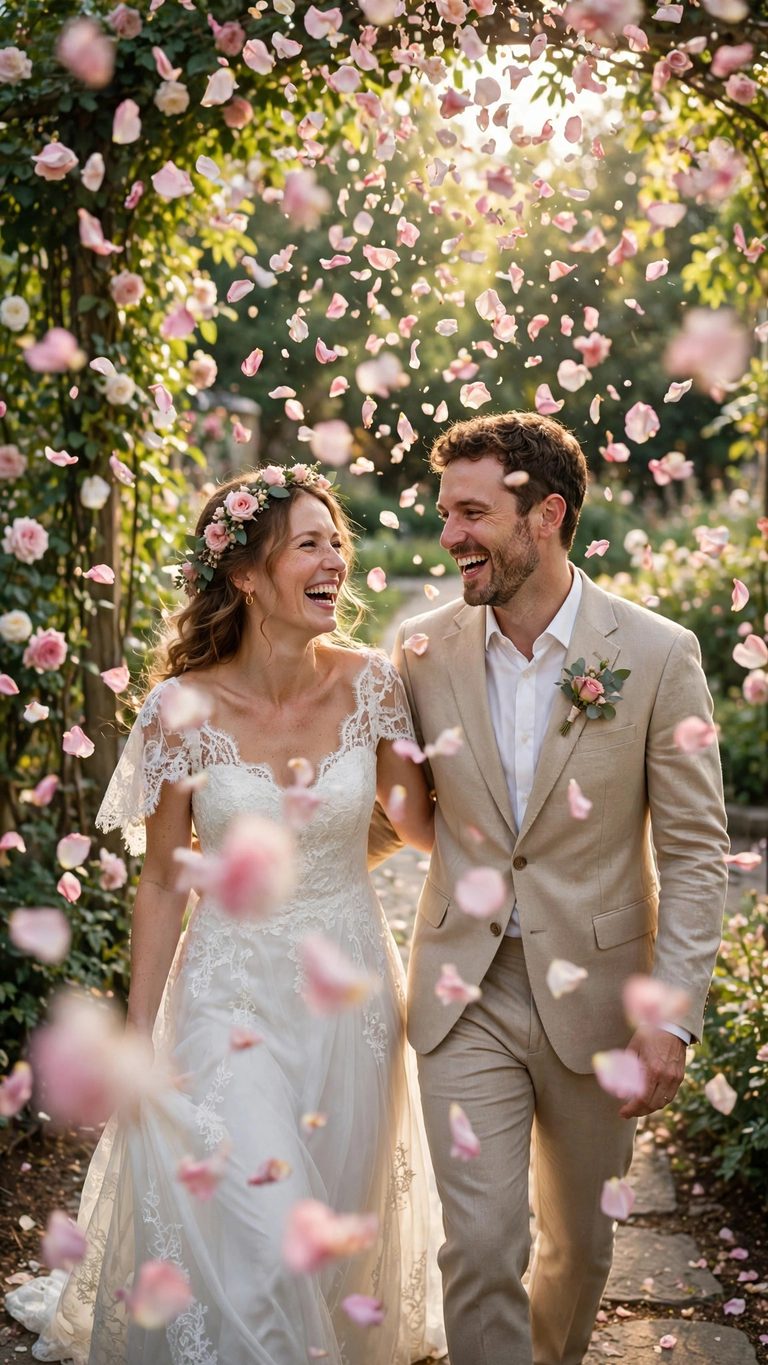
- Flower Shower AI Video Prompt: Dreamy Slow-Motion Petal Walk for a Fairy-Tale Wedding Cinematic Video
# A I V i d e o # P r o m p t B a z a r # B r i d a l E n t r y # W e d d i n g # C i n e m a t i c # V i r a l R e e l s

Leave a Reply