
Introduction
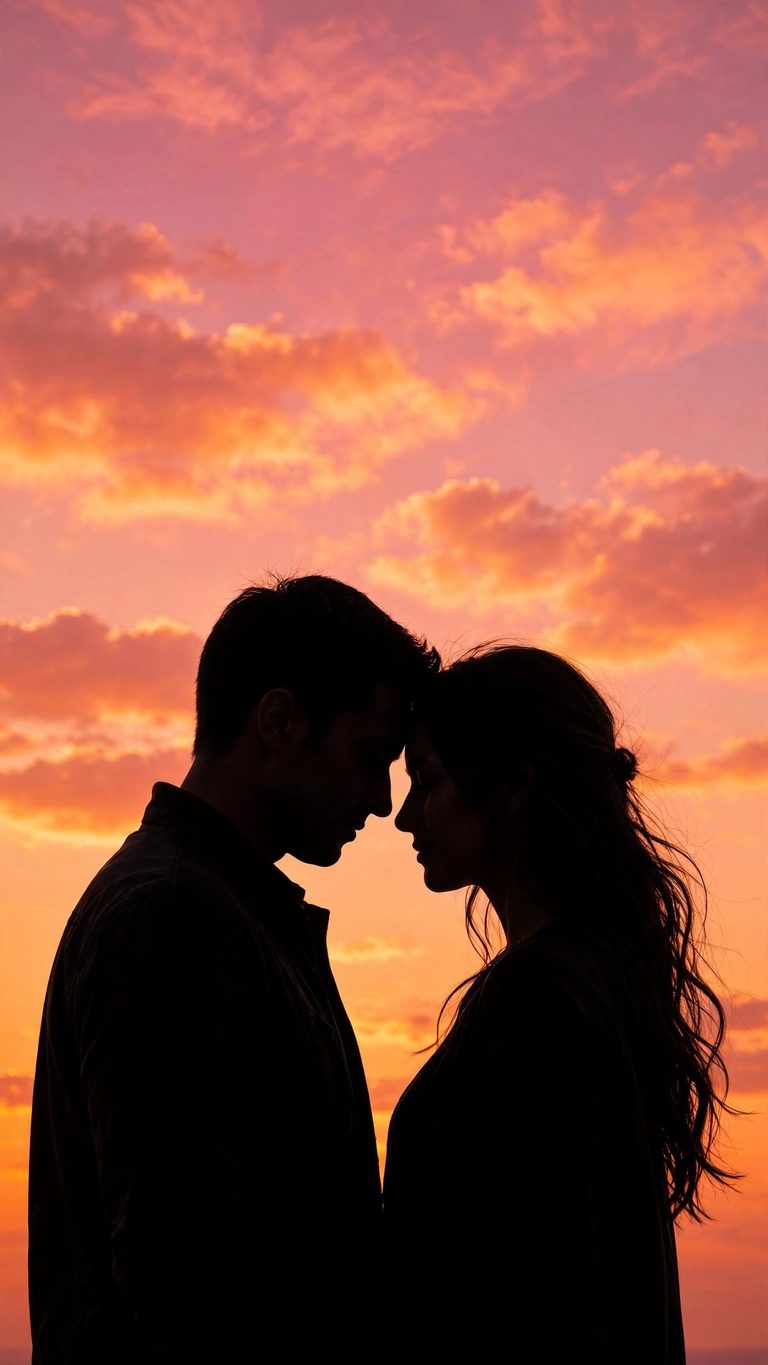
There is a photograph that almost everyone carries in their heart even if they have never seen it: two silhouettes against a burning sunset, foreheads touching, the world reduced to orange, pink, and tenderness. The sunset couple silhouette is the most shared romantic image archetype on the internet for a reason. It says everything about love without showing a single face. When you strip identity away, what remains is pure emotion, and every viewer quietly projects their own story onto those two dark figures at the edge of the horizon.
Capturing this shot with a camera used to demand perfect timing, the right beach, cooperative weather, and no small amount of luck. Miss the golden window by ten minutes and the magic is gone. AI image generators have changed that equation completely. With one carefully written prompt, you can summon a flawless sunset silhouette in seconds, then regenerate it with new skies, new coastlines, and new moods until it is exactly right. In this guide, we break down a professional-grade AI photo prompt that produces gallery-worthy sunset silhouette romance images, explore the psychology that makes them so shareable, and show you exactly how to run it in Midjourney, DALL-E 3, Flux, and Stable Diffusion. Whether you are creating Valentine’s Day content, wedding announcements, engagement posts, or simply building a dreamy romantic aesthetic feed, this is the #Romance prompt you will return to again and again.
The Prompt
Copy the text below exactly as written. Every descriptive phrase was chosen to guide the image model toward a timeless fine-art silhouette with clean edges and a rich gradient sky:
Timeless romantic photograph of a couple's silhouette with foreheads touching at sunset, vibrant orange-pink gradient sky, soft clouds, minimalist composition, emotional tenderness, hyper-detailed silhouette edges, fine-art romance photography, ultra detailed, 8k quality, gentle sea breeze moving hair, eternal love symbolism, breathtaking horizon
Why This Prompt Works
Silhouette photography works on the viewer at a level that goes deeper than composition or color. Because the couple is rendered in darkness, there are no faces, no clothing details, and no identifying features to distract from the gesture itself. Psychologists call this perceptual universality: the less specific an image is, the more people can see themselves in it. That is why sunset silhouettes outperform almost every other romantic image format on shares and saves. A viewer does not need to know the couple to feel the tenderness of two foreheads touching against the last light of the day.
Then there is the sky. Human beings are wired to respond to sunset colors. Warm orange tones signal safety, warmth, and the satisfying close of a day, while pink gradients read as softness and affection. Studies of image engagement consistently show that pictures with warm gradient skies earn higher dwell time and save rates, and platforms like Pinterest and Instagram are overflowing with proof. Sunset couple images are perennially among the most saved pins in the wedding, engagement, and relationship boards, and the #Couple and #Silhouette tags carry millions of posts that spike every February and every wedding season. This prompt rides that trend deliberately: the vibrant orange-pink gradient, soft clouds, and minimalist composition are exactly the visual recipe that stops a thumb mid-scroll.
The fine-art framing elevates it further. Words like hyper-detailed silhouette edges and fine-art romance photography push the model away from casual snapshot territory and toward gallery aesthetics with crisp outlines and cinematic tone. The gentle sea breeze moving hair and eternal love symbolism add narrative texture, giving the image a sense of story rather than a static pose. Finally, the breathtaking horizon grounds the composition in vastness, making the two small figures feel both intimate and eternal. Small figures against a huge sky is a compositional trick that romantic painters have used for centuries, and it works just as powerfully when generated by AI.
How to Use This Prompt
Start with your tool of choice and set the portrait format first. In Midjourney v7, paste the prompt and add –ar 9:16 so the composition comes out in the tall portrait ratio this scene was designed for. Midjourney’s natural-light rendering makes it the strongest option for gradient skies, and version 7 handles silhouette edge detail especially cleanly. In DALL-E 3, simply request a 9:16 portrait image and paste the prompt verbatim; its strength is faithful interpretation of emotional language like emotional tenderness and eternal love symbolism, which you will see reflected in the posture and spacing of the figures.
If you prefer open models, Flux handles long descriptive prompts beautifully and gives you excellent control over the sky gradient, while in Stable Diffusion you should work at a portrait resolution such as 768 by 1344 pixels with 30 to 40 sampling steps for smooth color blending in the clouds. Generate three or four variations and pick the one where the silhouette edges are sharpest and the foreheads genuinely touch without merging into a blob. A light upscale pass finishes the job, and if the horizon line needs straightening, a single inpainting pass on the sky band fixes it in seconds. Because the prompt already specifies ultra detailed and 8k quality, most tools will deliver a publish-ready file on the first or second attempt.
Pro Tips & Creative Variations
The forehead-touch pose is the emotional heart of this prompt, and it deserves protection during customization. The pro tip here is simple: keep the heads close but distinct. If you change the pose, choose gestures with the same intimate geometry, such as an almost-kiss, a slow dance with foreheads nearly touching, or one partner lifting the other against the sky. These keep the tender triangle of the composition intact while giving you fresh images for a series.
Lighting is your richest playground. Swap the sunset for a soft sunrise to suggest new beginnings, or push the scene into the blue hour for a moodier, more cinematic take where the last orange band sits low on the horizon. A stormy variant with dark clouds split by golden light reads as dramatic devotion and performs well as a statement piece. For composition, try moving the couple off-center using the rule of thirds, leaving vast negative sky on one side; the emptiness makes the tenderness feel larger. You can also vary the landscape: keep the sea breeze and beach horizon for classic romance, or relocate the pair to desert dunes, a mountain ridge, or a field of tall grass at dusk.
Color grading opens another dimension. Add phrases like warm film grain, vintage analog tones, or soft teal shadows in the clouds for a nostalgic cinematic finish. Seasonal twists work too: autumn grasses, spring blossom petals drifting through the frame, or a winter coastline with the sun low and pale. If you want text space for an announcement, ask for extra negative sky above the couple and you will have a natural canvas for names and dates. Each variation keeps the silhouette DNA intact, so the whole set feels like a coherent fine-art series rather than random images.
Frequently Asked Questions
Which AI tool gives the best sunset silhouette results?
Midjourney v7 is the top pick for most creators because its lighting model renders gradient skies and silhouette edges with unusual finesse. DALL-E 3 is a close second and follows emotional phrasing more literally, which helps with the forehead-touch pose. Flux is excellent and free to run locally, while Stable Diffusion rewards users who tune sampling steps and resolutions. Any of the four can produce a stunning result with this prompt.
Why is 9:16 portrait specified in the settings?
The tall format suits phone-first platforms like Instagram Reels covers, Stories, and Pinterest pins, where portrait images simply get more screen space. A sunset silhouette also benefits compositionally from vertical room: the sky gradient needs height to breathe, and the couple gains presence when the frame rises above them. You can regenerate at 16:9 for desktop wallpapers without changing anything else.
How do I avoid the figures merging into one dark blob?
Keep the phrase hyper-detailed silhouette edges in the prompt and generate several variations. If foreheads merge, lower stylization settings or add a negative-style phrase like distinct head outlines, clear separation between figures. Upscaling also helps, since edge definition improves at higher resolution.
Can I use these images commercially, for example on wedding invitations?
That depends on the terms of the tool you use. Most paid AI image services grant commercial rights to generated images, but you should confirm the current license terms of your specific platform before selling prints or using them in client work. Personal use, announcements, and social posts are fine on every major tool.
There is a reason the sunset silhouette never goes out of style: it turns love into the simplest possible shape and lets the sky do the talking. Copy this AI photo prompt, generate your first variation tonight, and watch how quickly a pair of dark figures against an orange-pink horizon becomes the most saved image in your feed. Try it now and make your own eternal golden hour.
Related Viral Prompts
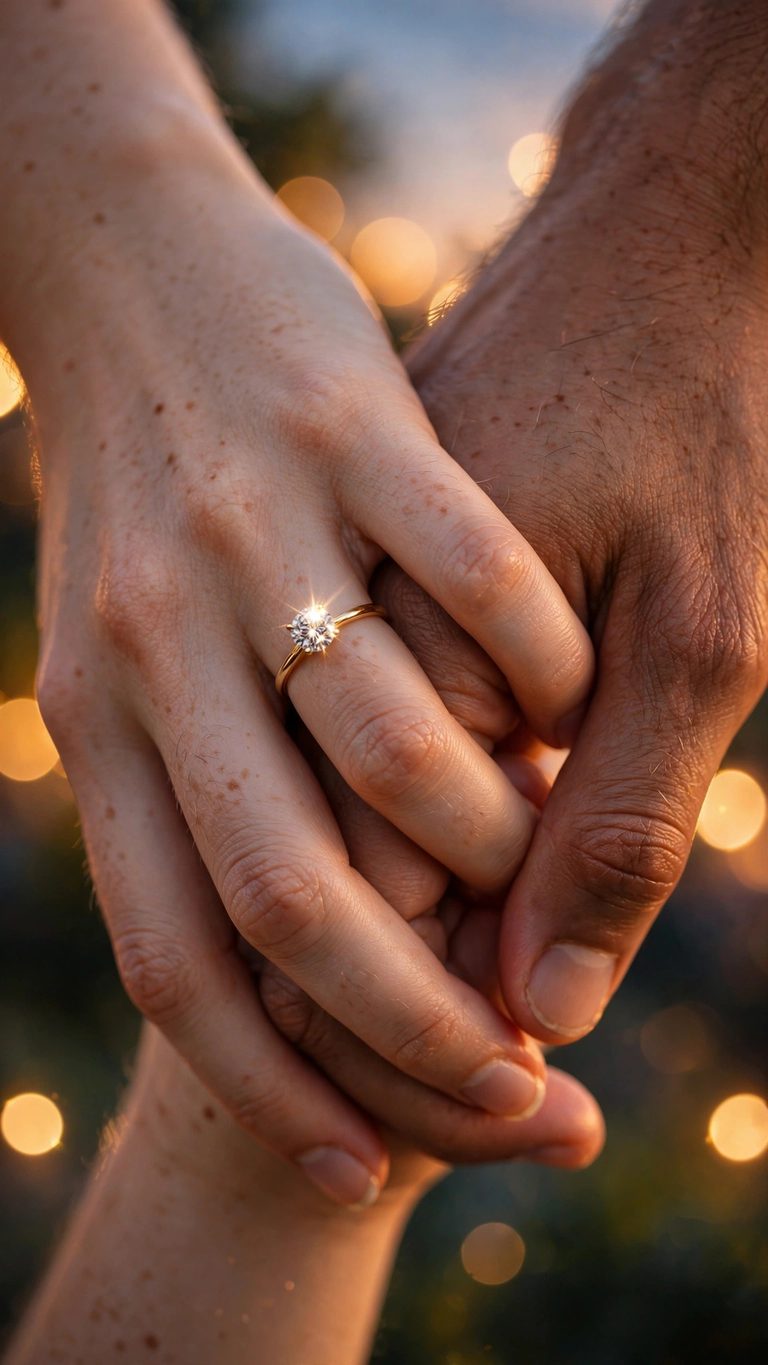
- Holding Hands Macro AI Photo Prompt: Interlaced Fingers and a Sparkling Ring Against Twilight Bokeh Romance
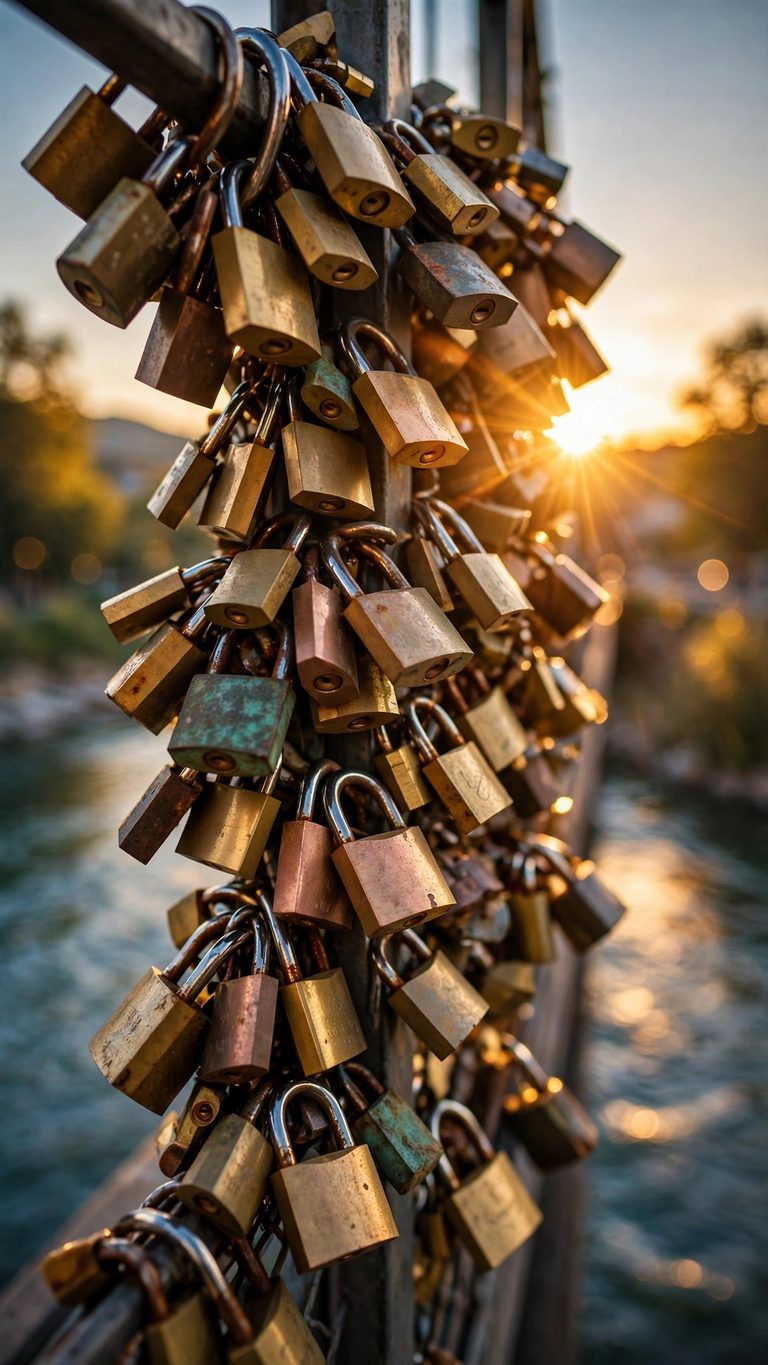
- Love Lock Bridge AI Photo Prompt: Golden Sunset Flare Through Padlocks With Engraved Initials and River Glow
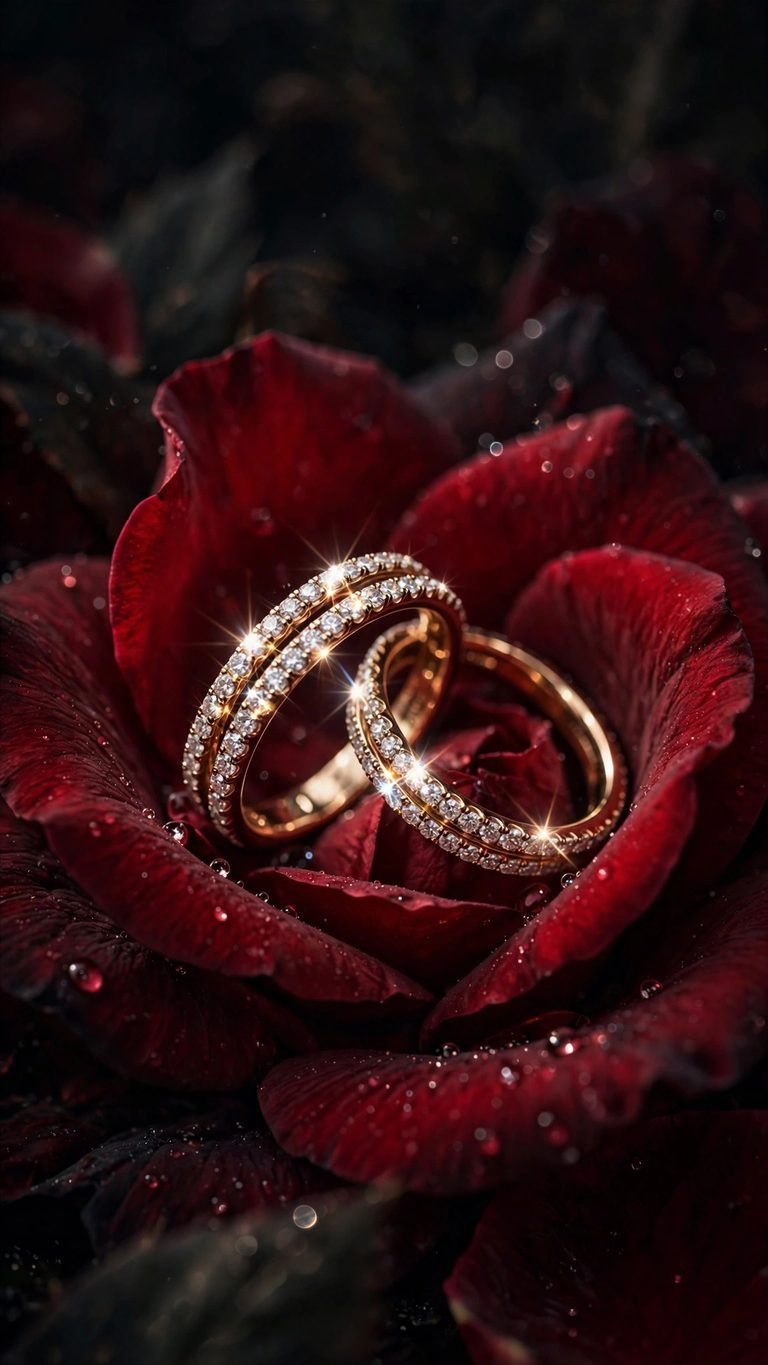
- Rings on Rose Petals AI Photo Prompt: Diamond Sparkle Macro With Velvet Box for a Luxurious Proposal Scene
# A I V i d e o # P r o m p t B a z a r # A I P h o t o P r o m p t # C o u p l e # S i l h o u e t t e # R o m a n c e

Leave a Reply