
Introduction
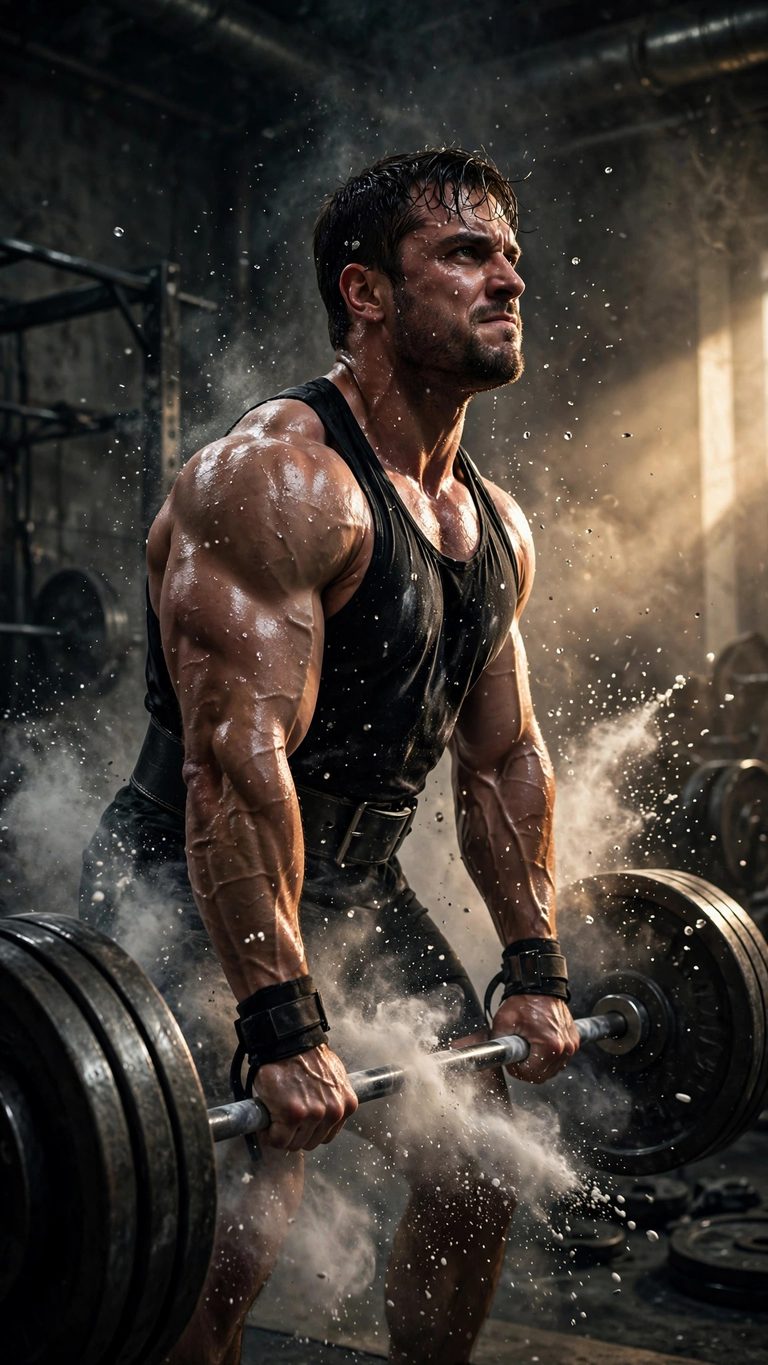
There is a split second in every deadlift when the bar leaves the floor and the entire body becomes a single coiled spring of force. Powerlifters call it the moment of truth. The problem is that in real life it passes in a heartbeat, and even the best phone cameras struggle to do it justice. That is exactly why this AI video prompt has exploded in popularity among fitness creators. It recreates the deadlift as pure cinema: a dark industrial gym, chalk dust exploding off the knurling, veins bulging on the forearms, and a camera that circles low around the lifter while sweat droplets hang frozen in mid-air. When this clip lands in a Reels feed, people stop scrolling. The dramatic side lighting carves every muscle into high relief, the slow motion stretches one explosive second into an eternity of tension, and the ultra-realistic 8k sports cinematography look makes viewers ask which competition the footage came from. Creators love it because it delivers the holy grail of fitness content: maximum drama with zero filming logistics. No gym permission needed, no athlete to schedule, no lighting rig to rent. You paste one prompt, wait a few minutes, and you own a clip that looks like it was pulled from a documentary about the world’s strongest humans.
The Prompt
Here is the complete original prompt. Copy it exactly as written and paste it into your AI video generator of choice.
Epic slow-motion shot of a powerlifter performing a massive deadlift in a dark industrial gym, chalk dust exploding off the barbell, veins bulging on forearms, dramatic side lighting carving every muscle, camera circling low around the lifter, sweat droplets frozen mid-air, intense determined expression, cinematic color grading, ultra realistic, 8k sports cinematography
Why This Prompt Works
This prompt is a masterclass in how to talk to an AI video model, and understanding its construction will make every prompt you write afterward better. First, it opens with the subject and the treatment in one breath: an epic slow-motion shot of a powerlifter performing a massive deadlift. Modern video models respond best when the first clause names the hero subject, the action, and the cinematic treatment, because the opening words anchor the entire generation. Every clause that follows then acts as a layer of detail the model stacks onto that anchor.
Second, the prompt is rich in concrete physical detail rather than vague adjectives. Chalk dust exploding off the barbell gives the model a particle system to render, which is catnip for diffusion-based video generators because particles create natural motion complexity that reads as realism. Veins bulging on forearms and sweat droplets frozen mid-air give the model micro-details to chew on, and micro-details are what separate a clip that looks AI-generated from one that fools the eye. The camera direction is explicit and physically plausible: circling low around the lifter. Video models render camera motion far more reliably when the movement is simple and continuous, and a slow low orbit is one of the most dependable moves in the toolkit.
Third, the lighting and grading language does heavy lifting. Dramatic side lighting carving every muscle tells the model exactly how to shape the scene, while cinematic color grading and ultra realistic 8k sports cinematography set the output quality bar. These style tokens act like a director’s final instruction and consistently push generations away from flat, amateur-looking renders toward the polished broadcast aesthetic that performs on social media. Finally, the setting does narrative work: a dark industrial gym reads as serious, hardcore, and authentic, which is precisely the emotional register that makes fitness audiences save and share. Put together, every phrase earns its place, and that density of useful signal is why the prompt works so reliably across different generators.
How to Use This Prompt
Getting a great result is about more than pasting text. Follow these steps, tuned to the post settings of 9:16 vertical, 8 seconds, slow motion.
- Choose your generator. Paste the full prompt into Veo 3, Runway Gen-4, Kling 2.x, Pika 2.x, or Sora. All five handle slow-motion physics and particle detail well, but Veo 3 and Kling currently render chalk dust and muscle definition with the most realism.
- Set the format first. Switch the canvas to 9:16 vertical before generating. A deadlift is a tall, vertical action, and the low circling camera move was written for a portrait frame. Generating in landscape and cropping later wastes resolution.
- Lock the duration. Set the clip length to 8 seconds, matching the settings. Slow motion needs runway: shorter generations cut the lift off mid-pull, while longer ones let the model drift and introduce artifacts in the lifter’s hands.
- Enable slow motion natively. In Runway and Pika, choose the slow-motion or high-frame-rate interpolation option rather than slowing the clip in an editor afterward. Native slow motion keeps the chalk particles smooth instead of stuttery.
- Generate three variations. Run the same prompt at least three times and pick the take with the cleanest hands and barbell. AI models still struggle with grip geometry, and the bar is the visual center of this shot.
- Finish for the feed. Add a punchy caption, a trending gym audio track, and on-screen text like a weight number to complete the illusion. Export at the highest bitrate your platform allows so the 8k detail survives compression.
Pro Tips & Creative Variations
Once the base prompt is working, these refinements will take your deadlift videos from good to unmistakably premium. Start with the chalk: adding the phrase chalk particles exploding in air with backlight catching every grain makes the dust read as a volumetric cloud instead of a flat puff, and backlit particles are one of the most cinematic things an AI model can render. If you want the lift to feel even heavier, extend the implied duration by appending slow deliberate pull, bar bending under load. A visibly bending bar is a universal visual shorthand for extreme weight, and audiences read it instantly.
Lighting variations open a whole second life for the concept. Swap dramatic side lighting for a single overhead spotlight in a pitch-black gym and you get a moody, almost religious treatment that performs beautifully as a night-post. Try golden hour light streaming through warehouse windows for a warmer, more inspirational register that suits transformation-story captions. Camera variations matter too: replace the circling move with an extreme low-angle push-in toward the lifter’s face at lockout for a hero shot, or a top-down angle as the bar breaks the floor for something viewers have never seen.
For series creators, this prompt is a franchise starter. Generate the deadlift, then create matching squat and bench press clips with identical lighting and grading language so the three cuts feel like one film. Post them as a trilogy across three days and watch the follows compound. You can also re-skin the athlete: a female powerlifter, an older masters lifter, or a para-athlete version of the same shot broadens your audience and each variation feels fresh because the action is identical. Finally, remember the sound. A deep sub-bass rumble synced to the bar leaving the floor, with a metallic clang at lockout, sells the weight more than any visual tweak. Pair the finished clip with trending gym motivation audio and you have a Reels-ready asset that fitness pages will repost for months.
Frequently Asked Questions
Which AI video generator gives the best deadlift results? Veo 3 and Kling currently lead for this prompt because they handle human anatomy under load and particle effects most convincingly. Runway Gen-4 is a close third with excellent camera motion. Pika is fastest for iterating, and Sora produces beautiful grading but occasionally softens the barbell. Try your primary tool first, then test one alternative before committing to a series.
Why do the lifter’s hands sometimes look wrong? Hands gripping a bar under tension are one of the hardest things for video models to render, because the geometry is complex and the reference data is thin. The fix is volume: generate multiple takes and select the cleanest. You can also add the phrase clean anatomically correct hands gripping bar to nudge the model, and avoid extreme close-ups of the grip in your first generations.
Can I use this clip commercially on my fitness page? Videos you generate with these tools are generally yours to post under the platform’s terms of service, but always check your generator’s current commercial-use policy before running ads against the content. Avoid implying a real athlete or brand endorsement, and do not present the clip as genuine competition footage.
How do I make the video loop seamlessly for Reels? A deadlift does not loop naturally, so the trick is to end the clip at full lockout, hold the final frame for half a second, and use your editor’s cross-dissolve back to the first frame. Alternatively, generate a second clip of the bar being lowered and cut the two together for a complete rep that loops cleanly.
In one line: paste the prompt, set 9:16 and 8 seconds of slow motion, pick the cleanest take, and post it with bold gym audio. The deadlift is the most cinematic lift in strength sports, and this prompt bottles that drama into a clip your audience will watch on repeat. Try it today and watch your fitness Reels engagement climb.
Related Viral Prompts
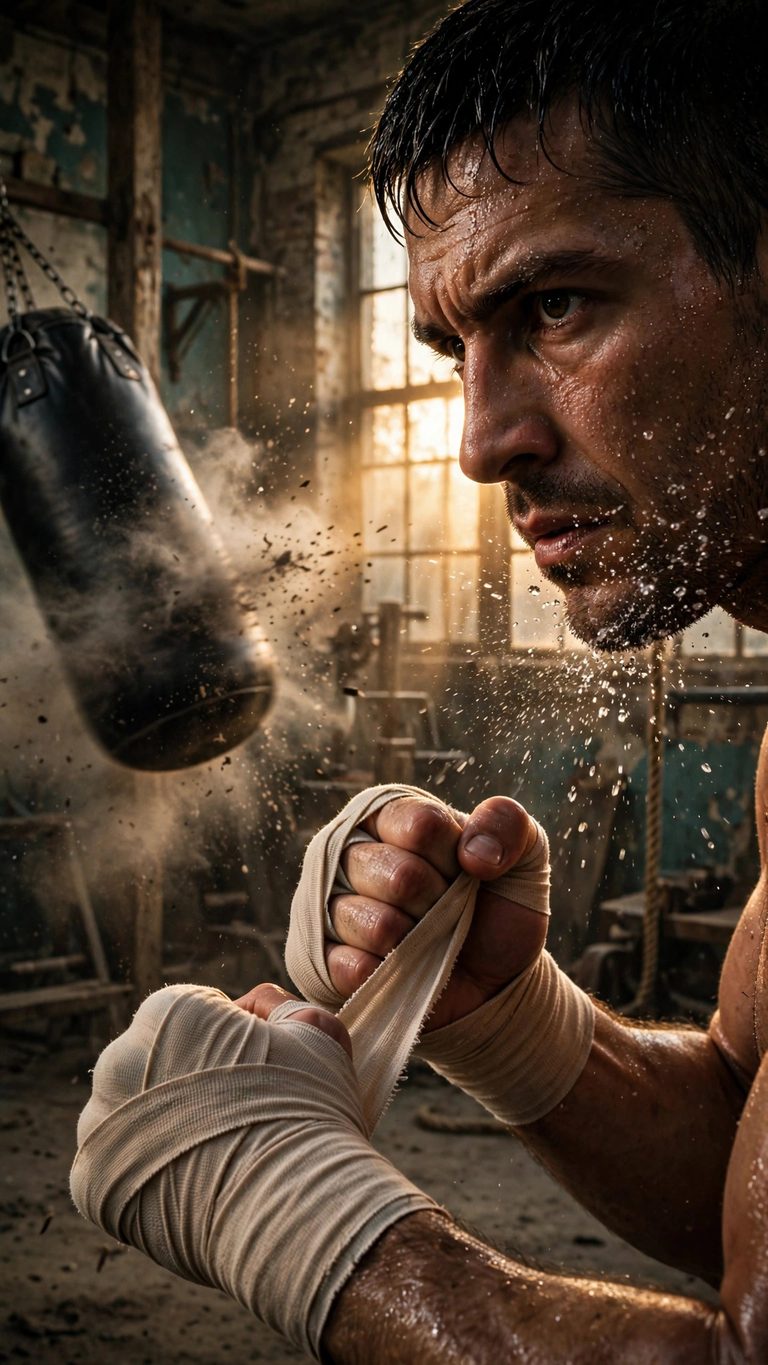
- Dawn Boxing Training AI Video Prompt: Cinematic Old-School Gym Montage Clip for Veo 3, Kling and Pika
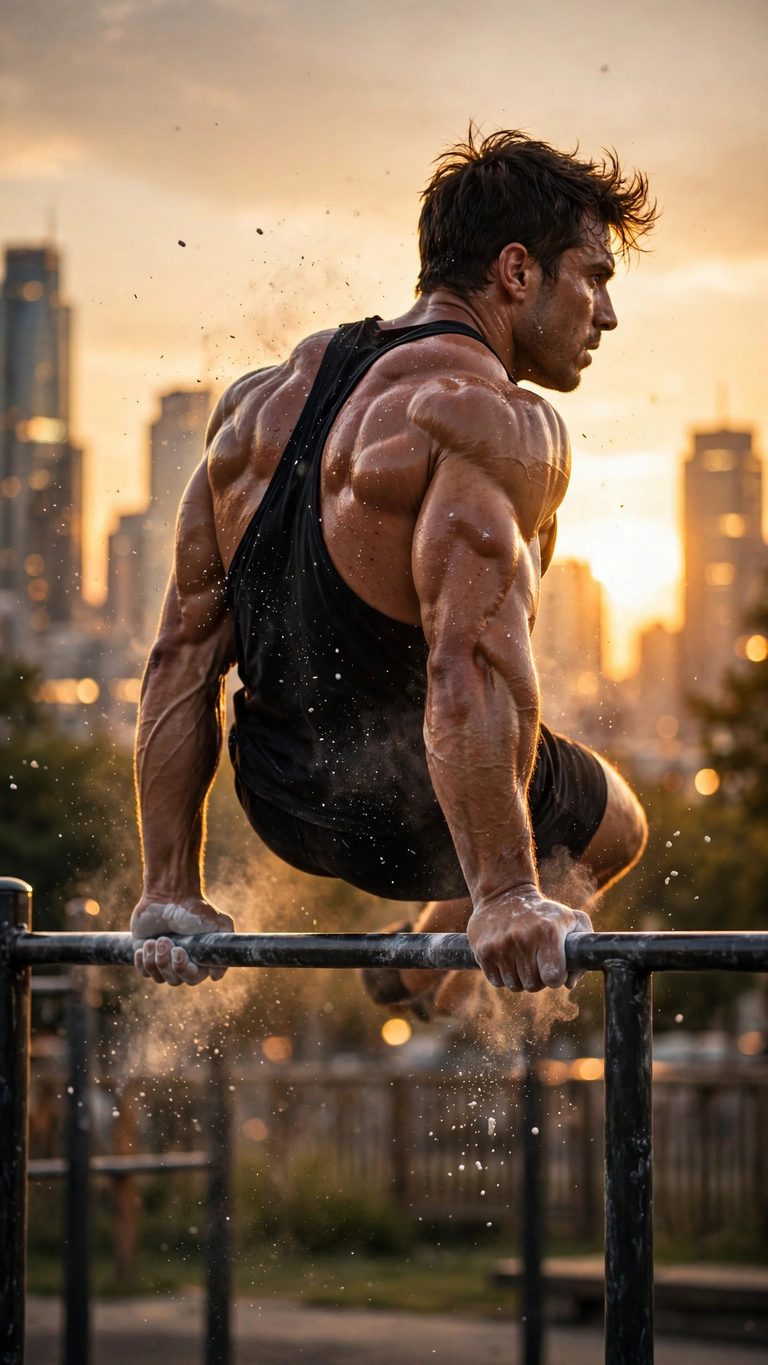
- Muscle-Up AI Video Prompt: Explosive Sunset Calisthenics Bar Shot in Slow Motion for Veo 3, Kling & Pika
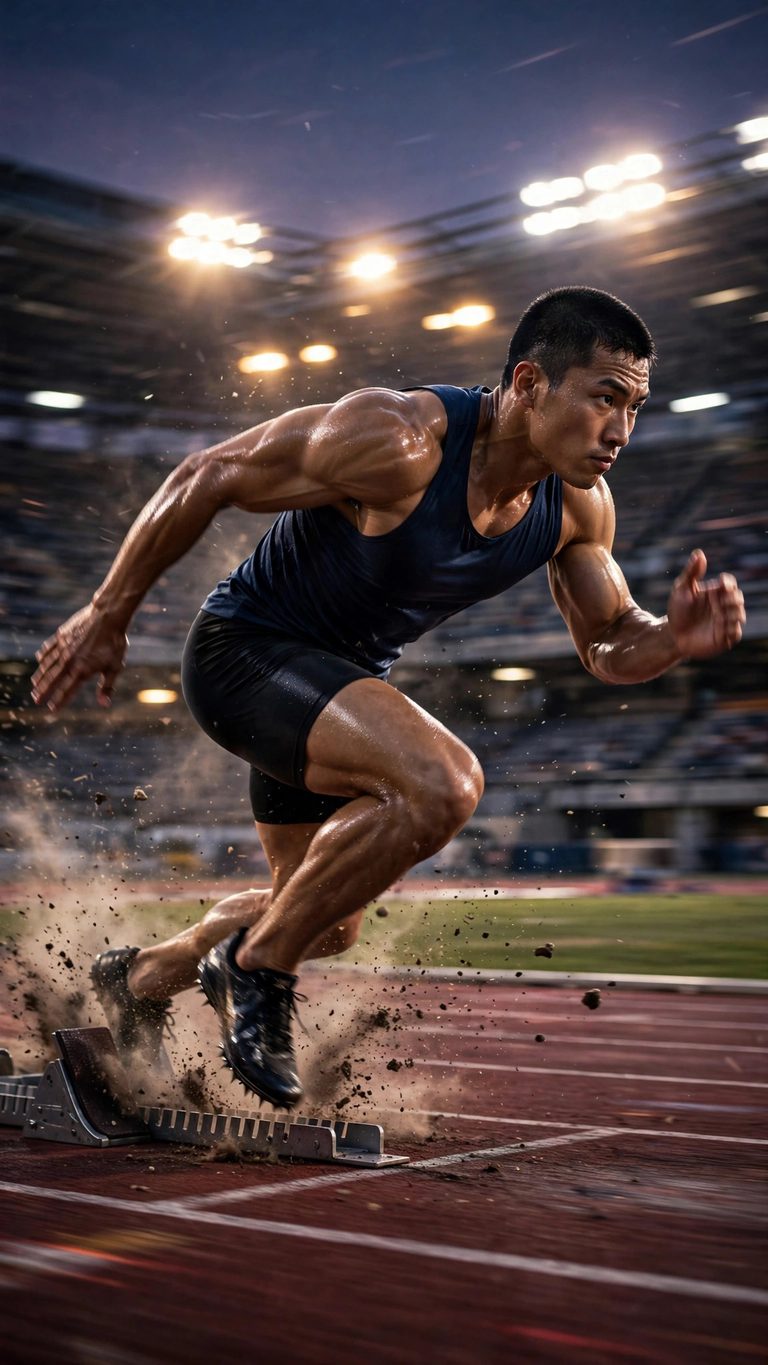
- Explosive Sprint Start AI Video Prompt: High-Speed Track Cinematic Shot for Veo 3, Kling, Runway & Pika
# A I V i d e o # P r o m p t B a z a r # G y m # D e a d l i f t # F i t n e s s # V i r a l R e e l s

Leave a Reply