
Introduction
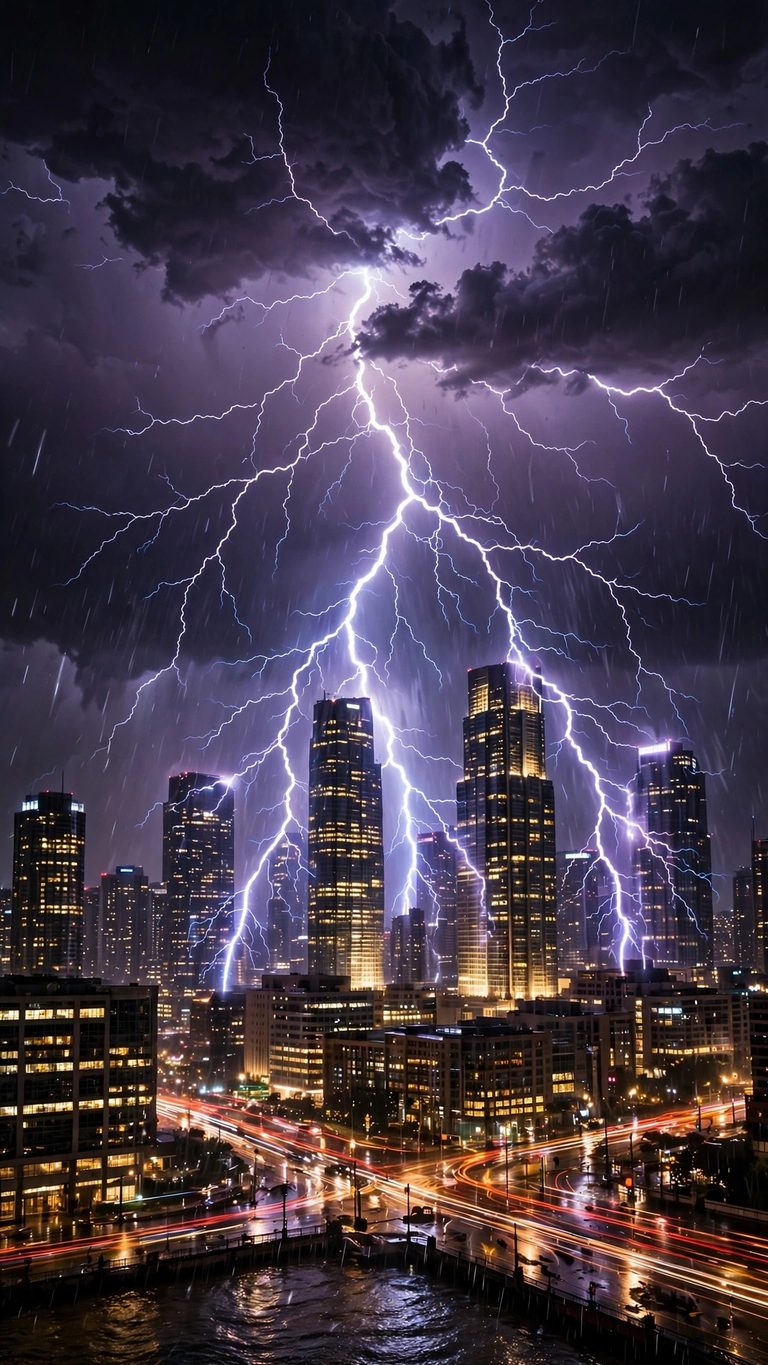
There is a split second, when lightning forks down behind a city skyline, in which the whole urban world turns electric. Skyscrapers become silhouettes against white fire, rain turns to glitter in the flash, and the purple-black sky rips open with raw power. Storm photographers spend entire monsoon seasons chasing that exact frame from rooftops. The #Lightning photography community is one of the most passionate on the internet, and a single perfect bolt over a skyline can earn a photographer more followers in a night than a year of sunsets.
This AI photo prompt bottles that chase into a single copy-paste line: a bolt frozen mid-branch, rain glowing in the flash, and the dramatic purple-black sky that makes storm photography feel cinematic. Whether you run a weather page, a city-photography feed, or just want one jaw-dropping image, this guide gives you the exact prompt, the psychology of why it goes viral, instructions for Midjourney, DALL-E 3, Flux, and Stable Diffusion, and creative variations far beyond a single lucky strike.
The Prompt
Copy the exact prompt below into your AI image generator of choice. Run it unchanged first to see the baseline, then customize using the variations further down this guide.
Electrifying night photograph of a lightning bolt striking behind a city skyline, branching electric veins illuminating skyscrapers, rain glowing in the flash, dramatic purple-black sky, long exposure trails, raw power frozen, ultra detailed, 8k, professional storm photography, photorealistic
Why This Prompt Works
The core appeal is the oldest thrill in visual storytelling: nature overpowering civilization. A lightning bolt is raw, indifferent power, and placing it behind a city skyline – humanity’s proudest symbol of control – creates instant dramatic tension. Viewers feel awe mixed with a shiver of vulnerability, and that emotional cocktail is one of the most shareable reactions an image can produce. Storm-chaser accounts, weather pages, and city-photography hubs repost this genre constantly because it performs: people save it, send it to friends during actual storms, and use it as phone wallpaper.
Technically, the prompt is loaded with phrases that steer AI models toward premium results. “Branching electric veins” tells the model to render the fractal detail that separates a realistic bolt from a cartoon zigzag. “Rain glowing in the flash” adds volumetric light that gives the image depth and atmosphere instead of a flat dark sky. “Long exposure trails” is a clever instruction: it asks the model to mimic the silky, luminous quality of real long-exposure storm photography, which reads as professional and expensive. The “dramatic purple-black sky” locks in a color grade that feels cinematic – purple is the color of mystery and electricity, and against black it makes the bolt look three-dimensional.
There is also a scarcity effect at work. Genuine lightning-over-city photographs are rare because they require being in the right place with the right gear during a storm, so audiences treat them as precious captures. An AI-generated version delivers that rarity on demand, and the #City skyline element makes it endlessly localizable: swap in any city’s silhouette and suddenly the image feels personal to millions of residents. That combination of universal awe and local identity is why this prompt format keeps going viral every storm season.
How to Use This Prompt
In Flux, which handles dramatic lighting exceptionally well, paste the prompt unchanged and generate at 768 by 1344 for the vertical 9:16 format. Twenty-five to thirty steps with a guidance scale around 3.5 gives you crisp bolt detail without oversharpening the clouds. In Midjourney, use /imagine with the prompt plus –ar 9:16 –v 7, and consider –stylize 200 to keep the photographic realism tight; higher stylize values can make the lightning look painterly.
In DALL-E 3 via ChatGPT, paste the prompt and add “vertical 9:16 portrait orientation.” DALL-E 3 is excellent at following the “branching” instruction literally, so if your first bolt looks too simple, ask in chat for “more branching forks spreading across the sky.” In Stable Diffusion, place the prompt in the positive field and use a negative prompt such as “blurry, cartoon lightning, flat sky, watermark, oversaturated” to avoid the cheap HDR look that plagues AI storm images. A photorealism checkpoint with good night-photography training will serve you best. Whichever tool you choose, generate at least five versions: lightning is chaotic by nature, and the most natural-looking bolt is usually the one you almost skipped.
Pro Tips & Creative Variations
The fastest way to make this prompt yours is to localize the skyline. Replace the generic city with a specific silhouette – “Dhaka skyline with the National Parliament House,” “Chicago skyline with the Willis Tower,” or “Tokyo skyline with Tokyo Tower” – and the image instantly gains an audience of millions who recognize home. Keep the bolt striking behind the tallest building for maximum drama, and add “city lights reflecting on a river in the foreground” for a mirror effect that doubles the visual richness.
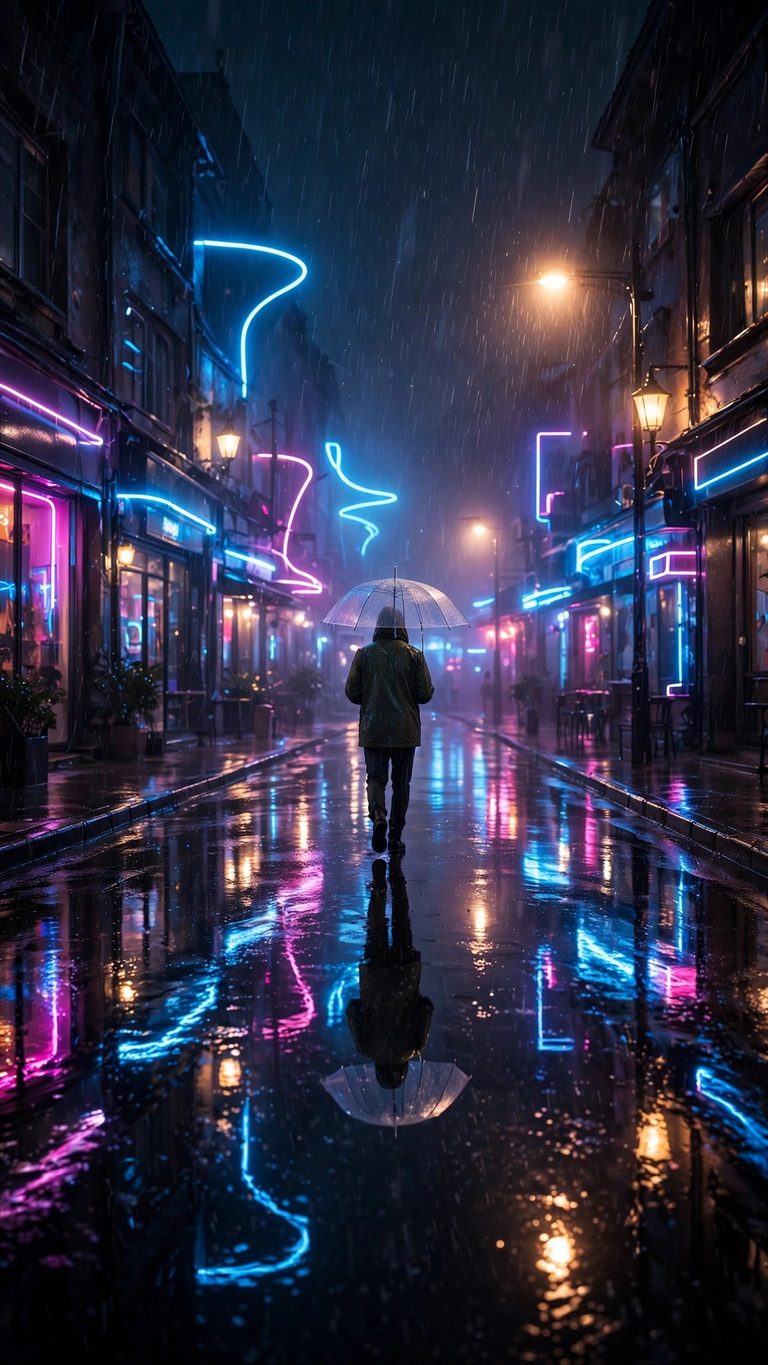
Next, experiment with the lightning itself. A single massive fork is classic, but “multiple bolts striking across the skyline simultaneously” creates an apocalyptic panorama that performs extremely well as a wide-feeling vertical. Swap the fork for sheet lightning – “entire cloud bank glowing from within” – for a moodier, less literal take. Add a human element for scale and story: “a lone figure with an umbrella watching from a rooftop” turns a weather photo into a cinematic narrative, while “airplane wing in the foreground” gives frequent flyers a jolt of recognition.
Color and mood variations open even more doors. Push the grade toward teal and orange for a Hollywood blockbuster feel, or toward deep blue monochrome for a fine-art print aesthetic. A daytime version – “dark storm clouds at dusk, bolt striking behind skyscrapers, city lights just turning on” – captures the blue-hour moment real storm chasers prize most. For a surreal twist, try “lightning frozen mid-strike reflected perfectly in flooded streets below,” which merges this prompt with the puddle reflection genre for double viral potential. Each variation keeps the proven power of the original while giving your audience a version they have not seen a hundred times.
Frequently Asked Questions
Q: Can AI really recreate a long-exposure photograph? Is that honest?
A: AI models cannot take a real long exposure, but they have learned what long-exposure storm photos look like from millions of training images, so they can convincingly recreate the aesthetic: silky bolt glow, smooth cloud motion, luminous rain. Be transparent if it matters to your audience – many creators label such posts as AI art, and honesty tends to increase trust and engagement rather than reduce it.
Q: My lightning keeps looking like a cartoon zigzag. How do I fix it?
A: The zigzag problem comes from weak detail instructions. Strengthen the prompt with phrases like “intricate branching fractal veins,” “multiple thin leaders splitting off the main channel,” and “natural chaotic path.” In Midjourney, lowering –stylize keeps the render more photographic; in Stable Diffusion, a photorealism checkpoint matters more than any prompt tweak.
Q: Which generator handles night storm scenes best?
A: Flux and Midjourney v7 currently produce the most convincing night storms, with natural noise grain and believable light falloff. DALL-E 3 is best if you want to art-direct the bolt’s exact position in plain language. Stable Diffusion can match them but needs a good checkpoint and careful negative prompting to avoid the over-processed HDR look.
Q: How do I avoid the cheesy over-edited HDR look?
A: Keep saturation language out of your additions, and add “natural night exposure, subtle grain, realistic dynamic range” to the prompt. In your negative prompt include “oversaturated, HDR, glowing edges, cartoon.” One bolt is dramatic; three bolts plus lens flares plus saturated purple tips into fantasy, so restrain the extras unless fantasy is the goal.
A lightning bolt over a skyline is nature reminding the city who is really in charge, and that tension is pure visual electricity. Copy the prompt, generate your storm, and then make it yours with a local skyline or a lone rooftop watcher. Post it the next time thunder rumbles over your city and watch it strike twice.
Related Viral Prompts
- Rain-Kissed Flower Petals AI Photo Prompt: Romantic Monsoon Macro Photography for Midjourney and DALL-E 3
- Bangladeshi Rickshaw in Monsoon Rain AI Photo Prompt: Vibrant Street Art Photography for Midjourney, Flux and DALL-E 3
- Misty Tea Garden in Gentle Rain AI Photo Prompt: Serene Monsoon Landscape Photography for Midjourney, Flux and DALL-E 3
# A I V i d e o # P r o m p t B a z a r # A I P h o t o # L i g h t n i n g # C i t y

Leave a Reply