
Introduction
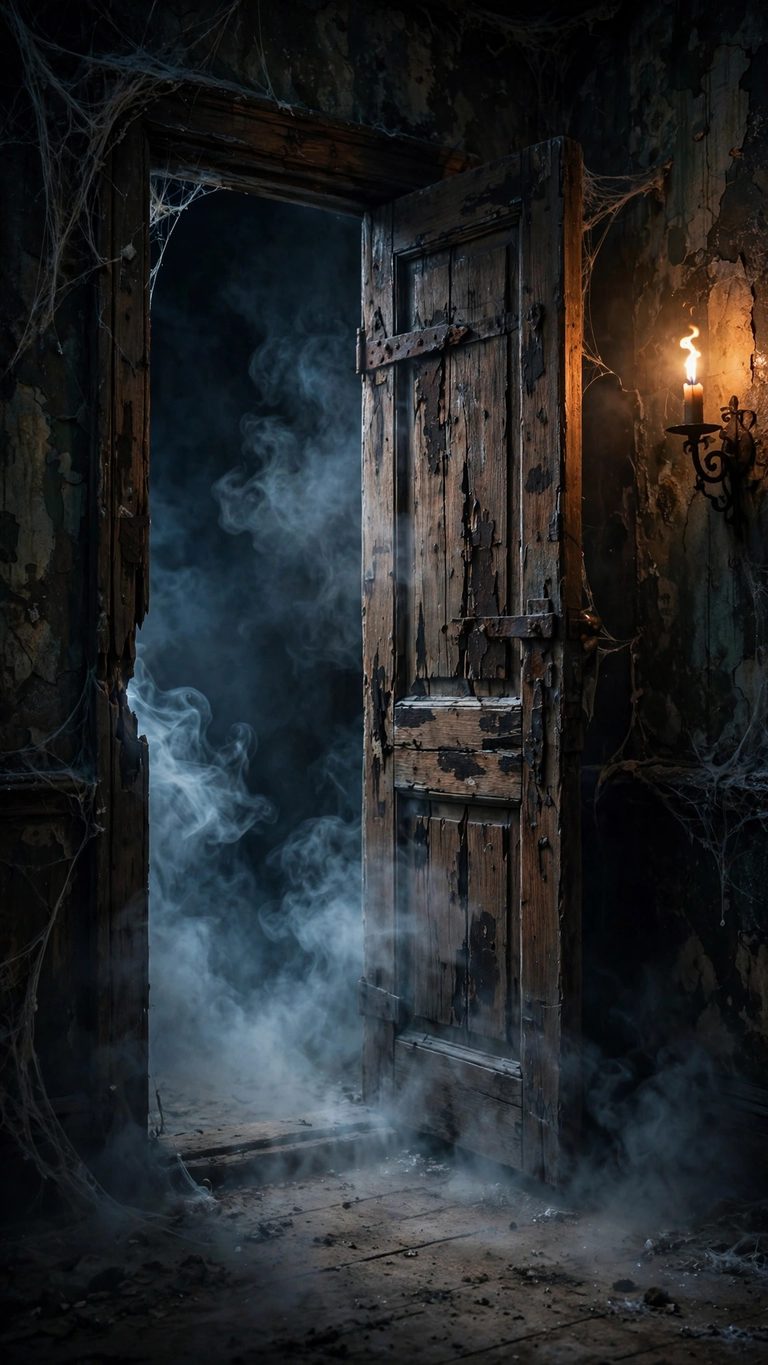
There is a sound that horror fans know in their bones: the long, groaning creak of an old wooden door moving on its own. No hand on the knob. No draft strong enough to explain it. Just a door, in a dark haunted house, swinging slowly inward while cold fog seeps out from the blackness beyond and candlelight flickers as if something just walked past the flame. This prompt bottles that exact nightmare into an eight-second vertical clip, and it is one of the most reliable scare engines on short-form video right now. Doors are thresholds, and the human brain is wired to fear thresholds. Every viewer who watches this clip automatically asks the same question: what is on the other side? That question is engagement gold. In this article you will get the exact AI video prompt, a breakdown of why this scene triggers such a deep fear response, a step-by-step workflow for generating it in Veo 3, Runway, Kling, Pika, or Sora, plus pro-level sound design and sequel ideas that can turn one clip into a full haunted-house series on your channel.
The Prompt
Copy and paste this exact prompt into your AI video generator:
Chilling horror scene of an old wooden door in a dark haunted house slowly creaking open by itself, cold fog seeping out, flickering candlelight, suspenseful atmosphere, cinematic horror, ultra realistic
Why This Prompt Works
This prompt works because it weaponizes dread instead of relying on a cheap jump scare, and dread is what keeps horror audiences coming back. A jump scare startles you once; dread sits in your stomach and makes you press replay to make sure you really saw what you think you saw. The prompt stacks four classic fear triggers in a single frame. First, the door creaking open by itself violates our expectation that inanimate objects stay still, which creates instant unease. Second, the cold fog seeping out of the doorway suggests something on the other side is breathing, moving, alive, turning an empty black rectangle into a presence. Third, the flickering candlelight implies a disturbance in the air, as if an unseen figure just passed through the room. Fourth, the cinematic horror framing and ultra-realistic rendering make the scene read as found reality rather than animation, which matters enormously on TikTok and Reels where viewers decide in the first second whether a clip is worth their attention. Platform trends back this up hard. The haunted-house and haunted-location niche is one of the most durable corners of horror TikTok, with creators building entire accounts around AI-generated haunted interiors, and clips that end on an unresolved mystery dramatically outperform clips that show the monster. The curiosity gap, that unanswered what is behind the door, is the real viral mechanism here. It drives comments like nobody is going in there and part 2 right now, it drives shares because people send unresolved scares to friends with watch this at night, and it drives replays because viewers scrub the clip looking for a face in the fog. Replays, comments, and shares are exactly the signals the recommendation algorithm rewards, which is why a simple door clip can outperform far more elaborate horror productions.
How to Use This Prompt
Using this prompt is straightforward, but a few settings make the difference between a generic spooky clip and a genuinely chilling one. Start by opening your AI video generator of choice: Veo 3, Runway, Kling, Pika, or Sora all handle atmospheric horror scenes well. Paste the full prompt text exactly as written into the text-to-video box, making sure not to drop the atmosphere keywords like cold fog seeping out and flickering candlelight, since those are what sell the realism. Set your aspect ratio to 9:16 vertical so the clip fills a phone screen edge to edge, and set the duration to 8 to 10 seconds, which is the sweet spot for a single-scare horror short. If your tool supports negative prompts, add no people, no text, no watermark to keep the frame clean. Generate at least two or three variations, because AI fog and candlelight behave differently in every render, and pick the take where the door movement feels slowest and most deliberate. Slow is scarier than fast. Export the clip, then add sound in your editor of choice: a layered wooden creak, a low sub-bass rumble underneath, and near-silence otherwise. Post late in the evening, between 8 PM and 11 PM your audience local time, when viewers are in bed, the lights are off, and horror content gets its highest completion rates. Add hashtags like #horror #hauntedhouse #aiscare #creepy to help the algorithm place your clip in the horror niche.
Pro Tips & Creative Variations
Sound design is where this prompt goes from good to genuinely upsetting, so treat audio as half the scare. Layer three elements: a long wooden creak with a slightly irregular rhythm so it does not sound like a stock effect, a deep sub-bass tone that fades in as the fog thickens, and a faint whisper or breath sound panned slightly off-center so headphone users feel it crawl inside one ear. Royalty-free horror sound libraries and even free creak recordings can be pitched down a few semitones to feel heavier and older. For creative variations, try flipping the camera to shoot from inside the dark room looking out as the door opens toward the viewer, which is far more confronting. Another strong variation is the slam cut: the door opens slowly for six seconds, then slams shut in the final two, which punishes viewers who leaned in close. You can also add a payoff variant where a pale hand briefly grips the door frame at the very end, giving your audience the reveal they were dreading. This prompt has serious series potential. Turn it into an episodic format like The House on Mill Road, where each short opens a different door in the same haunted house: the basement door, the attic door, the nursery door. End every episode on a cliffhanger with on-screen text like door 3 of 7, and viewers will follow your profile just to see the next room. Loopable versions also perform well: edit the clip so the door never fully opens, and the endless almost-reveal keeps people watching on repeat.
Frequently Asked Questions
Which AI video tool renders the fog and candlelight best?
Q: Which generator gives the most realistic fog and candle flicker for this prompt?
A: In practice, Veo 3 and Kling currently produce the most convincing volumetric fog and natural flame flicker, while Runway gives you the finest control over camera drift. That said, the differences are small enough that any of the five recommended tools can produce a viral-quality result. Generate three variations in your tool of choice and pick the one where the fog rolls rather than smears, since rolling fog reads as real depth.
Can I make the clip longer than 8 seconds?
Q: Will a longer version perform better?
A: For a single-scare short, no. Eight to ten seconds is ideal because the tension curve fits perfectly: two seconds of setup, five seconds of the slow creak and fog, and a final beat of unresolved dread. Stretching it to fifteen or twenty seconds usually dilutes the fear. If you want longer content, chain multiple door clips into a series instead.
How do I stop the AI from making it look cartoonish?
Q: My renders sometimes look like a video game cutscene. How do I fix that?
A: Keep the ultra realistic tag in the prompt, add film grain and slight camera shake in your edit, and grade the clip toward desaturated blues and ambers rather than bright clean colors. Horror realism lives in imperfection: grain, murk, and uneven light.
Where do I get the creaking door sound?
Q: Do the AI video tools generate the creak audio too?
A: Most AI video generators are still weak on synced sound effects, so add audio yourself in CapCut, Premiere, or any free editor. Search royalty-free libraries for wooden door creak and layer it with a low rumble. The manual mix almost always sounds scarier than auto-generated audio.
This haunted door prompt is one of the simplest ways to break into the horror niche: one door, one creak, one unanswered question, and an audience that cannot look away. Copy the prompt, generate your clip tonight, layer in that slow wooden groan, and post it after dark. Then watch the comments roll in asking what is behind the door, and you will already have your sequel planned.
Related Viral Prompts
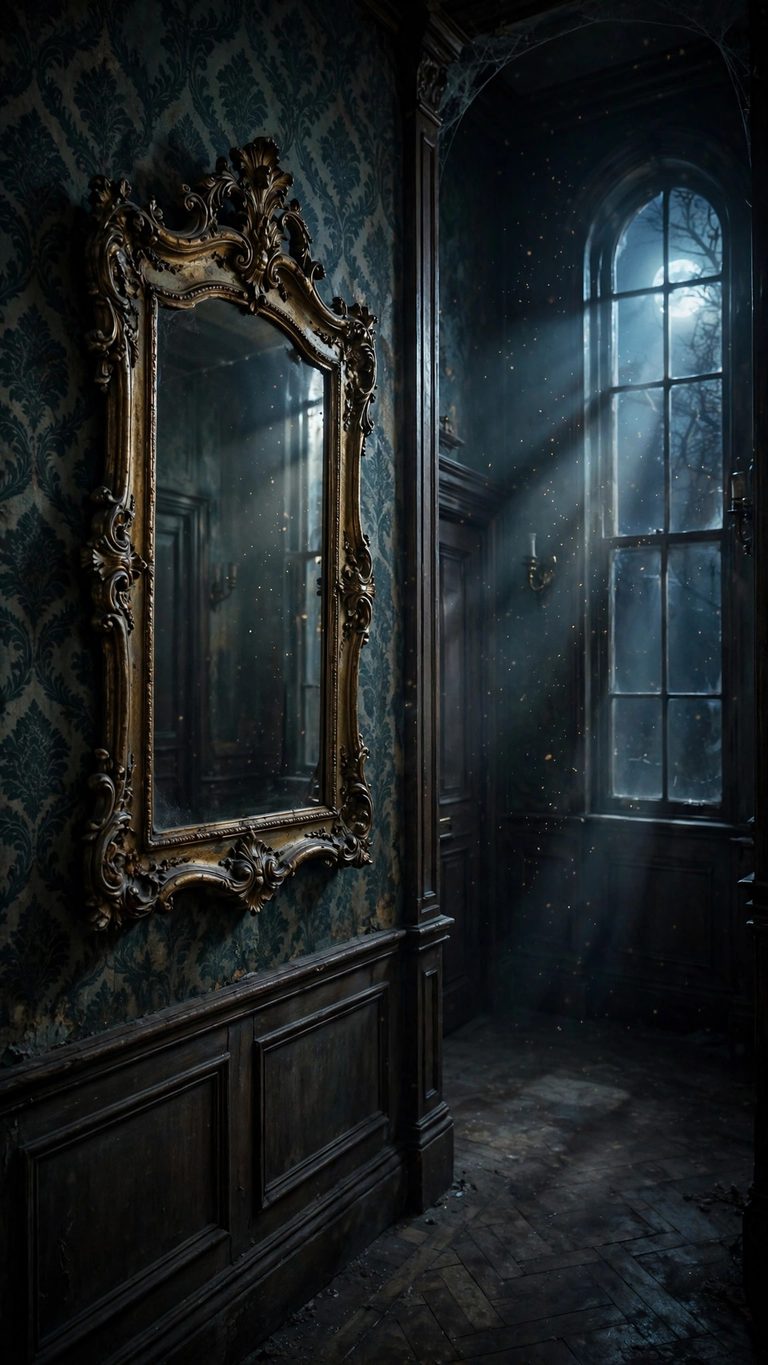
- Shadow Figure in the Mirror Behind You: Viral AI Horror Jump Scare Video Prompt for TikTok & Reels (Free)
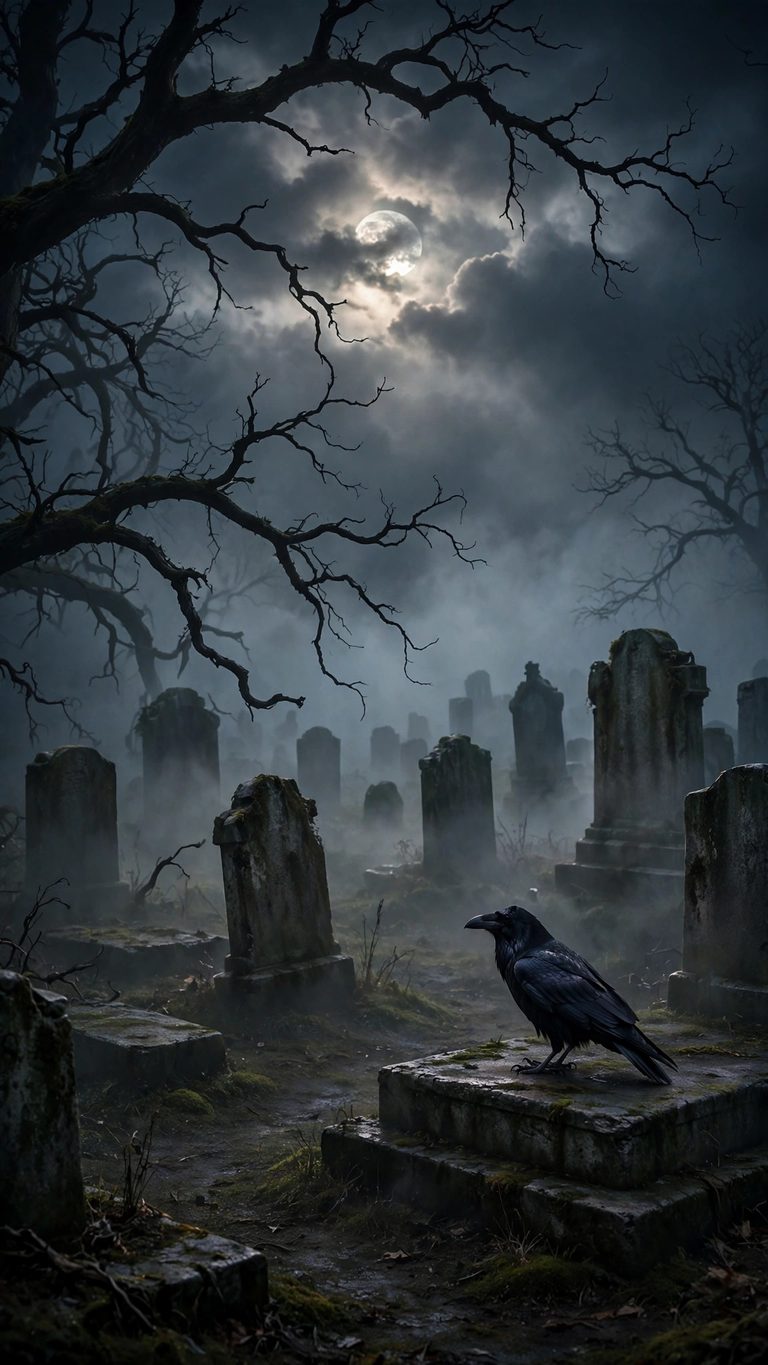
- Foggy Graveyard at Midnight: Viral AI Gothic Horror Video Prompt With Full Moon, Mist & Ravens (Free)
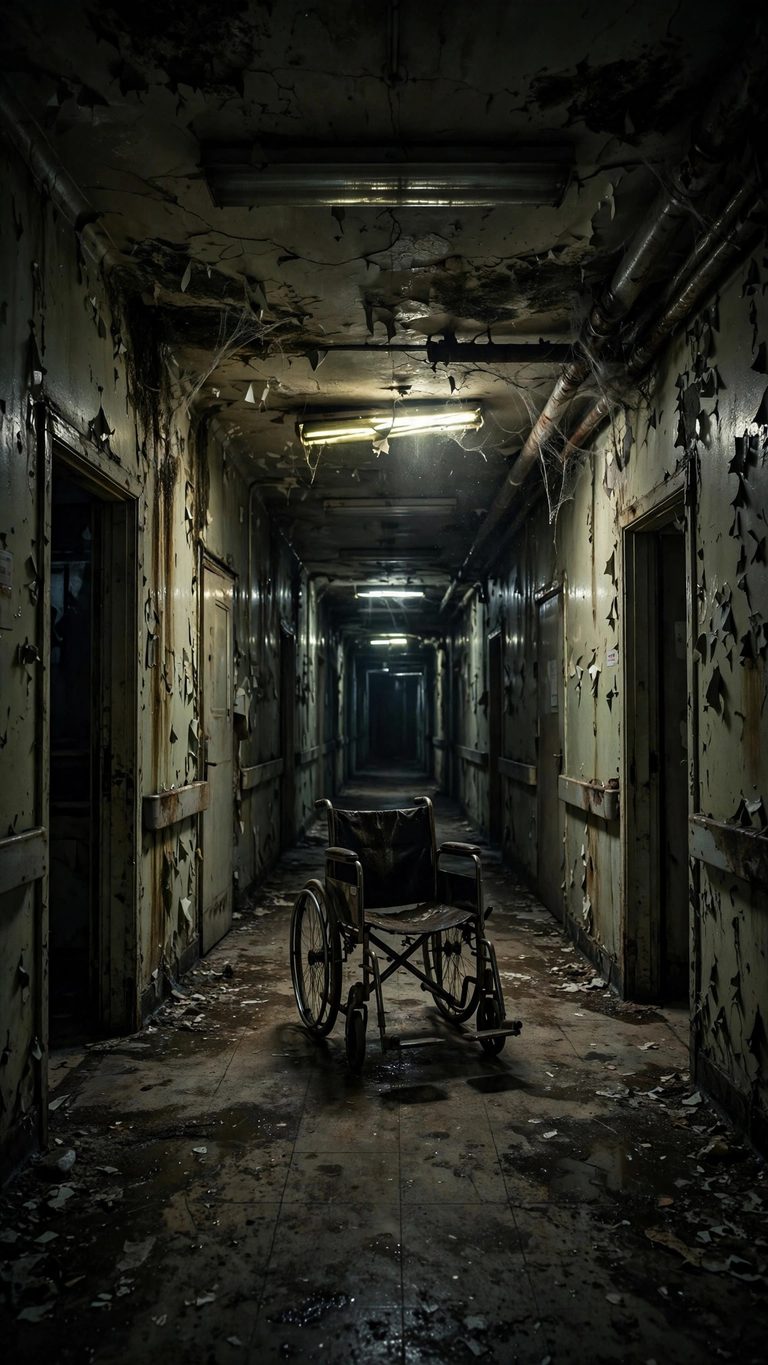
- Abandoned Hospital Corridor Walk: Viral Found-Footage AI Horror Video Prompt With Moving Wheelchair (Free)
# A I V i d e o # P r o m p t B a z a r # H o r r o r # H a u n t e d # S c a r y

Leave a Reply