
Introduction
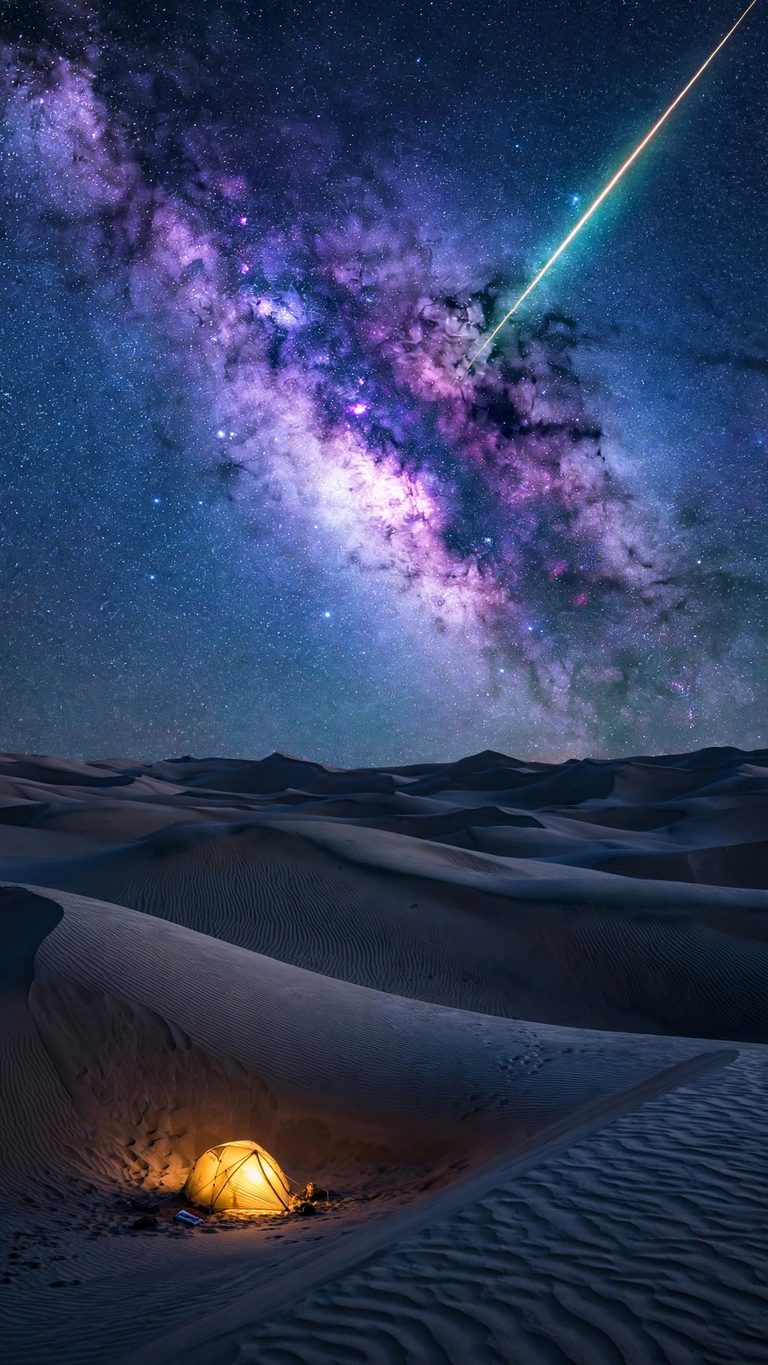
There are few sights on Earth as humbling as the Milky Way arching over a silent desert. Far from city lights, the night sky ignites: billions of stars, the glowing purple and blue core of our galaxy, and occasionally a meteor tearing a bright line across the dark. This AI photo prompt captures that cosmic drama in a single breathtaking frame, rippled desert dunes below, a small glowing tent as the only warm light, and the vast star-filled sky above. Astrophotography is one of the most passionate niches online, with dedicated communities that celebrate every clear-sky image and share the best ones widely. Real Milky Way photography demands dark-sky locations, expensive lenses, and perfect timing with the moon and the galactic core season. This prompt hands you all of that magic instantly, no telescope required. The result looks like it was shot by a professional astro photographer after hours of planning in the deep desert. Whether you run a science page, a travel account, or a stargazing community, this image delivers pure awe. The #MilkyWay and #AstroPhoto communities are always hunting for their next jaw-dropping night sky.
The Prompt
Copy the exact text below and paste it into your favorite AI image generator. Every word is tuned for maximum realism and beauty:
Spectacular astrophotography of the Milky Way arching over rippled desert dunes, brilliant star core glowing purple and blue, a small glowing tent as the only foreground light, a meteor streaking across, crystal clear desert night sky, perfect reflection of stars in still air, awe-inspiring scale, ultra detailed, 8k, professional astro photography, photorealistic
Why This Prompt Works
Awe is the most shareable emotion science has ever measured. Researchers have found that experiences of awe, that feeling of being small before something vast, make people more generous, more curious, and crucially, more likely to share what caused the feeling. This prompt is engineered to trigger awe at full strength. The composition does it first: tiny glowing tent against an enormous galaxy creates extreme scale contrast, and scale contrast is the visual shortcut to humility and wonder. The brilliant star core glowing purple and blue gives the sky a color story that reads as both real and otherworldly, while the meteor adds a rare, fleeting moment that makes the image feel like a once-in-a-lifetime capture rather than a generic night sky. Scarcity drives value, and a meteor implies you witnessed something special. The crystal-clear desert night sky matters technically too: viewers subconsciously compare it to the washed-out skies they see at home, and the difference creates longing, which creates saves. Platform trends strongly favor astro content. Space and science pages have huge, engaged followings, astrophotography reels regularly go viral as “oddly satisfying” or “mind-blowing” content, and night-sky images are evergreen, they perform as well in December as in June. The phrase “professional astro photography” plus “photorealistic” pushes the generator toward clean star points and natural color rather than a fantasy space painting, and realism is what earns respect from the knowledgeable astro community. Finally, the still-air reflection note adds a dreamlike perfection that rewards zooming in, boosting dwell time and algorithmic reach.
How to Use This Prompt
Turning this prompt into a finished image takes less than five minutes. Follow these steps for each major tool.
Step 1: Pick your generator. This prompt works beautifully in Midjourney, DALL-E 3, Flux, and Stable Diffusion. Midjourney v7 and Flux currently lead on photorealistic detail, DALL-E 3 is the easiest option inside ChatGPT, and Stable Diffusion gives you free, unlimited local control.
Step 2: Paste the prompt verbatim. Copy the full prompt from the box above and paste it unchanged for your first generation. The wording has been tuned for lighting, texture, and realism, so resist the urge to paraphrase until you see the baseline result.
Step 3: Set the portrait format. In Midjourney add –ar 9:16. In DALL-E 3 request a vertical portrait orientation. In Flux or Stable Diffusion set the canvas to 768 by 1344 or 832 by 1216. Portrait images fill a phone screen, which is where most discovery happens.
Step 4: Generate three to four variations. AI generators interpret prompts slightly differently each run. Create a small batch, compare them, and pick the one with the cleanest details, the best lighting, and the most natural composition. One of four is almost always a winner.
Step 5: Upscale and post. Upscale your favorite with your tool built-in upscaler or a dedicated enhancer, then post it with a short hook caption and the post hashtags. Publish during evening peak hours and reply to early comments to push the image into wider distribution.
Pro Tips & Creative Variations
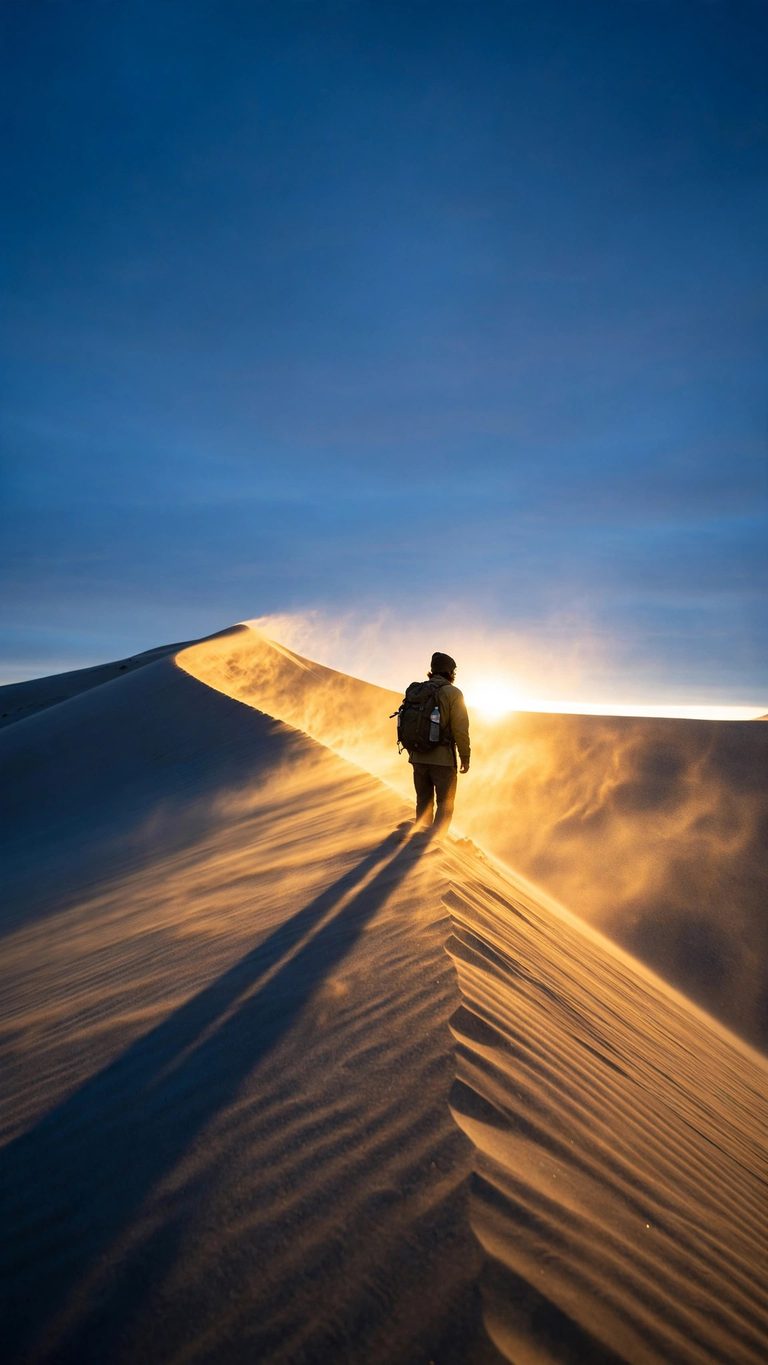
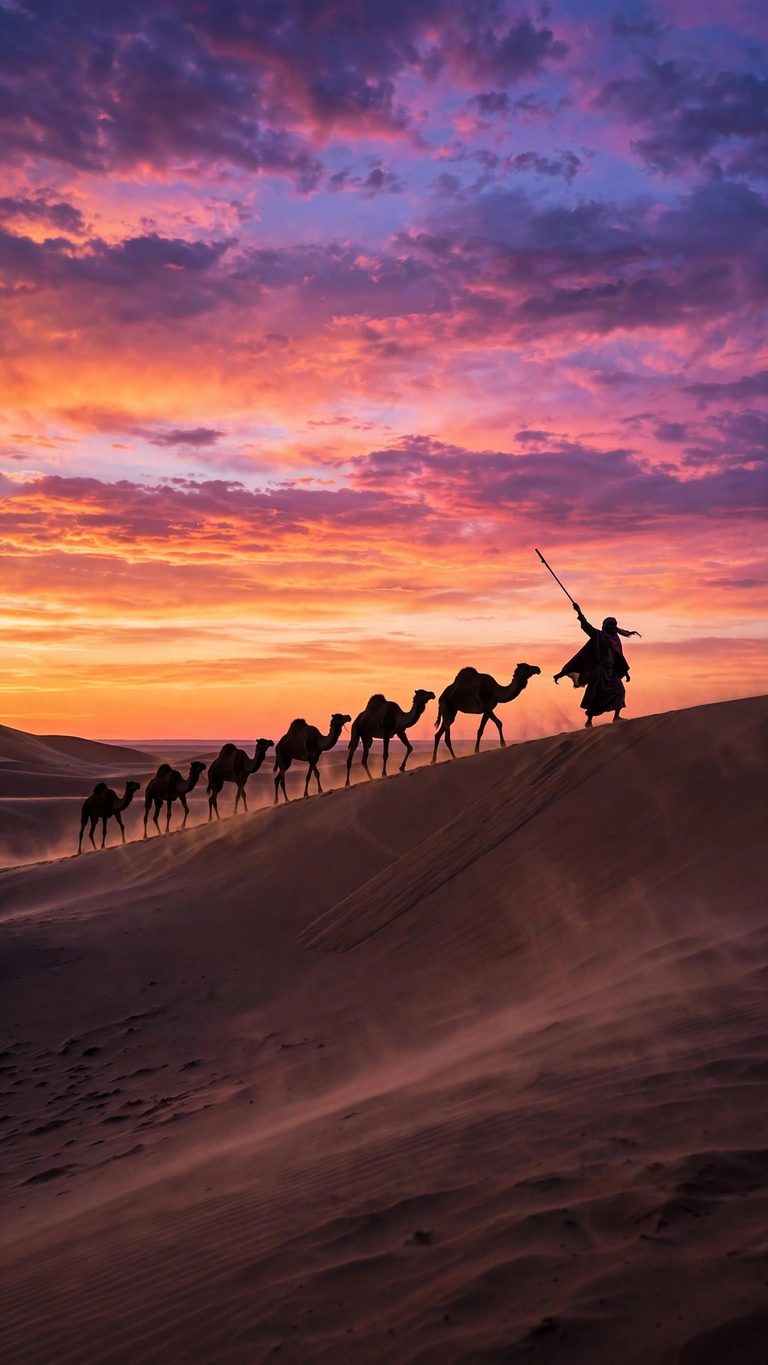
The night sky is your canvas, and small prompt tweaks create wildly different moods. The most impactful variable is the foreground story: keep the small glowing tent for human warmth, or replace it with “a lone silhouetted photographer with a tripod” for an adventure narrative, “a camel caravan silhouette crossing the dunes” for timeless desert romance, or no foreground light at all for pure cosmic minimalism. You can also change the sky event. Swap the meteor for “the International Space Station tracing a bright arc”, add “a faint green airglow band on the horizon” for a rare atmospheric phenomenon, or request “the galactic core directly overhead in vertical composition” for maximum drama in 9:16. Color grading variations work beautifully: “teal and orange cinematic grade” for a film look, or “natural true-color night sky” to impress purists. For a series, generate the same dune location at blue hour, at midnight with the Milky Way, and just before dawn with fading stars, then post as a carousel titled with the time each was “taken”. That storytelling format earns swipes and comments. A common AI pitfall is mushy or duplicated stars, so always zoom to 100 percent and check the star field; if stars look smeared, regenerate with “pinpoint sharp stars” added. For wallpapers, the vertical crop is perfect for phones, and a star-filled lock screen gets daily views. Tag with #AIPhoto and #AstroPhoto, and add a caption with one real astronomy fact to spark comments from space lovers.
Frequently Asked Questions
Q1: Why do my stars look blurry or blobby?
AI models often soften tiny details. Add “pinpoint sharp stars, crisp star points” to the prompt and generate at the highest resolution available. Check the result at full zoom and regenerate until the stars are clean.
Q2: Can I match a real constellation or Milky Way position?
Approximately. You can request “Scorpius region of the Milky Way” or “galactic core high overhead”, but AI star positions will not be astronomically exact. For educational posts, note that it is an artistic interpretation.
Q3: Which tool handles night skies best?
Midjourney v7 and Flux produce the cleanest star fields with the least smearing. DALL-E 3 is good but sometimes over-saturates the colors. Generate a few variations in your preferred tool and pick the sharpest.
Q4: How do I make the tent glow look natural?
Keep it small. The prompt specifies “a small glowing tent as the only foreground light” for a reason: a tiny warm light against a huge sky creates the scale contrast that makes the image powerful. If the tent looks too bright, add “subtle warm glow”.
The Milky Way over desert dunes reminds us how small we are and how beautiful that smallness can feel. Generate your own cosmic desert night with this prompt today, try a meteor or silhouette variation, and give your audience a moment of genuine awe. The universe is waiting, and your camera roll is about to get a lot more cosmic.
Related Viral Prompts
- Ancient Desert Fort AI Photo Prompt: Build Epic Sunrise Travel Photos of Timeless Arabian Architecture
- Dune Bashing Thrill Ride: Free Viral AI Video Prompt for High-Octane Desert Action Reels That Stop the Scroll
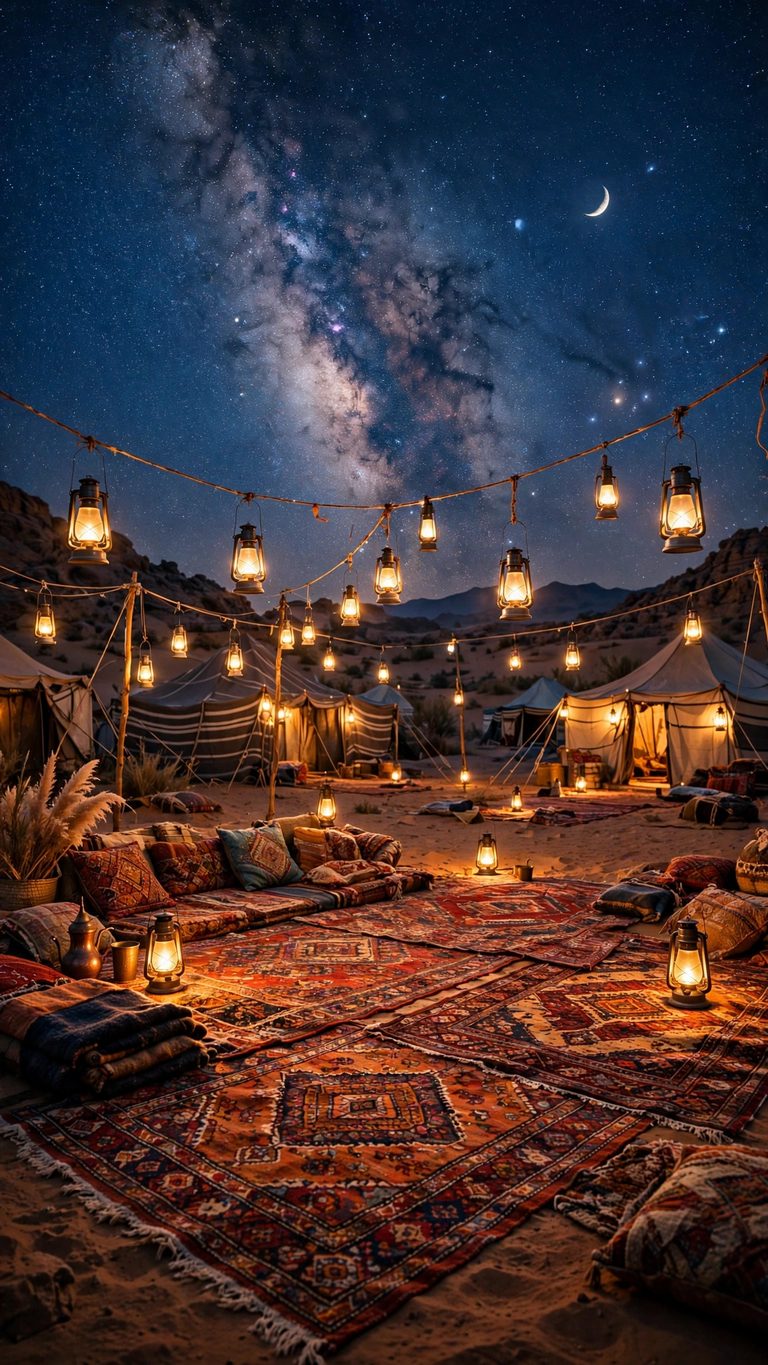
- Desert Camp Under Stars: Free Viral AI Video Prompt for Dreamy Milky Way Night Sky Reels That Get Saved
# A I V i d e o # P r o m p t B a z a r # A I P h o t o # M i l k y W a y # A s t r o P h o t o

Leave a Reply