
Introduction
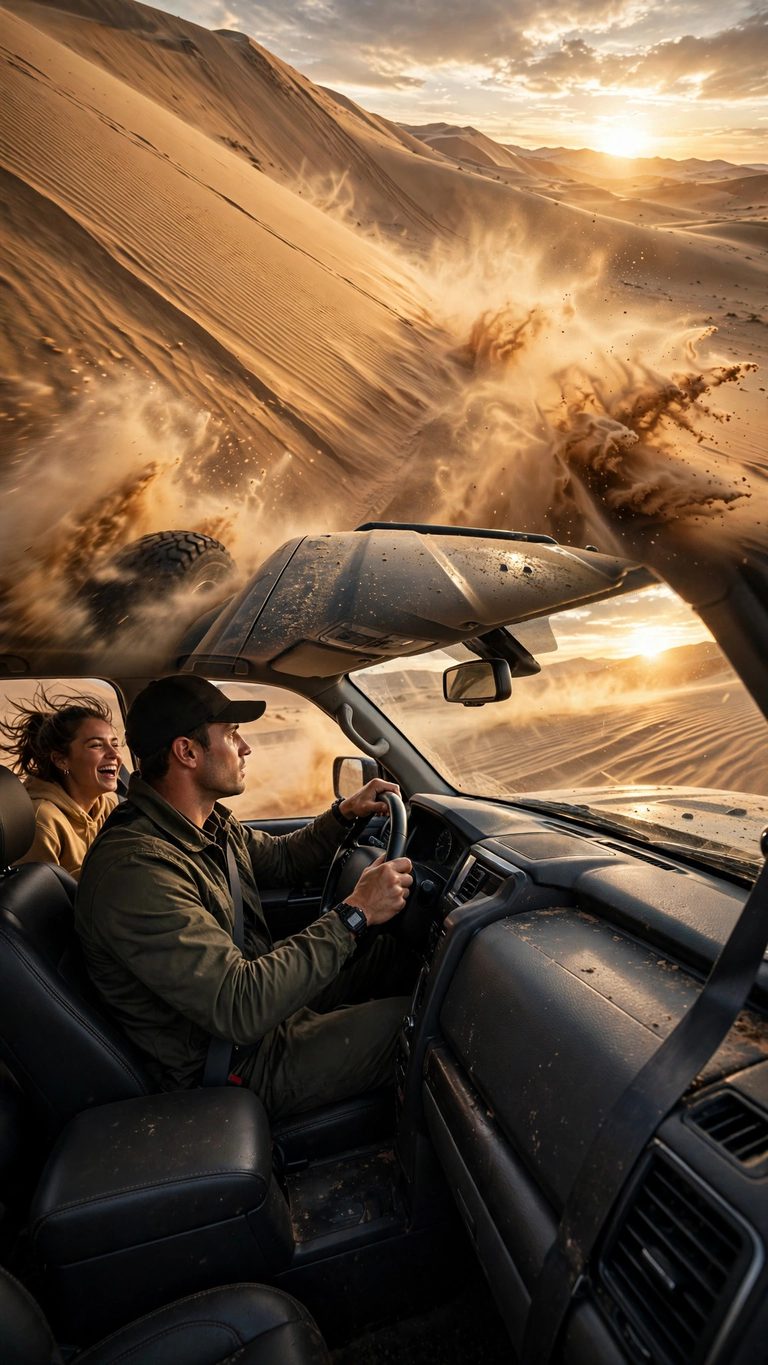
Picture this: you are strapped into the passenger seat of a rugged 4×4 SUV as it launches itself over the razor-sharp crest of a towering sand dune. For one weightless second the whole world is golden sky and spinning horizon, and then the tires slam back into the slope and an explosion of fine sand erupts in every direction. The engine roars, the driver wrestles the wheel with a grin, and the passengers behind you are laughing the kind of laugh that only comes from genuine adrenaline. The low desert sun stretches every ripple in the sand into long, dramatic shadows, and the dust kicked up by your tires glows like fire in the backlight.
This is dune bashing, one of the most pulse-pounding adventures you can have in the desert, and it is also one of the most electric subjects you can put on a phone screen. Action sells. Motion holds attention. And a first-person plunge down a mountain of gold is the kind of eight-second clip that makes a thumb stop mid-scroll. The best part? You do not need a plane ticket to Dubai, a rental SUV, or a stunt driver. One carefully engineered AI video prompt can generate this exact scene in seconds, and the prompt below is tuned to do exactly that.
The Prompt
Copy the exact prompt below and paste it into your favorite AI video generator. Every phrase was chosen to maximize speed, realism, and cinematic energy:
Heart-pounding POV shot from a 4x4 SUV dune bashing down a massive golden sand dune, sand spraying dramatically off the tires, driver gripping the wheel, passengers laughing, low sun casting long shadows across rippled dunes, glowing dust clouds, fast dynamic camera shake, ultra realistic, cinematic action, 8k
Why This Prompt Works
Adrenaline is a cheat code for watch time, and this prompt is built around it. The point-of-view framing puts the viewer inside the vehicle rather than watching from the sidelines, and that is a critical psychological difference. When the camera shakes as the SUV drops down the dune face, the viewer’s brain processes it almost like a personal experience. People do not just watch POV action clips, they feel them, and feeling something is what turns a casual viewer into someone who replays the video, sends it to a friend, or drops a comment like “I felt that in my stomach.”
The prompt also stacks multiple motion cues on top of each other. Sand spraying off the tires, glowing dust clouds, the low sun dragging long shadows across rippled dunes, the dynamic camera shake: each of these is a visual signal of speed and power, and together they create a frame that is never boring for a single millisecond. Short-form platforms like TikTok, Instagram Reels, and YouTube Shorts reward exactly this kind of density. Their algorithms measure how long people watch and whether they loop the video, and a fast, chaotic, beautiful eight-second clip is engineered to be rewatched. One loop becomes two, two become five, and suddenly the algorithm is pushing your video to thousands of new feeds.
There is also a smart niche play here. Desert adventure content has a passionate audience but far less competition than generic travel or fitness content, which makes it easier for a new creator to rank and get discovered. Tagging your render with tags like #DuneBashing and #AIVideo connects you directly to that hungry audience. Finally, the golden-hour lighting in the prompt does quiet but powerful work: warm, glowing footage consistently outperforms flat midday footage in saves and shares because it looks premium, almost like a movie still. You are not just posting a clip; you are posting a miniature action film.
How to Use This Prompt
Using this prompt is simple, but a few setup choices will dramatically improve your result. Follow these steps:
Step 1: Pick your generator. This prompt was designed to work across the major AI video tools: Google Veo 3, Runway, Kling, Pika, and OpenAI Sora. Veo 3 and Kling currently lead on photorealistic motion, which matters a lot for fast action, while Pika is great for quick iterations and style tests.
Step 2: Set a 9:16 vertical aspect ratio. This is non-negotiable for Reels, TikTok, and Shorts. A vertical frame fills the phone screen and keeps the dune, the sky, and the spraying sand all in view. Most tools let you choose 9:16 before you generate; in Sora and Veo 3, select the vertical or portrait preset.
Step 3: Paste the prompt exactly as written. Do not paraphrase it on your first run. The wording around camera behavior (“fast dynamic camera shake”) and lighting (“low sun casting long shadows”) is doing heavy lifting, and small edits can flatten the result.
Step 4: Match the clip settings. Generate an 8-second clip with fast action pacing, exactly as the original settings specify. If your tool offers a “quality” or “detail” mode, turn it on for this one; motion blur hides a lot, but sharp sand particles sell the realism.
Step 5: Generate three variations. Run the same prompt three times and pick the best take, just like a film director shooting multiple takes. AI video is probabilistic, and your third render is often dramatically better than your first.
Step 6: Finish and post. Add a trending engine-rev or epic soundtrack, burn in a bold caption like “POV: Dune bashing in Dubai,” and publish. The whole workflow takes under fifteen minutes once you have done it once.
Pro Tips & Creative Variations
Once you have your first great render, do not stop there. The real power of a prompt like this is how easily it becomes a whole content series. Here are proven ways to customize it.
Change the time of day. Swap “low sun” for “blue hour twilight with headlights cutting through dust” and you get a moody night-ride version that looks completely different. Or try “harsh midday sun, heat shimmer rising off the sand” for a raw, brutal rally feel. Each lighting change gives you a fresh video from the same core concept, which is perfect for posting daily without repeating yourself.
Change the camera. The original prompt uses a heart-pounding POV, but you can rewrite the opening as “sweeping drone shot chasing a 4×4 SUV” for an epic third-person perspective, or “low ground-level shot as the SUV roars past the camera” for a motorsport-commercial look. Camera language is the fastest lever you have for variety.
Change the vehicle and the stakes. Try a convoy of three SUVs racing side by side, a vintage Land Cruiser for a retro expedition vibe, or even a sand rail buggy for raw dune-racer energy. Adding a second vehicle instantly adds story: now it is a race, not just a ride.
Add a narrative beat. Prompts that imply a tiny story outperform pure spectacle. Add “the SUV crests the dune to reveal an endless desert valley below” and your eight seconds gains a beginning, middle, and end. Viewers stay to see the reveal, which boosts completion rate.
Dial the shake up or down. Heavy camera shake sells chaos, but some audiences prefer a smoother, more premium feel. Generate one wild version and one stabilized version, then A/B test them. You will quickly learn what your audience responds to, and that data is worth more than any single viral hit.
Finish like a filmmaker. Color grade toward warm golds, add subtle film grain, and sync your cuts to the beat of the music. These finishing touches are what separate a raw AI clip from content that looks like it cost thousands to shoot. When you share it, include #DuneBashing in your caption so the algorithm files it with the adventure crowd that already loves this stuff.
Frequently Asked Questions
Q: Do I need a paid subscription to generate this video?
A: Not necessarily. Pika and several other tools offer free daily credits that are enough to test this prompt and post your first few renders. For the sharpest photorealism at 8 seconds, though, the paid tiers of Veo 3, Kling, or Runway are worth it once you are posting regularly, because higher quality directly translates to better watch time.
Q: Which AI video tool gives the most realistic dune bashing result?
A: In current testing, Veo 3 and Kling produce the most convincing fast-motion physics, with sand particles and vehicle weight that look genuinely real. Runway is excellent for cinematic color and camera control. Pika is the fastest for experimentation. If you can, generate the same prompt in two tools and compare; the differences in motion quality are immediately obvious.
Q: Can I monetize videos made with this prompt?
A: Generally yes, but check the commercial terms of the specific tool you use, since licenses differ between free and paid plans. Also remember that platforms reward originality, so add your own edit, caption style, or series format rather than posting raw unedited renders if you want to build a monetizable channel.
Q: My render looks blurry or cartoonish. What went wrong?
A: This usually comes down to three things: the quality setting was left on draft, the aspect ratio was not set to 9:16 before generating, or the prompt was paraphrased and lost key detail words like “ultra realistic” and “8k.” Fix all three, generate again, and compare. Fast action needs maximum detail settings because motion blur will soften anything less.
Dune bashing is pure cinematic adrenaline, and now it fits in your pocket. Copy the prompt above, generate your 8-second thrill ride in 9:16, and post it with a bold caption today. Your next viral Reel could be one render away, so stop scrolling and start creating.
Related Viral Prompts
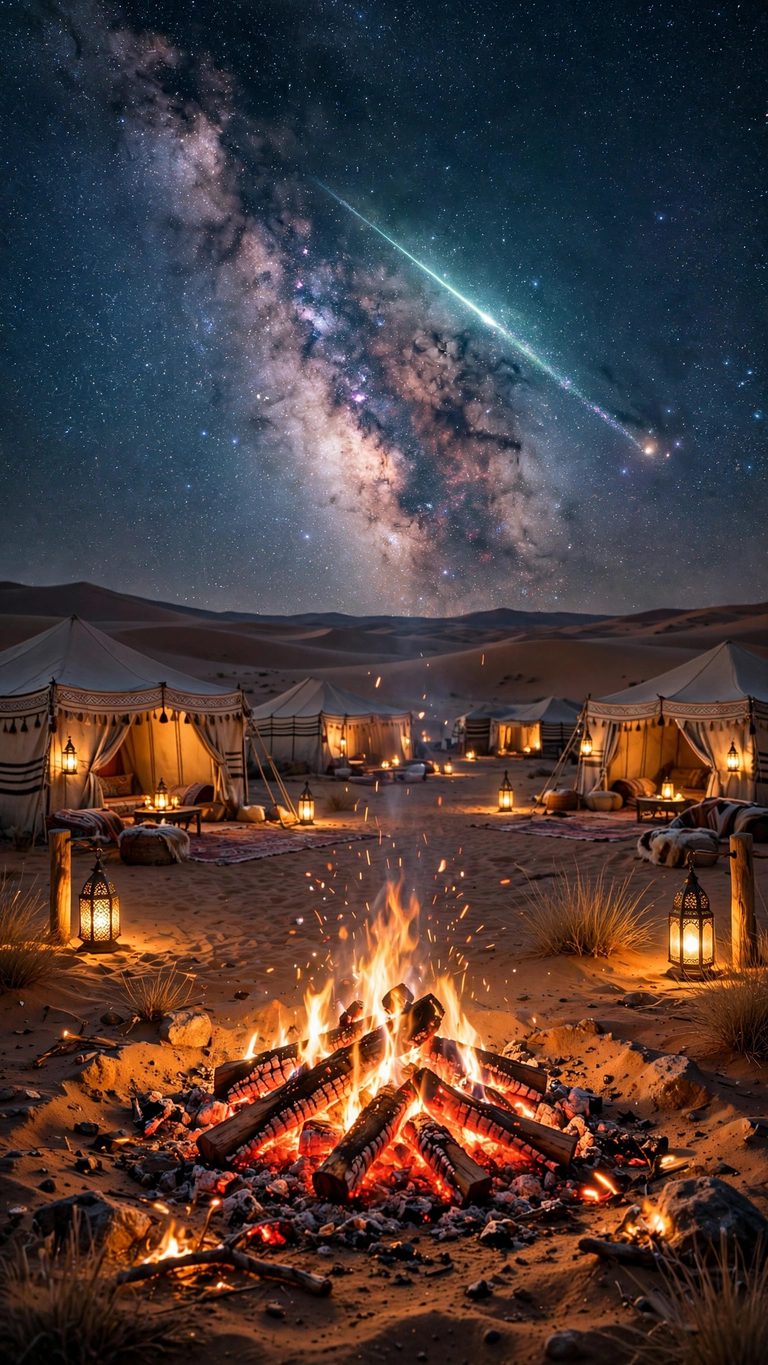
- Desert Camp Under Stars: Free Viral AI Video Prompt for Dreamy Milky Way Night Sky Reels That Get Saved
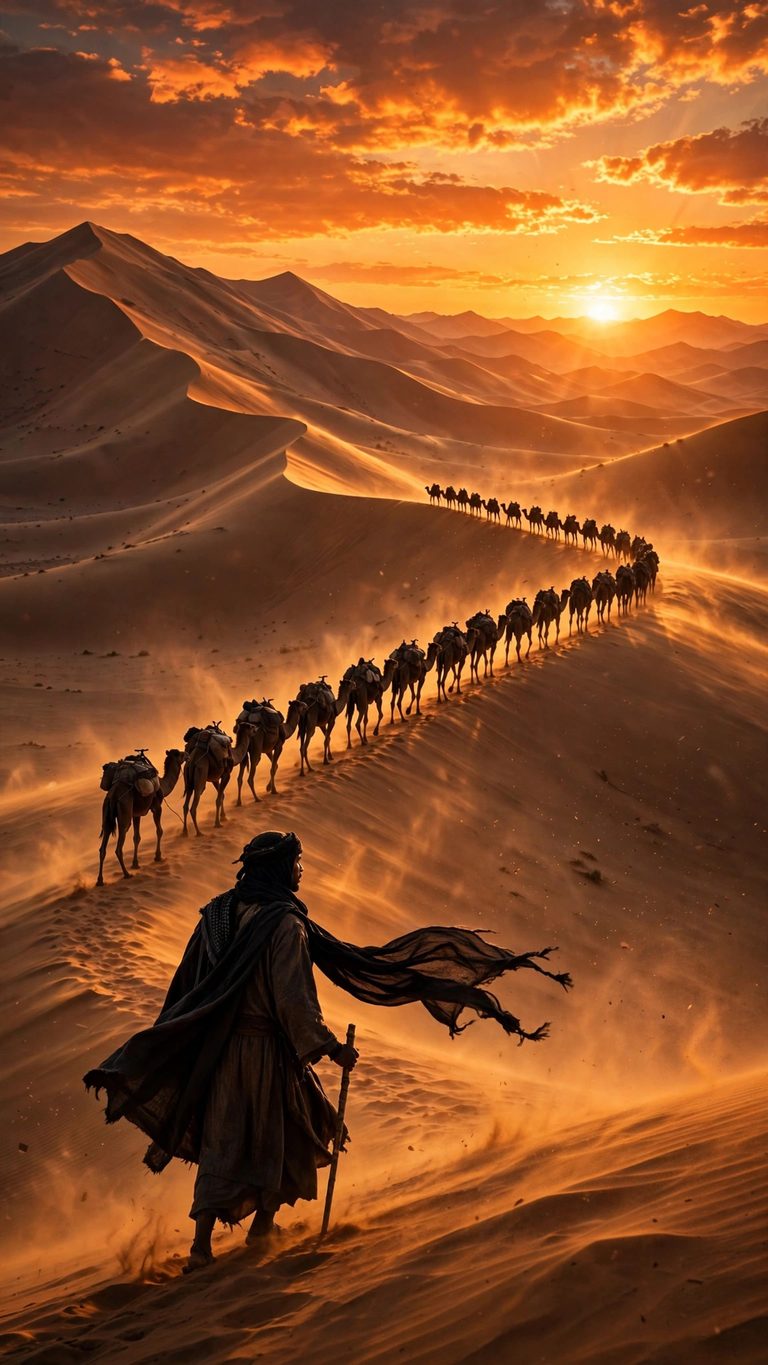
- Camel Caravan at Sunset: Free Viral AI Video Prompt for Epic Cinematic Golden Hour Silhouette Reels That Go Viral
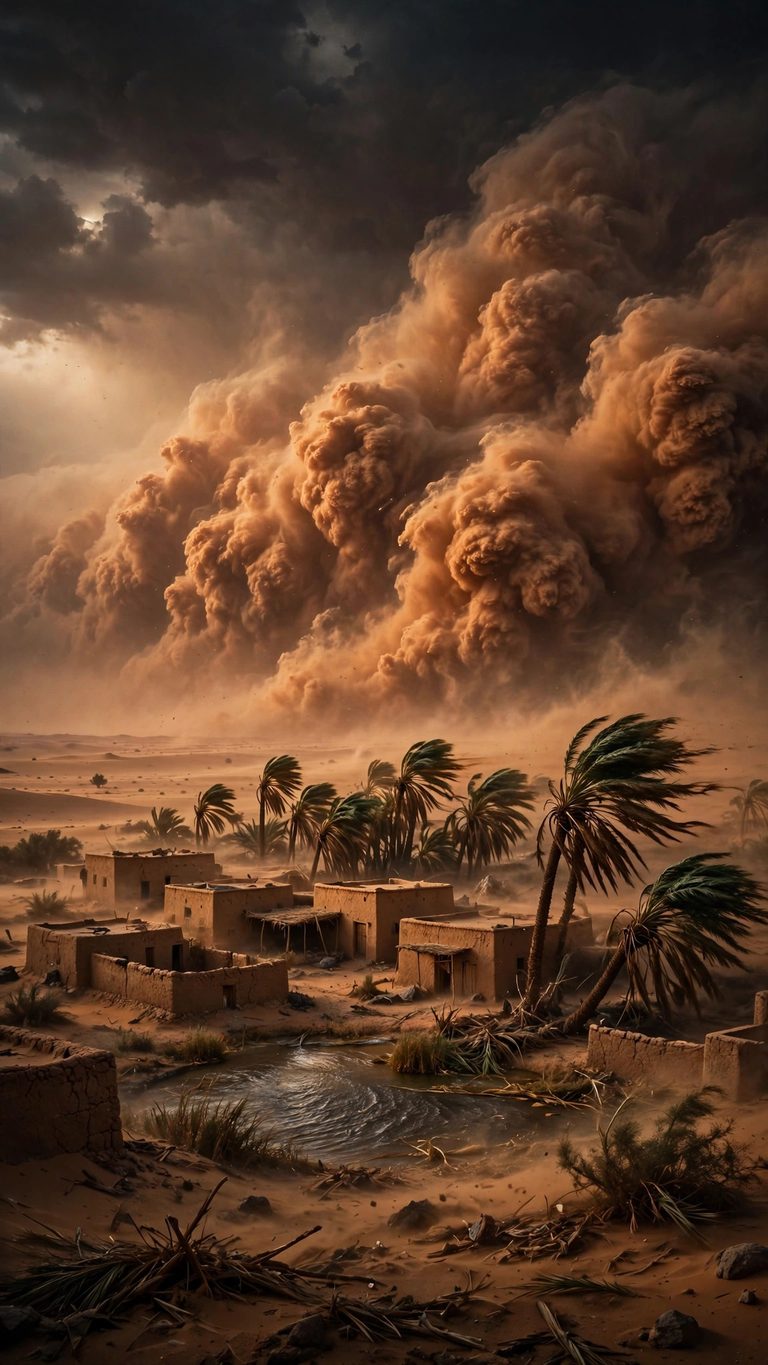
- Giant Sandstorm Timelapse: Free Viral AI Video Prompt for Dramatic Desert Storm Reels With Sky-Darkening Power
# A I V i d e o # P r o m p t B a z a r # D e s e r t # D u n e B a s h i n g # A d v e n t u r e

Leave a Reply