
Introduction
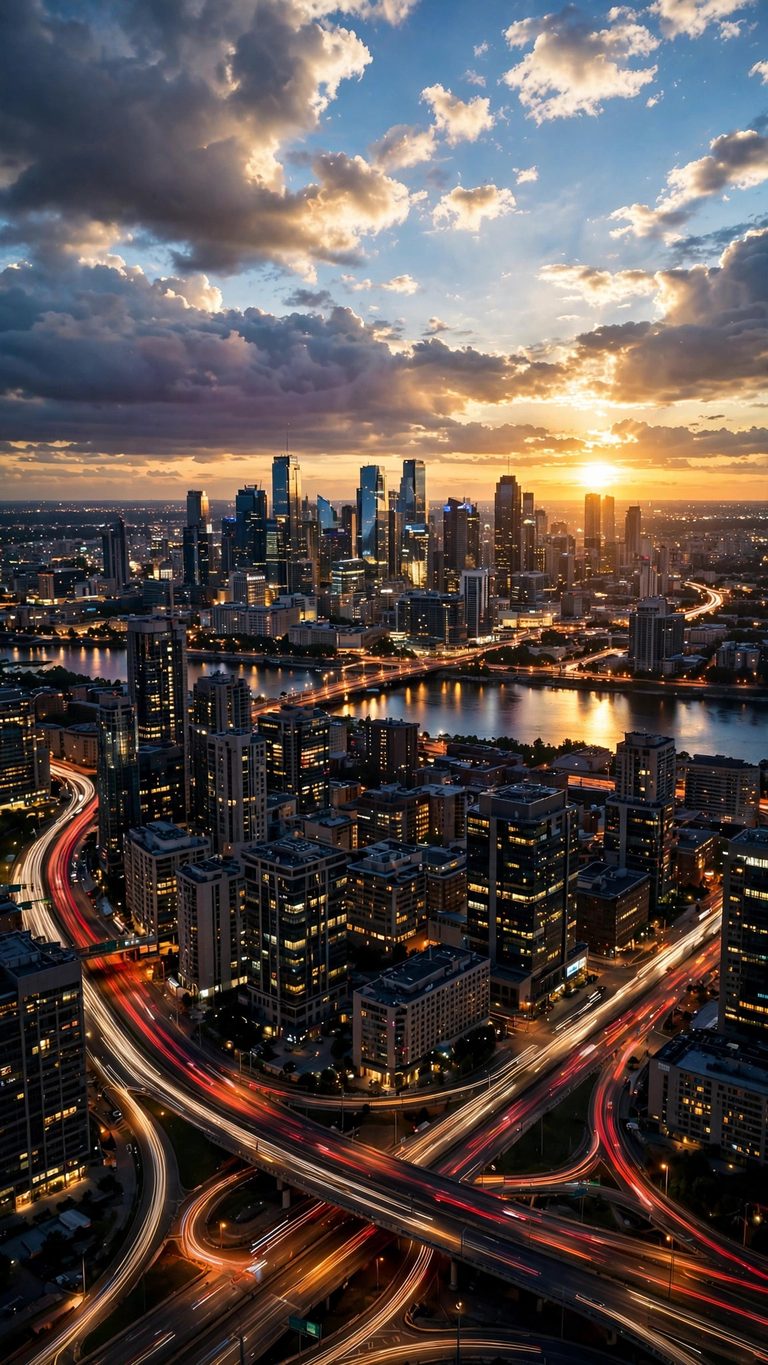
A sunlit skyline. Then the sun dips, shadows stretch, windows ignite one by one, traffic becomes rivers of light, and the whole city glitters against a deep blue sky. This AI video prompt compresses the most cinematic twelve hours of urban life into ten seconds — and city timelapses have been stopping thumbs since the earliest days of social video.
There is something primal about watching a city wake into its nighttime self. Day cities are for work; night cities are for possibility. That transition — captured here with setting sun, kindling windows, and light-trailing traffic — mirrors the emotional arc of a thousand films, from opening credits to closing shots. Urban timelapse content has a uniquely broad audience: photographers, travelers, commuters, insomniacs, and everyone who has ever stood at a window watching lights come on. With AI, you can now generate a perfect day-to-night arc for any skyline on earth, no rooftop access or twelve-hour shoot required.
The Prompt
Copy the exact prompt below and paste it into your favorite AI video generator:
Beautiful timelapse transformation of a city skyline from bright day to glittering night, sun setting, lights turning on one by one, traffic trails, clouds moving fast, cinematic, ultra realistic
Why This Prompt Works
This prompt works through light as narrative. Cinematographers have a term — “magic hour” — for the brief window when the world looks extraordinary, and this prompt stretches magic hour into the entire video. The human visual system is exquisitely tuned to changing light; we evolved to read the sky for time and weather, so a full day-night cycle in ten seconds hijacks ancient attention circuitry. Viewers do not decide to watch — their biology decides for them.
The staged beats sustain that attention. Sun setting, then lights turning on one by one, then traffic trails, then the full glittering skyline — each beat is a small payoff in a rising sequence. This is the same escalation structure that makes fireworks shows and symphonies work: the audience senses the crescendo building and stays for the climax. Timelapses that jump straight to night underperform ones that savor the transition, which is why this prompt’s choreography matters.
Finally, cities are identity. Viewers do not just see “a skyline” — they see THEIR skyline, or the skyline of the city they dream about. Urban content generates location-tagged comments, hometown pride shares, and travel-list saves at remarkable rates. A day-to-night timelapse is also the ultimate lo-fi background: people loop it while working, which drives the kind of repeat viewing that algorithms interpret as deep love.
How to Use This Prompt
Copy the prompt exactly — the beat order (sunset, lights one by one, traffic trails, clouds) is the choreography; shuffling it weakens the crescendo. For city timelapses, Sora and Veo 3 produce the most convincing lighting transitions; Kling handles the traffic-trail motion beautifully. Set 9:16 vertical, 10 seconds — the full arc needs the duration.
Generate three to four takes and watch the light behavior: the winning take has a smooth, believable grade from day through golden hour to blue hour to night. AI sometimes jumps too fast or turns the sky an unnatural color — discard those. A subtle, slow camera drift (barely perceptible push-in) adds cinema; avoid fast moves that fight the timelapse feel. For audio, city timelapses pair beautifully with lo-fi beats, cinematic scores, or trending “city night” sounds — match the energy to your target audience. Caption with the city name if you customize it (“POV: Manhattan at magic hour”) to trigger location pride. Post at dusk in your audience’s timezone for delicious meta-timing.
Pro Tips & Creative Variations
First, city-swap relentlessly: every skyline has a hometown audience waiting to claim it. Generate versions for major cities and mid-size ones alike — smaller cities often outperform because their residents rarely see themselves featured. Second, weather-swap: a day-to-night arc during a clearing storm, with dramatic clouds, is exponentially more striking than a clear day.
Third, add a human anchor: a tiny silhouette on a rooftop, or lights flicking on in one specific apartment window that viewers can follow. Fourth, go vertical-specific: the prompt works for skylines, but try harbors (day boats to glittering waterfront), bridges, or famous streets — each is a fresh format.
Fifth, create the “same spot, four seasons” series: identical framing across spring, summer, autumn, winter day-to-night arcs. Series content compounds followers. Finally, think commercially: tourism boards, hotels, and real estate developers pay real money for skyline content. A portfolio of AI city timelapses is a legitimate B2B product — watermark everything and pitch with confidence.
The day-to-night arc has a secret second career: ambient content. Creators are building entire channels around looping city timelapses set to lo-fi music — “study with me” streams where a glittering skyline is the backdrop for a million study sessions. These streams run for hours, generating watch time that short-form creators can only dream of. Adapt the prompt for a slow, seamless loop (hold the night skyline, then crossfade back through dawn) and you own a format with genuine utility. Local news and weather accounts are another distribution channel: a stunning day-to-night of their city, credited to you, gets reposted to highly engaged local audiences daily. Offer it proactively — DM the account with the finished video and watch your handle travel. For B2B, property developers use skyline timelapses in launch films, hotels use them on lobby screens and booking pages, and tourism boards need them constantly. Build a small library covering major cities, watermark everything, and treat each skyline as inventory. The city never sleeps, and neither does demand for it.
Frequently Asked Questions
Which AI tool handles day-to-night lighting transitions best?
Sora and Veo 3 lead on believable lighting grades. Kling excels at traffic-trail motion. The key filter is smooth color progression — discard takes where the sky jumps unnaturally.
How do I feature a specific city?
Add the city name and a landmark to the prompt (‘Manhattan skyline with the Empire State Building’). Recognizable landmarks trigger hometown engagement, which is this format’s superpower.
What is the ideal duration?
Ten seconds lets each beat — sunset, lights, trails, full night — land properly. Shorter feels rushed; the crescendo needs room.
Can I loop it seamlessly?
Day-to-night does not loop naturally (night does not become day). Instead, end on the glittering skyline hold — viewers rewatch manually, which counts the same for retention.
The day-to-night city timelapse is urban cinema in ten seconds — light itself telling a story of transformation. Copy the prompt, pick your skyline, and let the windows ignite one by one. Post it at dusk, and watch the city do the rest.
Related Viral Prompts
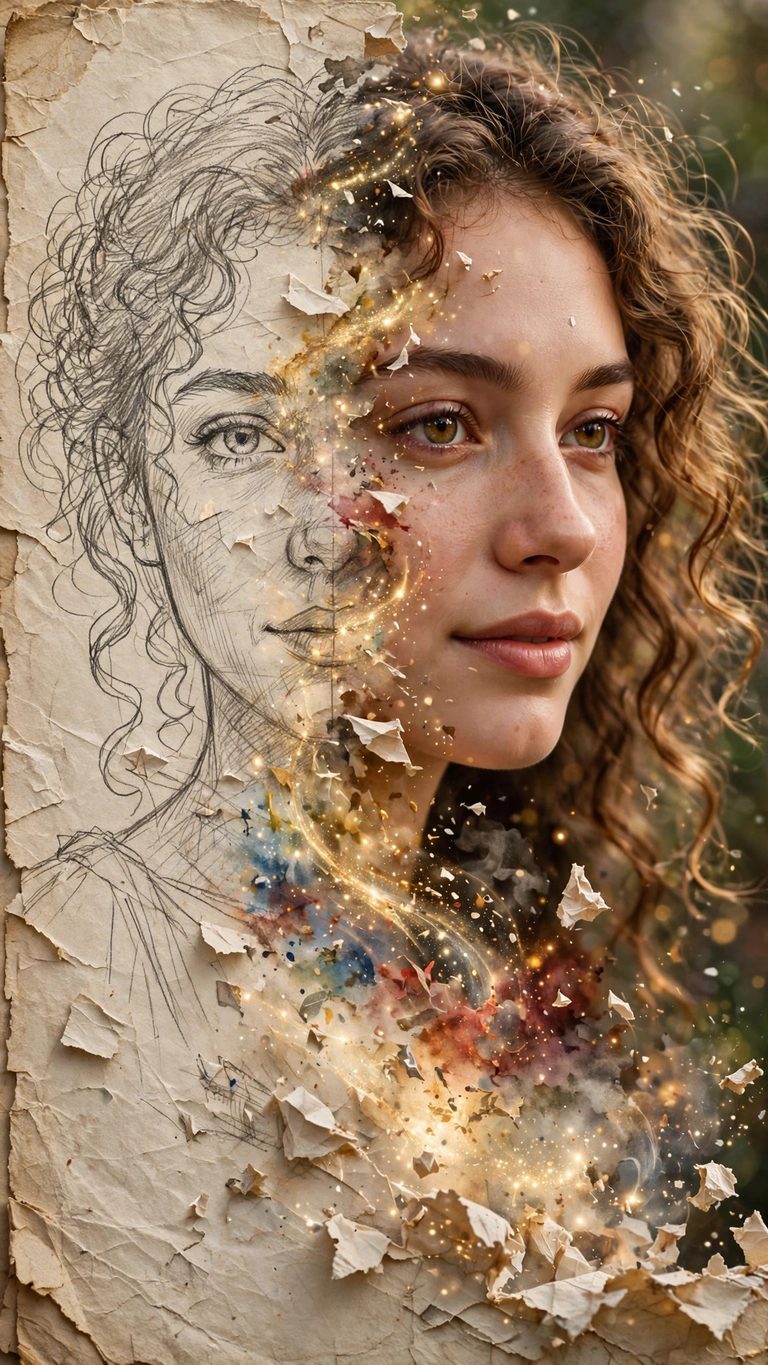
- Blueprint to Skyscraper: Epic Architecture AI Video Prompt That Builds a Glass Tower From a Drawing Live
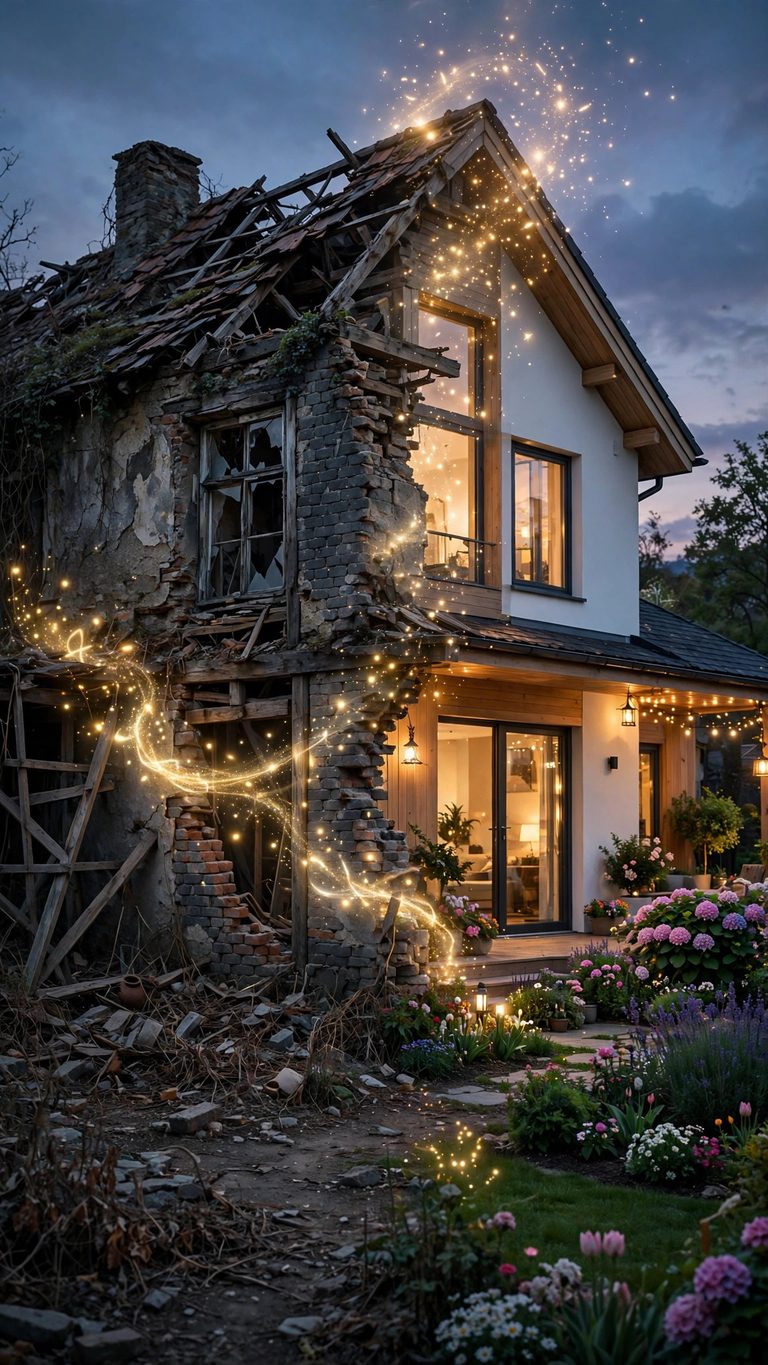
- From Ruin to Dream Home: Old House Renovation Timelapse AI Video Prompt for Viral Before-and-After Reels
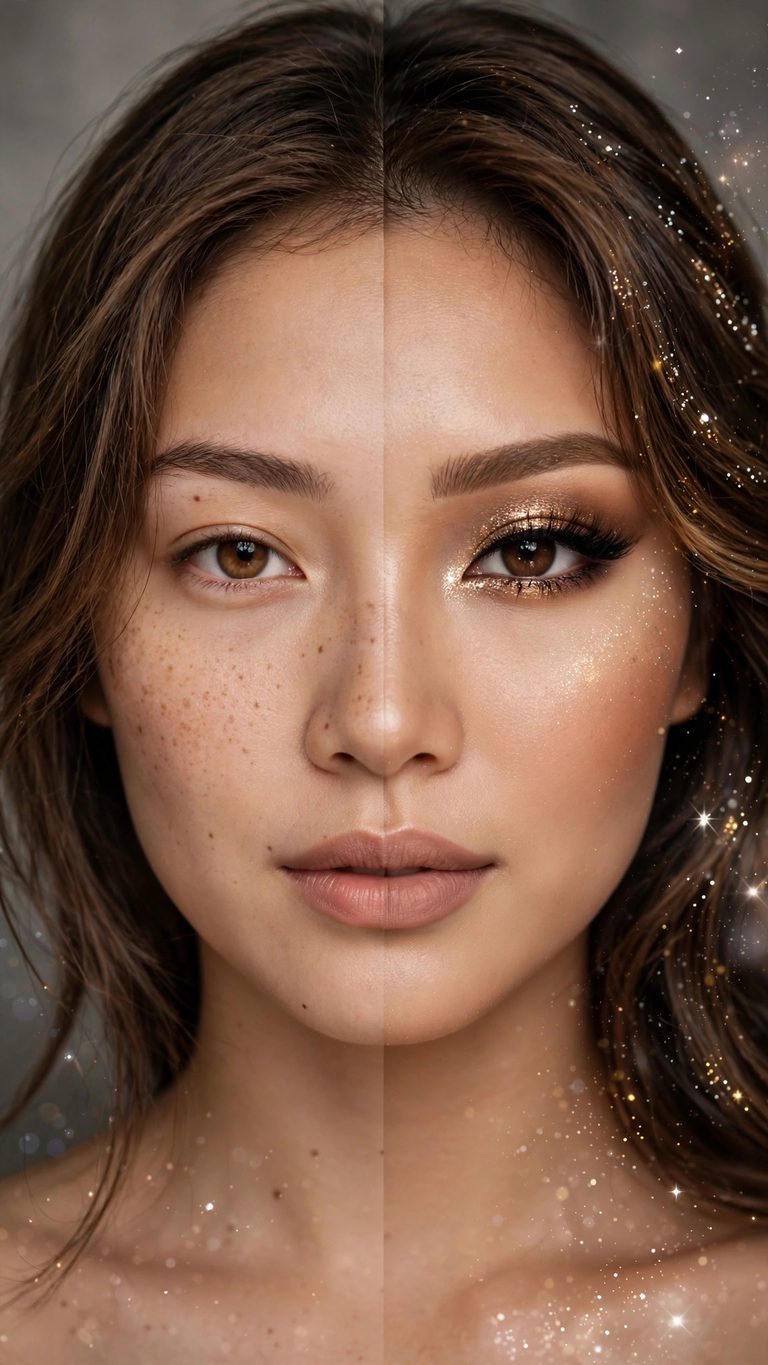
- Natural to Glam in Seconds: Makeup Glow-Up Transformation AI Video Prompt for Viral Beauty Reels and TikToks
# A I V i d e o # P r o m p t B a z a r # C i t y # D a y T o N i g h t # T i m e l a p s e

Leave a Reply