
Introduction
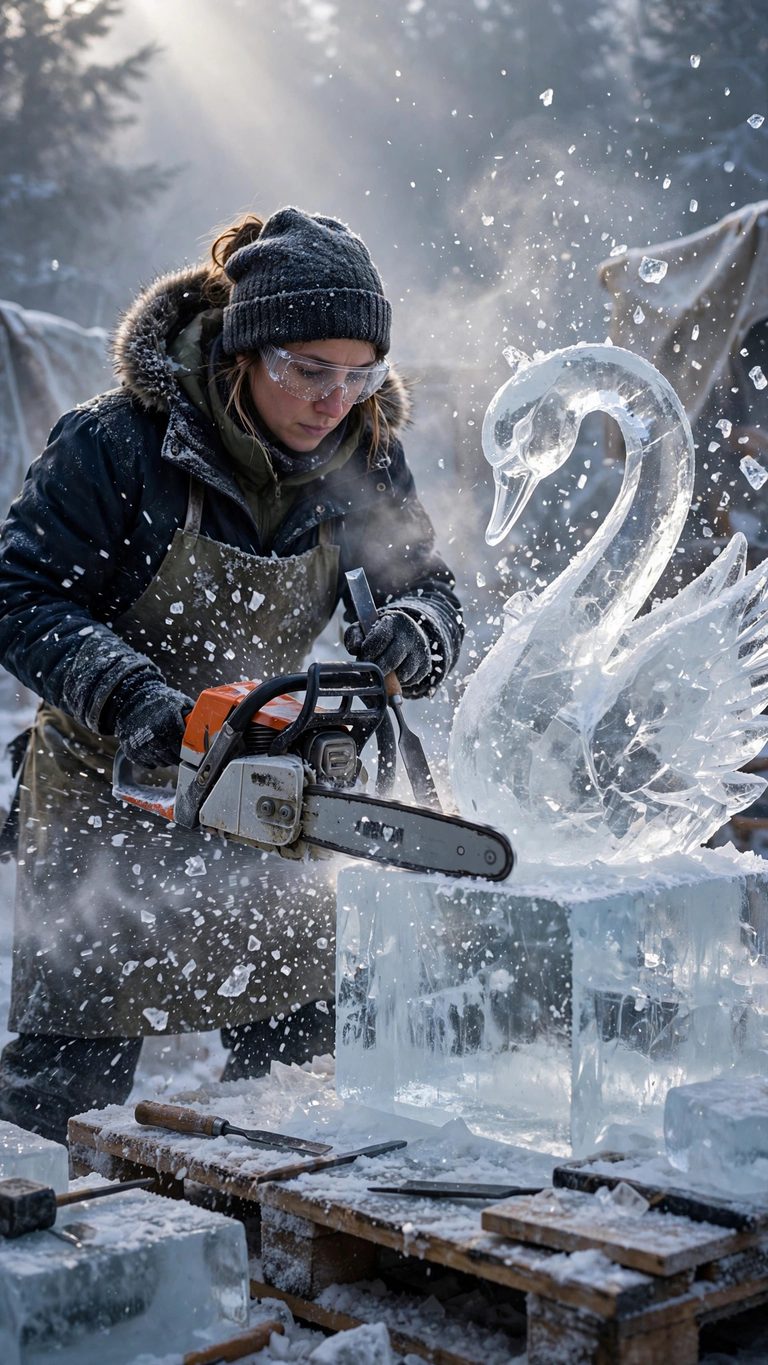
There is something spellbinding about watching solid ice surrender to an artist’s hands. A block of frozen water, carved with chainsaw and chisel, slowly becomes a crystal-clear swan with wings spread and neck curved in elegance. Ice sculpture is performance art and craftsmanship in one, and it is tailor-made for short-form video because every second shows visible progress. This AI video prompt captures the most cinematic moment of the craft: ice chips flying and sparkling in the light, cold mist curling through the air, and a breathtaking transformation from block to bird. AI video creators love this subject because it combines the drama of power tools with the delicacy of fine art, a contrast that stops thumbs mid-scroll. The eight-second vertical clip is cold, bright, and beautiful, exactly the kind of refreshing content that stands out in a warm-toned feed. If your channel needs a showpiece video that feels both epic and satisfying, this ice carving prompt is it.
The Prompt
Paste this exact prompt into your AI video tool. The ice chips, the mist, and the transformation language are essential, so copy it character for character:
Cinematic shot of an artist carving a crystal-clear ice sculpture of a swan, ice chips flying and sparkling in the light, chainsaw and chisel work, cold mist, ultra detailed, satisfying transformation
Why This Prompt Works
This prompt works because transformation is the most reliable viral mechanic in short-form video, and ice carving is transformation at its most dramatic. A featureless block becoming an elegant swan gives the viewer a complete before-and-after inside eight seconds, and before-and-after content consistently earns some of the highest completion rates on every platform. The flying ice chips add dynamic sparkle motion that keeps the eye engaged, while the cold mist adds atmospheric depth that makes the scene feel cinematic rather than flat. Psychologically, the contrast between the violent carving tools and the delicate finished swan creates productive tension: viewers stay to see how something so aggressive produces something so graceful. Platform trends favor bright, high-contrast content because it stands out against darker feeds, and crystal-clear ice naturally catches and refracts light in ways that look expensive. Shareability is strong because the subject is both art and craft, appealing to art lovers, makers, and casual scrollers alike. The clip is family friendly, language independent, and visually complete, which means it travels across every audience without friction and gives the algorithm every reason to push it wide.
How to Use This Prompt
How to Use This Prompt
Copy the prompt above and paste it into any modern AI video generator. Here is a numbered walkthrough for the most popular tools:
- Google Veo 3: Open the text-to-video panel, paste the full prompt, and set the aspect ratio to 9:16. Choose an 8-second duration for a tight Shorts and Reels cut. The recommended settings from the source are 9:16 vertical at 8 seconds.
- Runway Gen-3 / Gen-4: Paste the prompt into the prompt box, switch the output to 9:16 portrait, and set the duration to 8 seconds. Enable the high-quality upscale pass for extra macro sharpness.
- Kling 2.x: Create a new task, paste the prompt, select 9:16 vertical mode and an 8-second clip length. Kling handles flowing liquid and glowing materials particularly well.
- Pika 2.x: Paste the prompt, pick 9:16 portrait, and generate at 8 seconds. If the first result has flicker, re-roll with a higher consistency setting.
- OpenAI Sora: Paste the prompt exactly as written, select vertical 9:16 framing, and an 8-second duration. Review the render, then export at 1080×1920 for upload.
For best results on Reels, TikTok, and Shorts, always render at 9:16 vertical, keep the duration at 8 seconds for the loop to feel tight, and export at the highest bitrate the tool allows. Add no music over the natural ASMR of the scene unless you are re-uploading, and keep the first frame strong because it becomes the video thumbnail.
Pro Tips & Creative Variations
The ice swan prompt is a strong anchor for a carving content series. Change the subject: try an ice dragon, a horse, a dolphin, or a rose, each with the same chainsaw-and-chisel structure for instant variety. You can also change the setting: a nighttime scene with blue floodlights makes the ice glow dramatically, while a sunny outdoor scene makes the chips sparkle like diamonds. For a more artistic feel, add the words extreme close-up of the chisel meeting the ice to emphasize the detail work. Some creators build before-and-after compilations by generating three sculptures and stitching them together, which triples the transformation payoff. Another variation is to describe the finished sculpture rotating slowly on a pedestal with mist swirling around it, giving the clip a gallery-like finale. If you want seasonal content, ice sculptures perform exceptionally well in winter months and during holiday seasons. Always keep the 9:16 framing and 8-second duration so your series feels unified, and render at the highest quality because the transparency and sparkle of the ice are where the realism lives.
Frequently Asked Questions
Can I use this prompt for free? Yes. The prompt text is free to use with any AI video generator. You just need an account with your chosen tool, and most offer free tiers to get started.
Which generator handles ice transparency best? Veo 3 and Sora render transparent materials like ice very well, while Kling is strong on particle effects like flying chips and mist. Try the prompt in more than one tool and keep the best version.
How do I make the transformation feel complete in 8 seconds? Choose a render where the swan’s shape is clearly recognizable by the final frame. If the generator stops too early, regenerate until the finished form reads clearly at the end.
Will this work for a winter content series? Absolutely. Ice carving content peaks in winter and around holidays, but it performs year-round because the cold, bright visuals are refreshing in any season.
This free ice sculpture carving prompt turns frozen water into viral art. Try it today, render your first crystal swan, and let the sparkle of transformation carry your content to new heights.
Related Viral Prompts
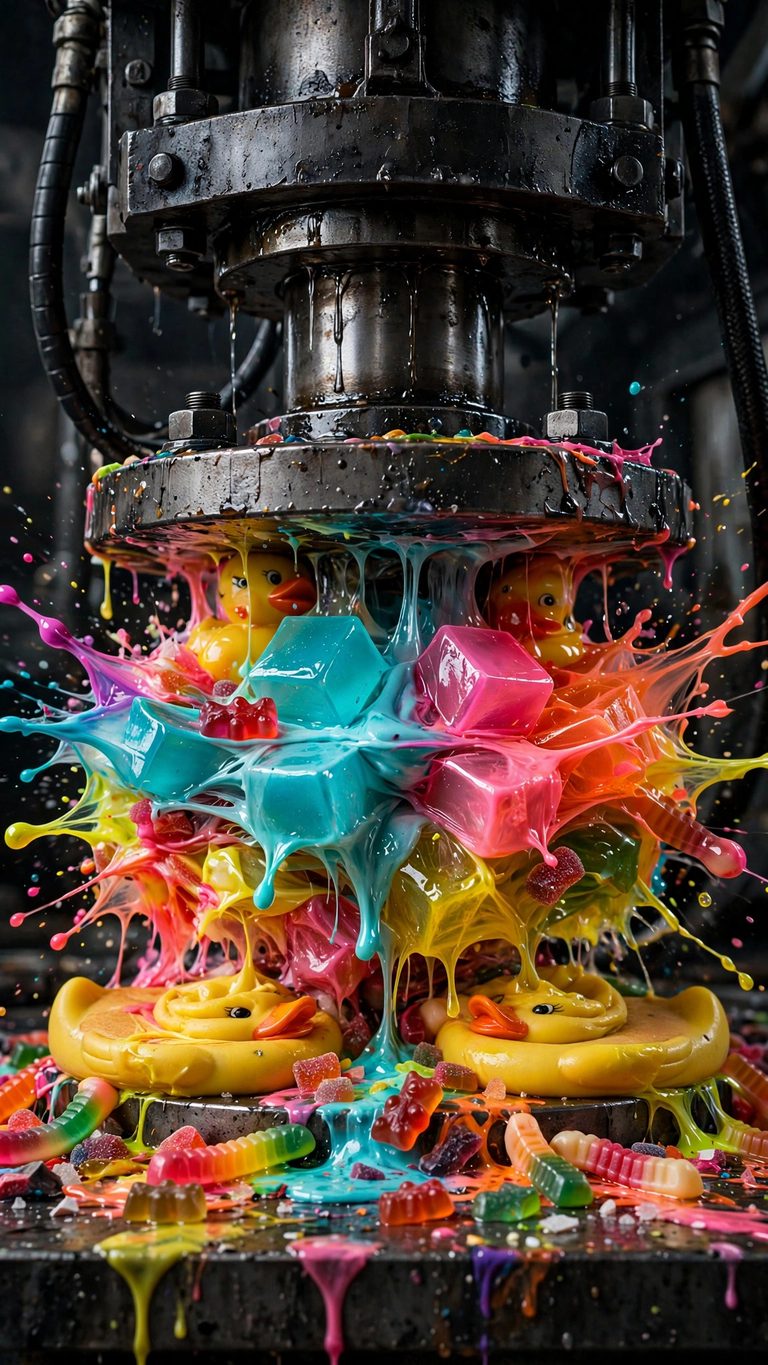
- Free Viral AI Video Prompt: Hydraulic Press Crushing Glowing Candy & Jelly Cubes in Slow Motion Video
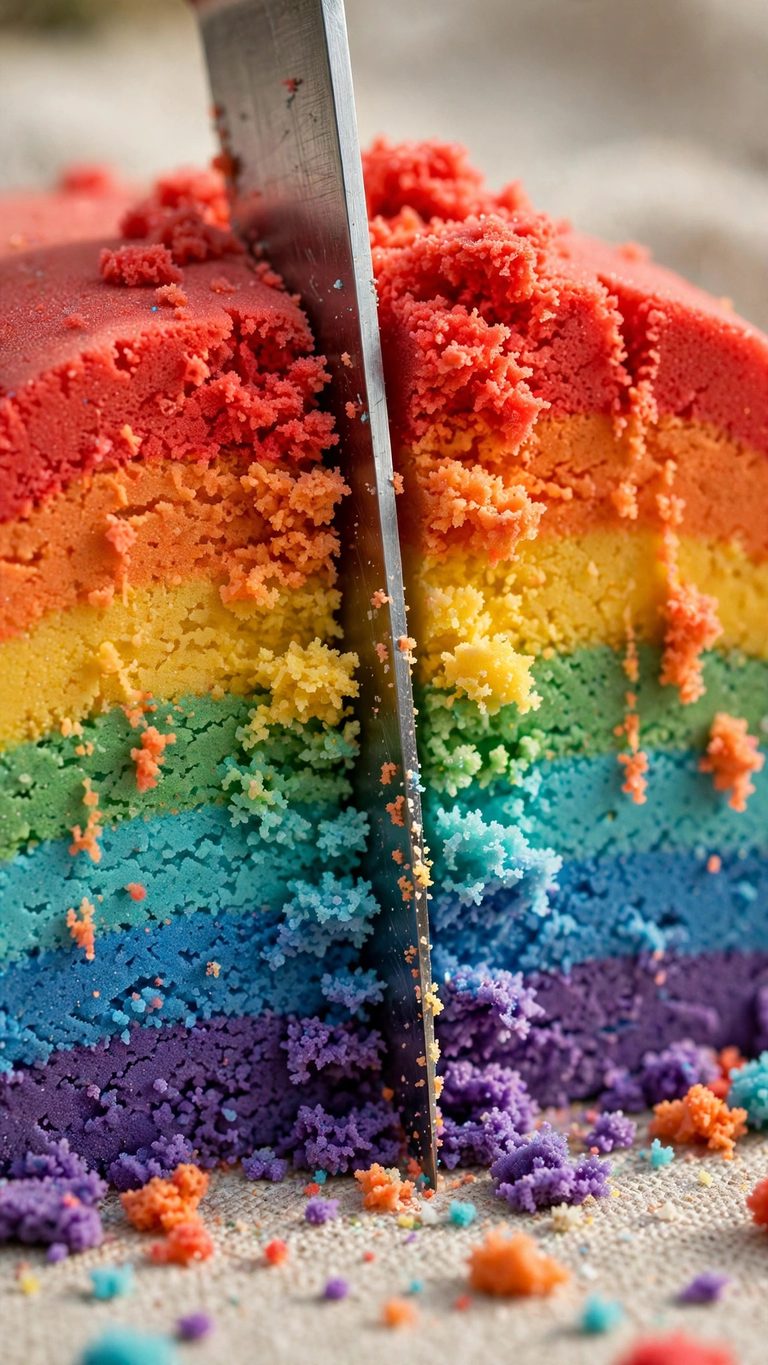
- Free Viral AI Video Prompt: Knife Slicing Rainbow Kinetic Sand in Perfect Satisfying ASMR Macro Cuts
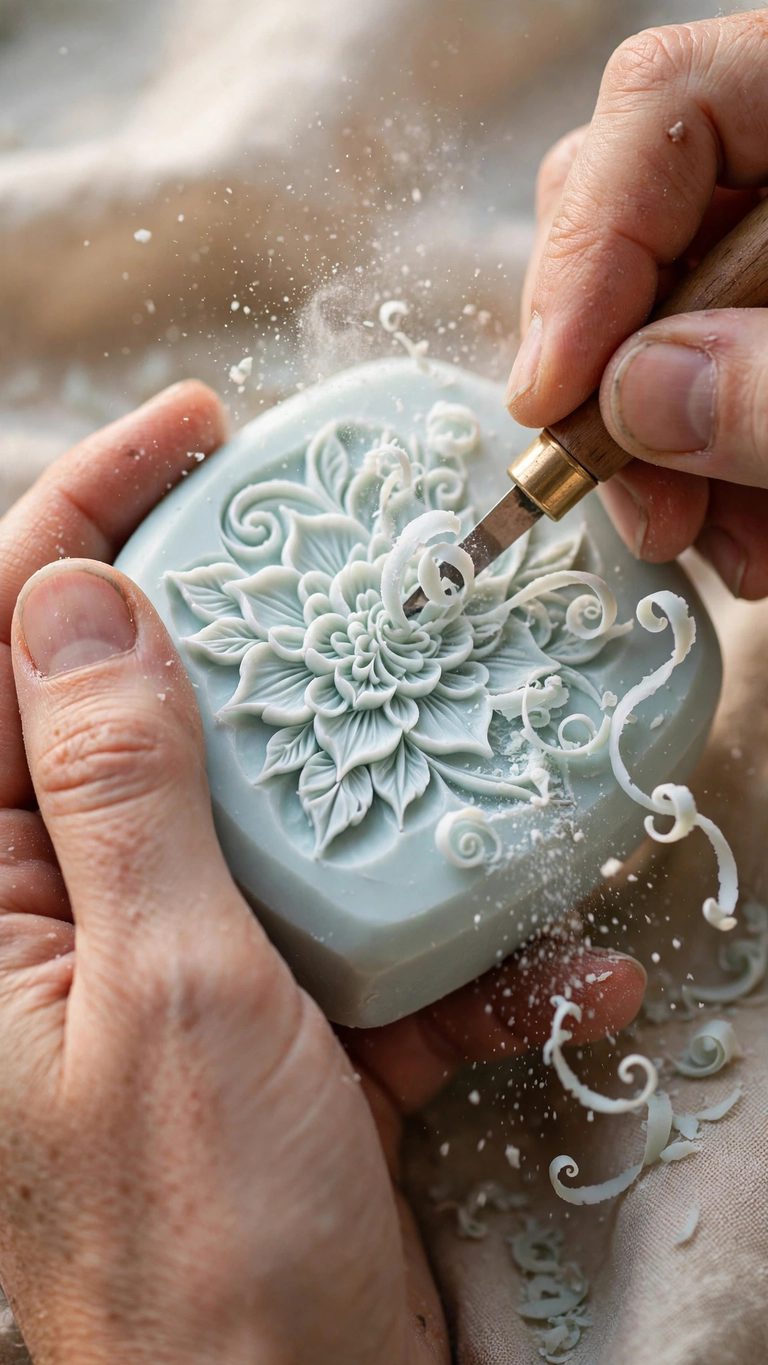
- Free Viral AI Video Prompt: Skilled Hands Carving Flowers Into Pastel Soap, Oddly Satisfying Viral Art
# A I V i d e o # P r o m p t B a z a r # I c e C a r v i n g # S c u l p t u r e # S a t i s f y i n g

Leave a Reply