
Introduction
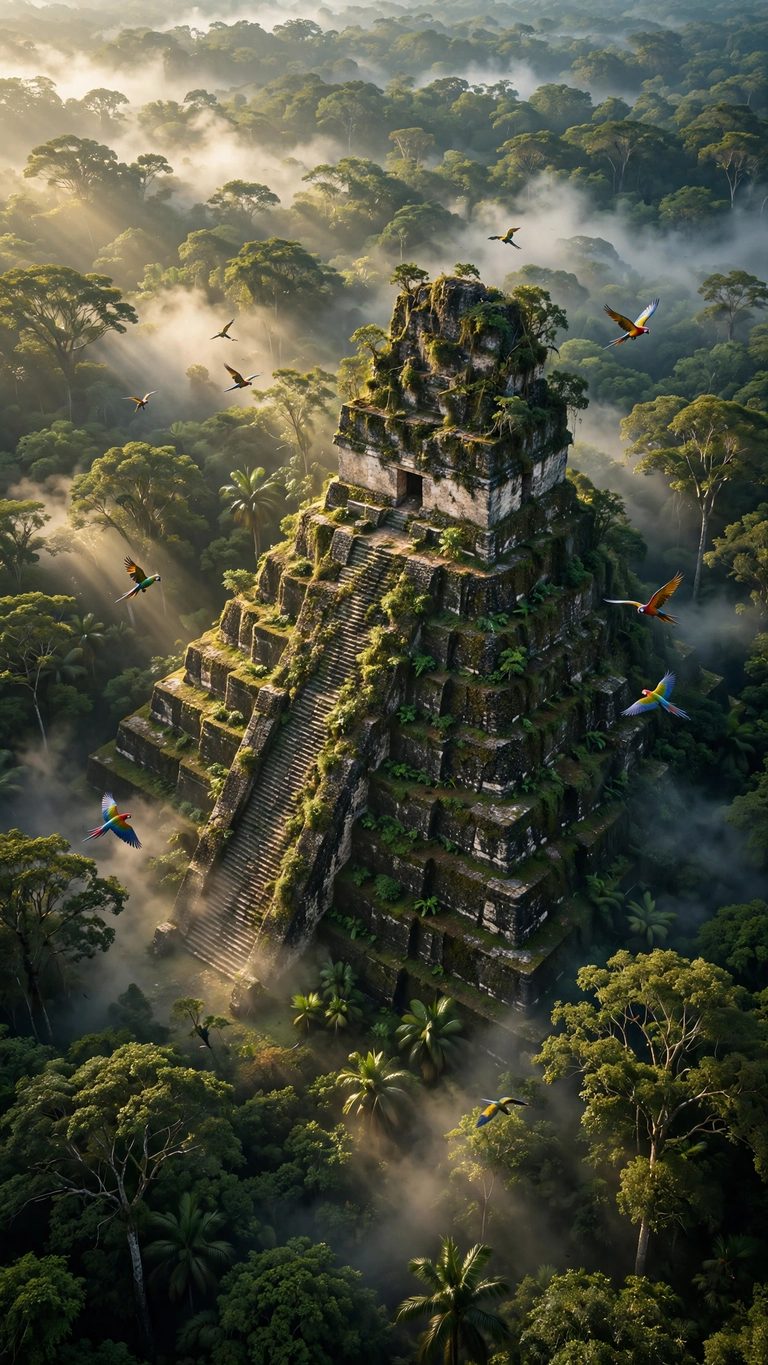
Picture this: dawn breaks over the Guatemalan rainforest and a veil of silver mist drifts between the emerald treetops. Suddenly, through the haze, a colossal stone pyramid pierces the canopy — a thousand-year-old monument to a vanished empire. A camera swoops like a falcon, circling the ancient stones as shafts of sunlight spear through the leaves and parrots explode into the sky in a riot of color. This is the kind of shot that once required a helicopter crew, permits from archaeological authorities, and a six-figure budget. Today, it takes one carefully crafted AI video prompt and about ten seconds of generation time. Ancient civilizations are endlessly fascinating to audiences because they sit at the intersection of mystery, grandeur, and human imagination. Content about lost worlds, forgotten empires, and archaeological wonders consistently outperforms generic travel footage on every short-video platform, because it promises the viewer a journey somewhere they can never go. Whether you run a history channel, a travel page, or simply love crafting viral cinematic clips, a Mayan temple drone shot is pure gold: instantly recognizable, visually overwhelming, and dripping with atmosphere. In this article we break down a complete, copy-paste-ready prompt that produces exactly this scene, explain why every word in it earns its place, and show you how to generate, polish, and post the video on tools like Veo 3, Runway, Kling, Pika, and Sora.
The Prompt
Copy the prompt below exactly as written — every descriptive phrase shapes the final video. Paste it into your AI video generator of choice:
Mystical drone flight over a towering Mayan pyramid emerging from dense jungle canopy, morning mist weaving between ancient stones, parrots flying past, camera circling the temple majestically, sunbeams piercing the trees, lost world wonder, ultra realistic, 8k, cinematic aerial, mystical ancient power
Why This Prompt Works
The reason this prompt delivers such breathtaking results is that it layers atmosphere, motion, and light in a deliberate order. The opening phrase, ‘Mystical drone flight,’ immediately tells the model two things: the mood (mystical, dreamlike) and the camera behavior (smooth aerial movement), which produces the graceful, sweeping motion that makes drone footage feel cinematic rather than jittery. Naming a ‘towering Mayan pyramid emerging from dense jungle canopy’ anchors the subject with unmistakable identity — the model knows to render stepped stone architecture, steep staircases, and temple crowns instead of vague ruins, and the word ‘towering’ guarantees scale that dwarfs the surrounding trees. ‘Morning mist weaving between ancient stones’ is the secret weapon of this prompt: volumetric fog adds depth, hides imperfections in the 3D rendering, and creates the layered parallax that tricks the eye into seeing real-world distance. Moving life — ‘parrots flying past’ — is essential because AI video can feel frozen when nothing crosses the frame; birds give the scene pulse and motion cues. The directive ‘camera circling the temple majestically’ supplies a clear orbital path, one of the easiest movements for models to render consistently, which reduces the risk of warping geometry. ‘Sunbeams piercing the trees’ invokes god rays, the single most reliable way to make a jungle scene look expensive and cinematic. Finally, ‘lost world wonder’ sets the emotional register, while ‘ultra realistic, 8k, cinematic aerial’ acts as quality reinforcement — these tags push the model toward high-detail output with film-like color grading rather than cartoonish or low-resolution results.
How to Use This Prompt
Follow these steps to turn the prompt into a finished video: 1. Choose your generator: paste the prompt into Veo 3 for the most photorealistic result, or Runway Gen-4, Kling 2.x, Pika, or Sora for equally strong alternatives. 2. Set the output format to 9:16 vertical and 10 seconds, matching the original settings — vertical is mandatory for Reels, Shorts, and TikTok. 3. If your tool supports camera controls, confirm the motion reads as a circling aerial; in Runway use ‘Orbit’ motion, in Pika describe ‘slow drone orbit’ in a negative or motion box if available. 4. Generate two or three variations and keep the one where the pyramid stays geometrically stable — slight flicker in the mist is fine, but collapsing stairs are not. 5. Add audio: layer royalty-free jungle ambience and a slow, epic orchestral swell or tribal drums — sound design carries at least half the drama. 6. Color grade lightly: boost greens and warm golds, add a subtle vignette, and consider a soft film grain overlay for a documentary feel. 7. Post with a hook caption such as ‘POV: you found a lost world’ plus hashtags like #AIVideo, #Mayan, and #Drone, and publish when your audience is most active.
Pro Tips & Creative Variations
Once you have the base shot working, try these pro variations. First, change the time of day: replace ‘morning mist’ and ‘sunbeams’ with ‘golden sunset glow’ or ‘moonlit night with torches on the steps’ for an entirely different mood that can become its own viral clip. Second, go inside the story: add ‘jaguar watching from the treeline’ or ‘archaeologists rappelling down the temple face’ to introduce characters and narrative tension. Third, extend the sequence by generating a matching second shot — for example, a slow push through the temple doorway into a torch-lit inner chamber — and cut the two together for a 20-second mini story. To keep continuity between clips, reuse the exact descriptive phrases (‘towering Mayan pyramid’, ‘dense jungle canopy’) so the second generation inherits the same look. If the model renders garbled geometry on the pyramid steps, add negative prompts like ‘warped architecture, melting stones, distorted stairs’. Experiment with aspect ratios: a 16:9 version makes a stunning YouTube intro or channel trailer. Pair this clip with educational text overlays — a fact about the Maya civilization in the caption — and your content works for both entertainment and learning audiences, which dramatically widens its shareability. Finally, save this prompt in a personal prompt library; jungle-and-ruin scenes are a proven evergreen niche that performs year-round.
Frequently Asked Questions
Which AI video tool gives the best result for this prompt?
Veo 3 currently produces the most photorealistic jungle and stone detail, but Kling and Runway Gen-4 render excellent aerial motion too. Pika is fastest for quick tests, and Sora handles long, smooth camera orbits beautifully. Try at least two before committing to one.
Why is my pyramid melting or warping?
That usually happens when the camera move is too complex for the model. Keep the orbit slow and wide, add ‘stable geometry’ to the prompt, and use negative prompts like ‘distorted, warping, melting’. Generating at the highest quality tier also reduces artifacting.
Can I use this video commercially?
Check the license of the tool you generated it with — most paid plans include commercial rights to outputs, but free tiers vary. Avoid claiming it is real documentary footage; label it clearly as AI-generated to stay compliant with platform policies.
How do I make it longer than 10 seconds?
Generate a second 10-second shot with matching descriptors (for example, a descent toward the temple stairs) and join the clips with a seamless crossfade. Most generators also offer ‘extend’ features that continue the same scene forward in time.
The Mayan temple drone prompt proves that one paragraph of well-chosen words can replace a film crew. Master the interplay of mist, light, and motion, and you can conjure lost worlds on demand — then grow an audience that keeps coming back for the next discovery.
Related Viral Prompts
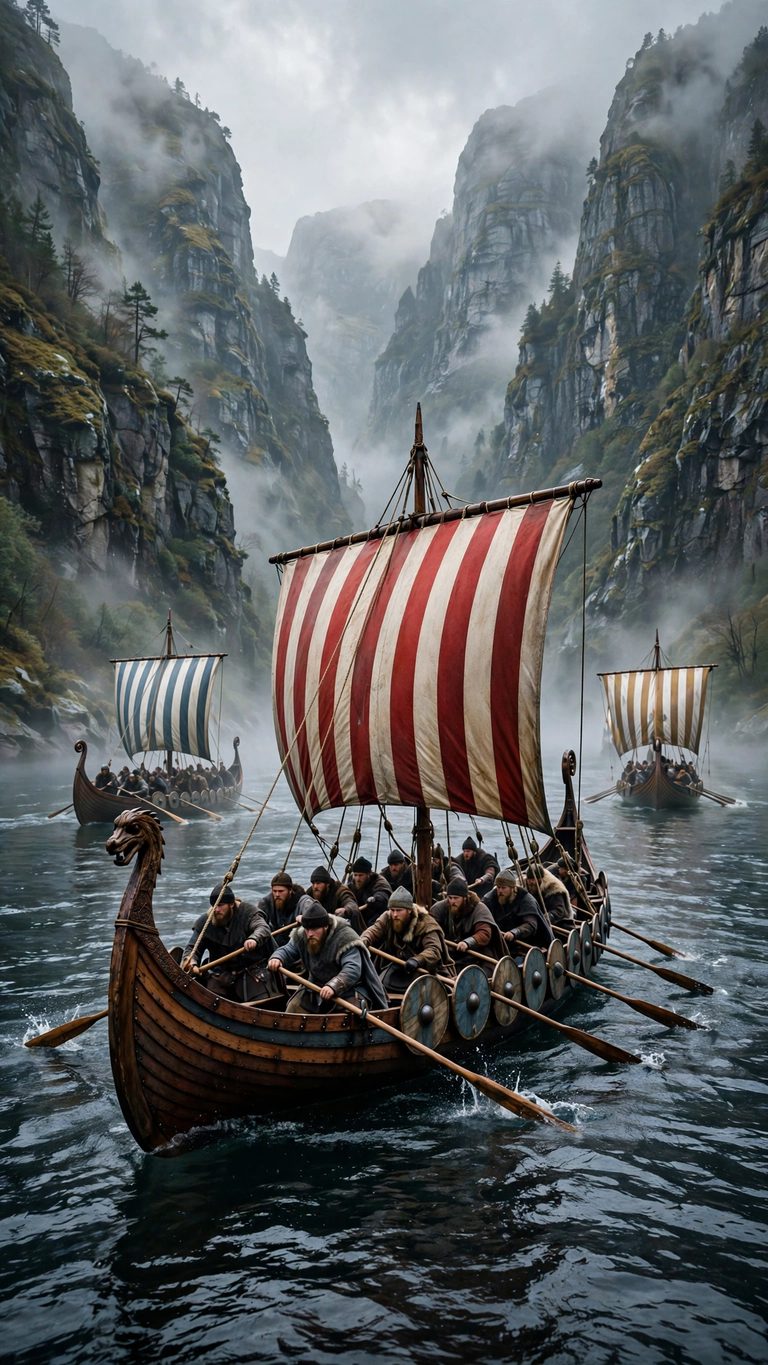
- Viking Longships Sailing a Misty Norwegian Fjord: The Epic AI Video Prompt for Norse Saga Cinematic Voyages
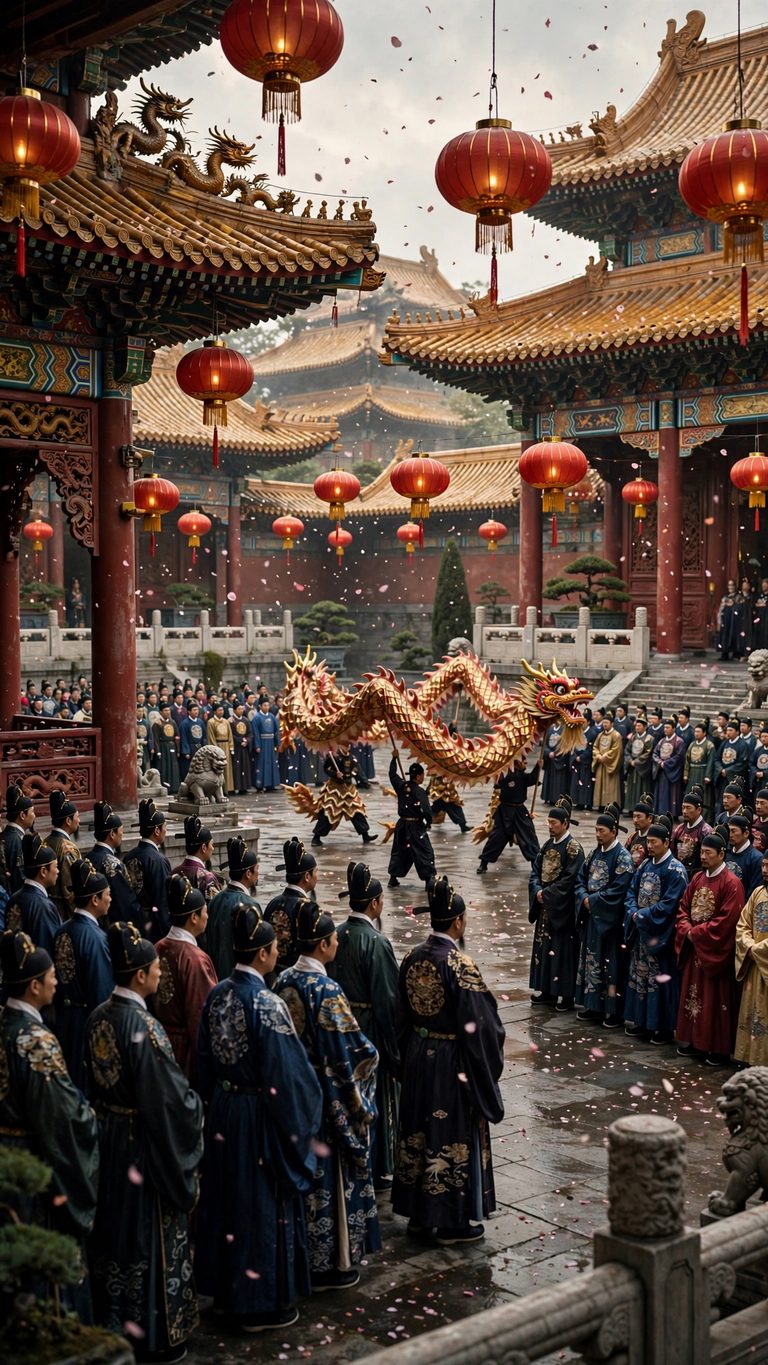
- Imperial Chinese Palace Ceremony: A Lavish AI Video Prompt for Ancient Grandeur and Festive Splendor
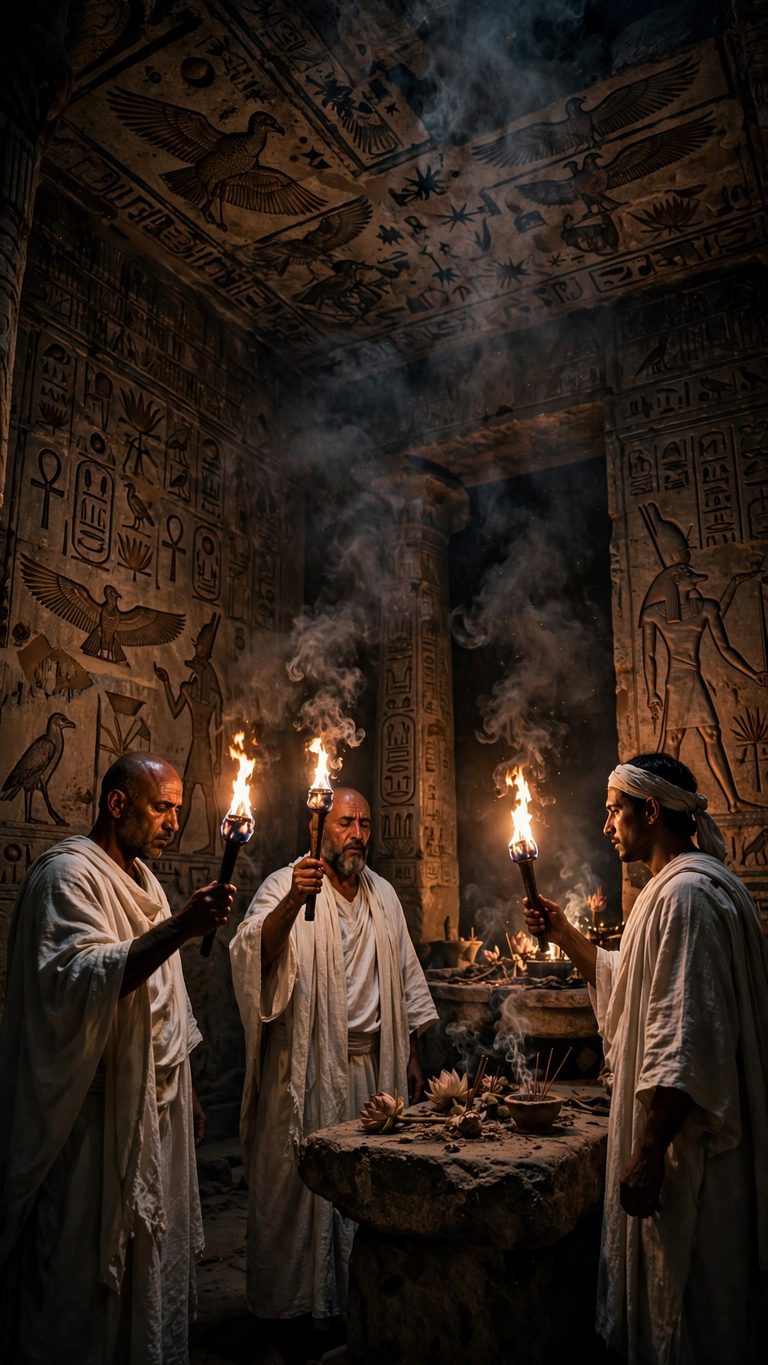
- Egyptian Torchlight Temple Ritual at Night: A Mystical AI Video Prompt for Ancient Sacred Ceremony Videos
# A I V i d e o # P r o m p t B a z a r # M a y a n # T e m p l e # D r o n e

Leave a Reply