
Introduction
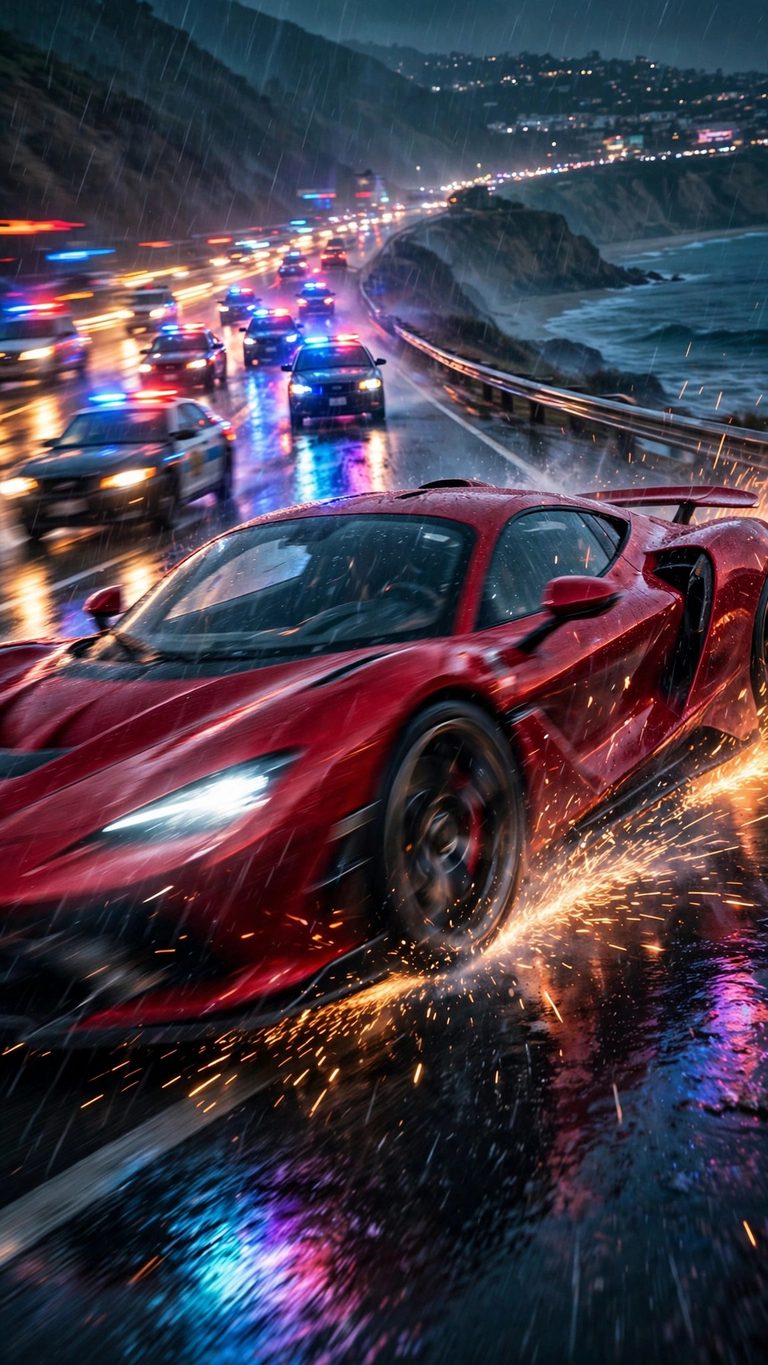
Midnight. A coastal highway slick with rain. Headlights smear into long ribbons of white and red as a crimson supercar slices through traffic, its taillights bleeding across the wet asphalt. Behind it, red and blue police strobes pulse through the mist, sparks skittering off the guardrail, and a low tracking camera glides alongside the chase as if it were mounted on an invisible pursuit vehicle. This is the kind of eight-second clip that makes thumbs stop mid-scroll, the kind of shot that usually takes a film crew, a closed road, stunt drivers, and a six-figure budget. Now it takes one paragraph of text. The supercar night chase is one of the most reliably viral formats in automotive content because it compresses an entire action movie into a single breathless moment: speed, danger, beauty, and escape, all glowing under neon. With this AI video prompt, you can generate a photorealistic 8K chase scene in seconds, ready for Reels, TikTok, and Shorts. No cameras, no rain machines, no permits. Just copy the prompt below, paste it into your favorite AI video generator, and watch the #Supercar comments roll in.
The Prompt
Here is the exact prompt, ready to copy and paste into Veo 3, Runway, Kling, Pika, or Sora. Do not change a word unless you are deliberately customizing it.
High-octane night chase on a rain-soaked coastal highway, a crimson supercar weaving through traffic with motion blur, police lights strobing behind, low tracking camera gliding beside the car, neon reflections dancing on wet asphalt, sparks flying, intense cinematic energy, dramatic color grade, ultra realistic, 8k, photorealistic detail
Why This Prompt Works
This prompt succeeds because every phrase is engineered for visual psychology and platform behavior. First, the low tracking camera gliding beside the car triggers our hardwired perception of speed. Film researchers have long known that a camera moving parallel to a fast object, combined with motion blur, makes viewers feel velocity in their bodies, not just see it. Your audience does not watch the chase; they ride in it. Second, the rain-soaked highway is doing quiet heavy lifting. Wet asphalt acts like a mirror, doubling every neon sign and headlight into shimmering reflections that make the frame feel rich, expensive, and cinematic. Psychologists call this kind of dense, glowing detail visual reward, and it is a major reason rain-at-night footage outperforms dry daytime footage in automotive edits. Third, the police lights strobing behind the car add narrative tension, the oldest engagement trick in storytelling. The viewer instantly asks one question: will it get away? That open loop keeps eyes locked for the full eight seconds and drives replays, which is exactly what short-form algorithms reward. Fourth, the sparks and dramatic color grade push the clip into movie-trailer territory, and sparks are pure shareability fuel: sudden, bright, surprising. Finally, the prompt closes with quality anchors, ultra realistic, 8k, photorealistic detail, which steer the model away from a game-like or cartoonish render and toward the photographic look that makes #NightChase content feel authentic. Put together, you get adrenaline, beauty, and story in one clip, the three ingredients behind nearly every viral car video on the internet right now.
How to Use This Prompt
Using this prompt takes less than five minutes, even if you have never generated an AI video before. Step one: copy the full prompt text from the box above, exactly as written. Step two: open your AI video tool of choice. This prompt works beautifully in Veo 3, Runway Gen-4, Kling, Pika, and Sora, all of which handle cinematic motion and rain reflections well. Step three: start a new text-to-video project and set the aspect ratio to 9:16 vertical, the native format for Reels, TikTok, and Shorts, exactly as specified in this post’s settings. Step four: paste the prompt into the text field. Step five: set the duration to 8 seconds and choose a fast tracking shot style if your tool offers camera controls; in Kling and Runway you can reinforce the lateral tracking motion with a camera-direction setting, while in Veo 3 and Sora the prompt language alone usually carries it. Step six: generate two or three variations, because rain density and the placement of the police lights vary between runs, and pick the take with the strongest reflections. Step seven: download your favorite, add a trending audio track and on-screen captions in your editor, and post it with hashtags like #NightChase and #Supercar. Pro move: keep the first frame punchy, since platforms judge the hook in under a second, and this prompt’s opening rain-and-neon composition delivers exactly that.
Pro Tips & Creative Variations
Once you have the base chase working, the real fun begins, because this prompt is a template you can reskin endlessly for a whole content series. Start with color: swap crimson for midnight black with silver reflections for a stealth look, electric blue for a cyberpunk vibe, or pearl white for contrast against the dark road. Each color reads completely differently in the neon reflections and gives you a fresh post from the same prompt. Next, change the weather and setting while keeping the chase structure. Try the same prompt on a dry desert highway at dusk, in thick mountain fog, or through a neon downtown canyon, and the mood transforms while the proven composition stays intact. Camera variations are equally powerful: request an aerial drone shot swooping above the chase, a hood-mounted POV from the pursuing car, or a rear three-quarter view that emphasizes the police lights. For editing, consider generating a slow-motion version by adding slow motion to the prompt, which stretches the sparks and rain into dreamlike detail, perfect for pairing with a bass-heavy audio drop. You can also build a three-part series by generating a beginning (the chase starts), a middle (weaving through traffic), and an end (the supercar vanishing into a tunnel), then stitching them into a 24-second mini-movie. Text overlays multiply engagement: add a line like POV: you took the wrong exit at midnight and watch the comments. If you want a purer beauty shot, simply delete the police lights phrase and keep everything else, and you get a moody supercar showcase instead of a chase. Finally, describe the car more specifically for realism, such as a low-slung Italian V12 supercar with scissor doors, but keep brand names out so the render stays generic and copyright-safe.
Frequently Asked Questions
Will the video look realistic enough to fool viewers?
With the quality anchors in this prompt, ultra realistic, 8k, photorealistic detail, current models like Veo 3 and Kling produce genuinely photographic results, especially in dark rainy scenes where low light hides small imperfections. Most viewers will not suspect AI, though you should still label AI-generated content where your platform requires it.
Which AI video tool gives the best results for this prompt?
Veo 3 and Kling currently lead for cinematic rain, reflections, and fast vehicle motion, with Runway close behind for color grading. Pika is great for quick iterations, and Sora handles the tracking camera beautifully. Try two tools with the same prompt and keep the stronger render.
Can I monetize videos made with this prompt?
Generally yes, but check your generator’s commercial-use terms, since they vary by plan. Keep the car brand-generic as written, add your own editing and audio, and you have original content suitable for creator funds, sponsorships, and affiliate posts.
How do I make the 8-second clip longer?
Generate three variations with slightly different traffic or weather, then stitch them in CapCut or Premiere into a 20 to 30 second sequence. Alternatively, use your tool’s extend or loop feature to stretch the best take, and add a beat-synced audio track so the loop feels intentional.
That is the entire playbook: one prompt, five minutes, and a chase scene worthy of a movie trailer. Copy the prompt above, generate your rain-soaked pursuit tonight, and post it before the trend cools. Tag it #Supercar, pick a trending sound, and let the algorithm do the rest. Your next viral clip is literally one paste away, so go make it.
Related Viral Prompts
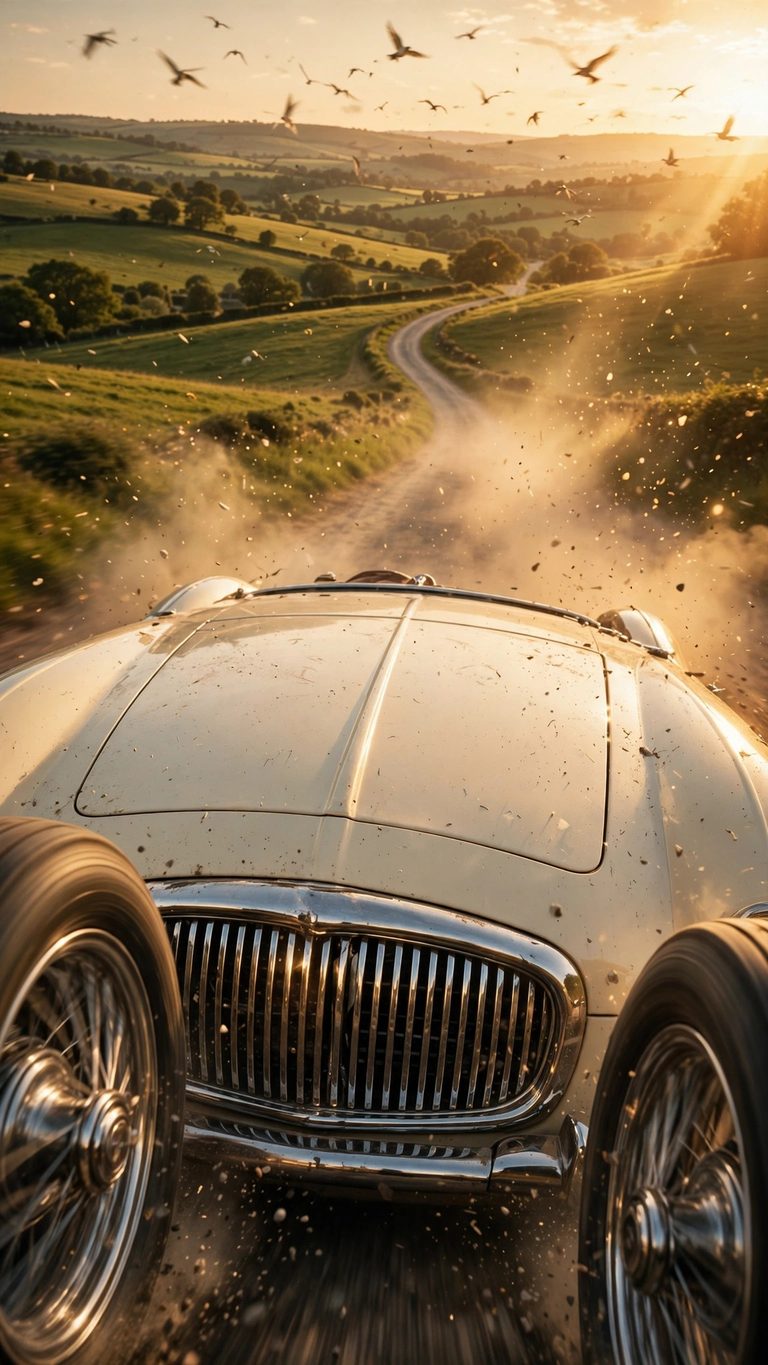
- Vintage Car Countryside AI Video Prompt: Generate a Golden Hour 8K Classic Convertible Drive Through Rolling Hills
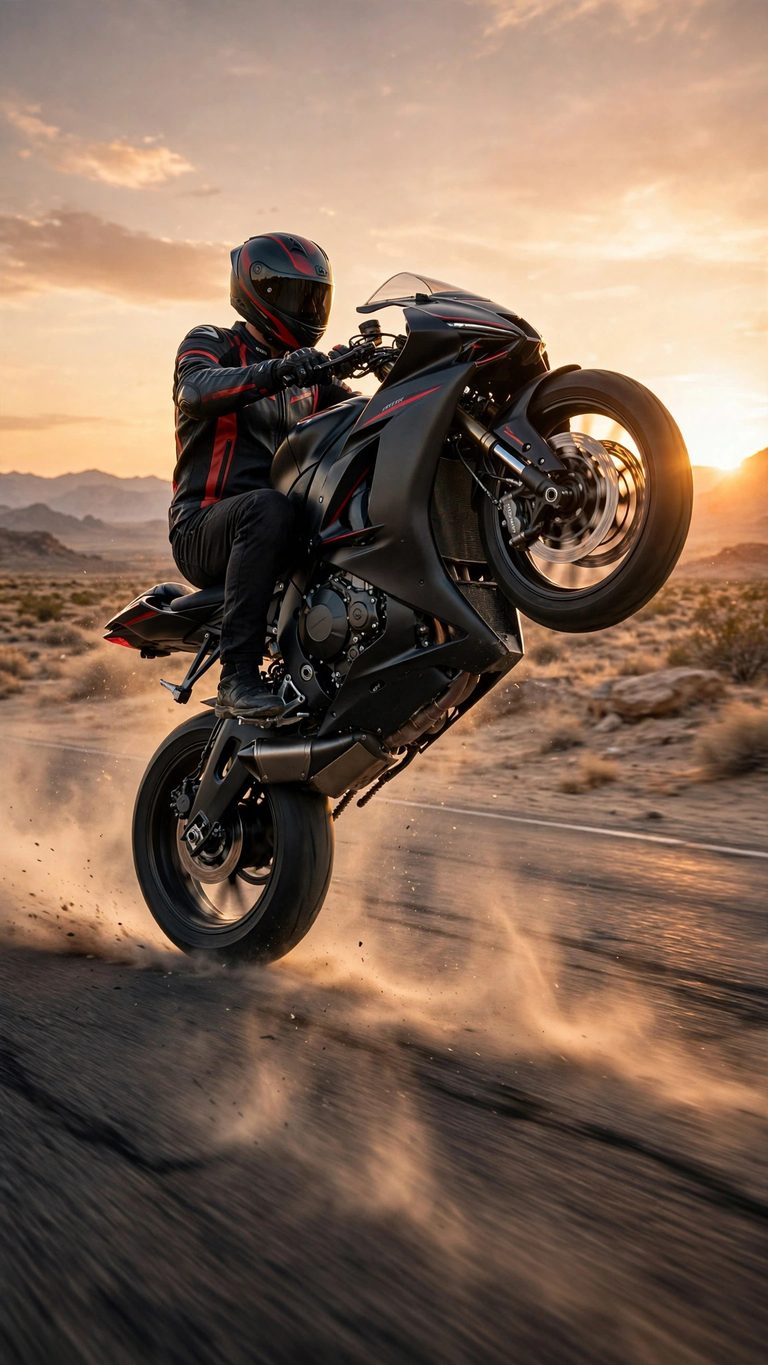
- Motorbike Highway Wheelie AI Video Prompt: Create a Slow Motion 8K Sunset Stunt With a Sports Bike on a Desert Road
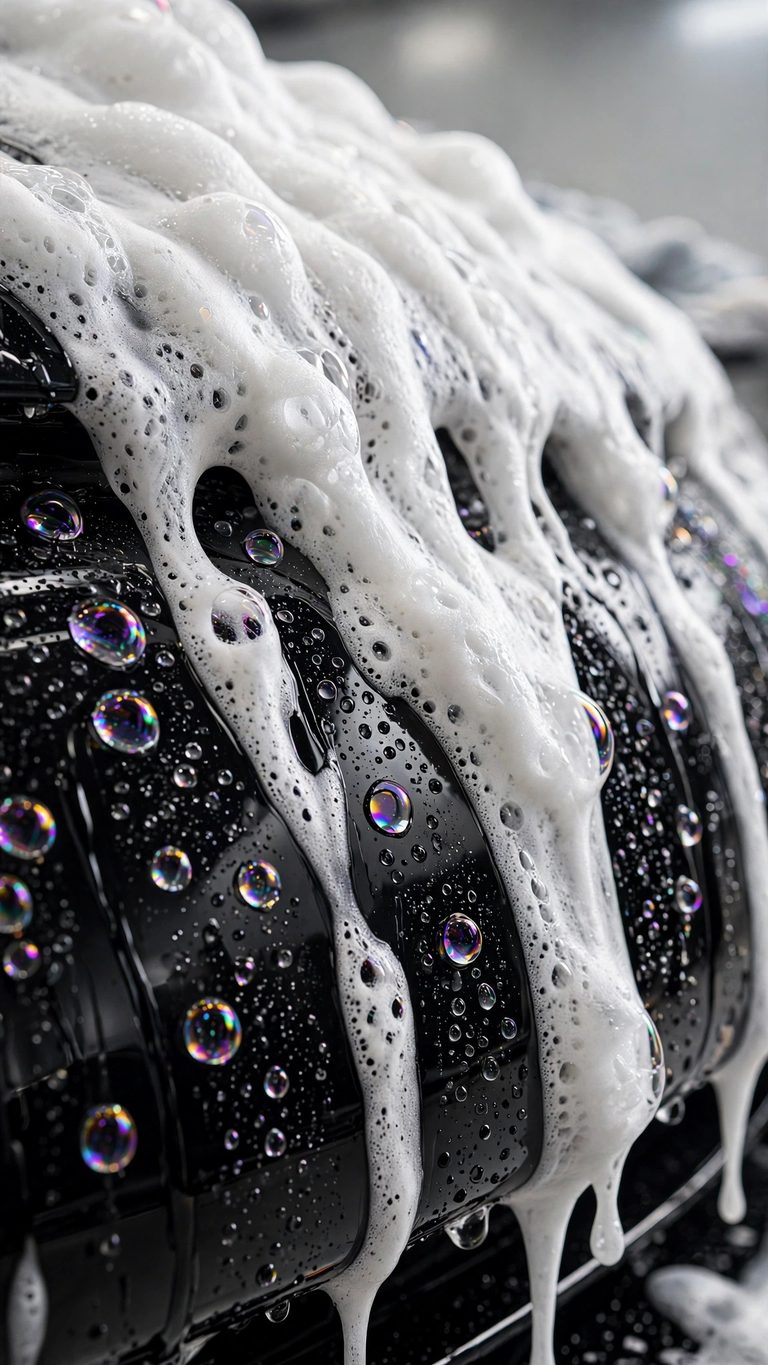
- Car Detailing Foam Macro AI Video Prompt: Generate an Oddly Satisfying 8K Slow Motion Studio Shot of Cascading Foam
# A I V i d e o # P r o m p t B a z a r # S u p e r c a r # N i g h t C h a s e # V i r a l R e e l s

Leave a Reply