
Introduction
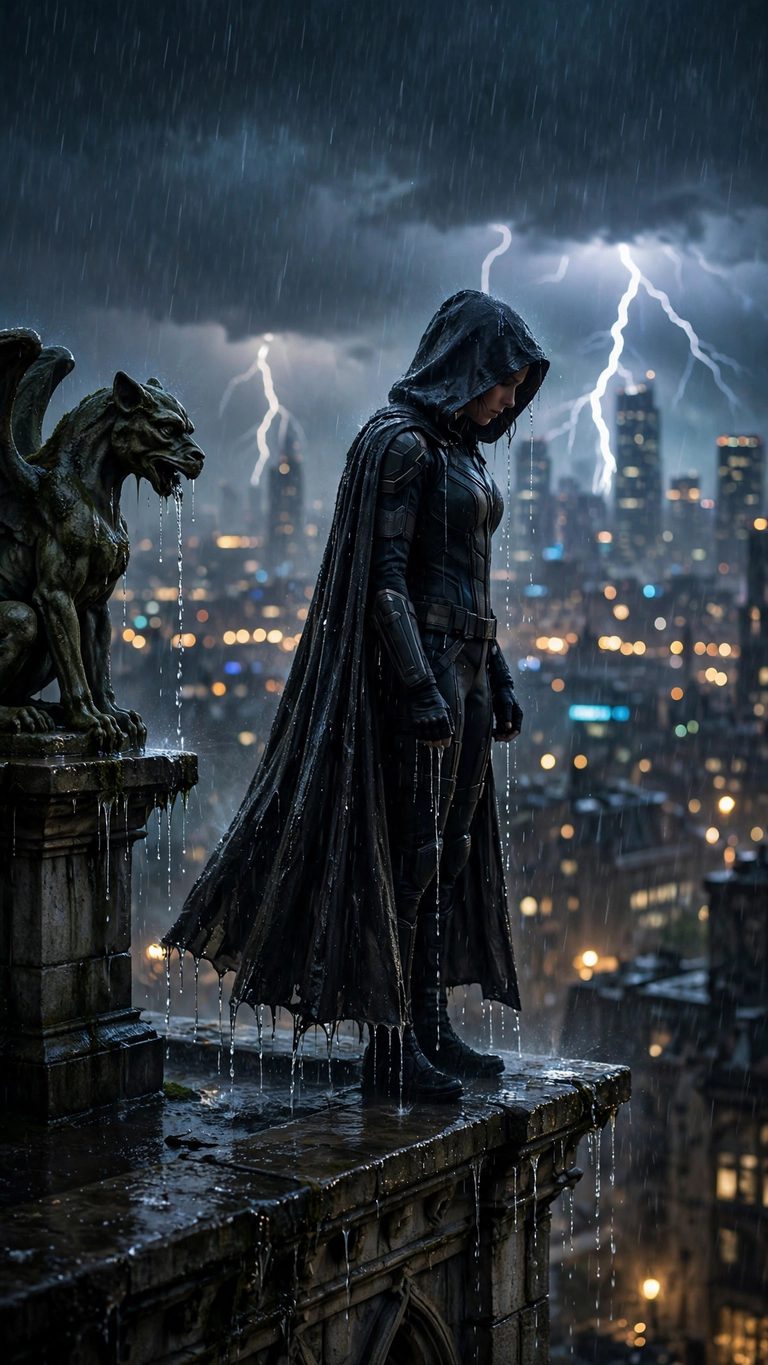
Some heroes stand in the spotlight. The best ones stand in the rain. There is something about a lone figure on a gargoyle-topped rooftop at midnight — head bowed, cape heavy with water, city lights smearing into gold and red below — that turns a simple picture into a story. It is the dark knight atmosphere, the cinematic noir tone, the promise that someone is out there watching while everyone else sleeps. This free viral AI photo prompt captures that exact mood: a moody superhero photograph of a solitary hero in heavy night rain, lightning splitting the sky behind distant towers, a puddle at his feet reflecting a determined face. AI models are surprisingly good at rain, reflections and noir lighting when you tell them exactly what to render, and this prompt tells them everything. Use it for a brooding wallpaper, a comic-book-style character study, or a #Noir post that stands out in every #Superhero feed. Below you will find the exact prompt, a breakdown of why it works, step-by-step instructions for Midjourney, DALL-E 3, Flux and Stable Diffusion, and creative spins that push the mood even darker or give it a glimmer of redemption. Pour yourself some coffee. It is going to rain.
The Prompt
Here is the exact copy-paste prompt — use it verbatim for the most faithful results, then tweak from there:
Moody superhero photograph of a lone hero standing on a gargoyle-topped rooftop in heavy night rain, head bowed, water streaming off the cape, city lights blurred below, lightning flashing behind distant towers, reflection in a puddle showing a determined face, dark knight atmosphere, cinematic noir tones, ultra detailed, 8k, masterpiece
Why This Prompt Works
This prompt works because it commits to a mood and never lets go. “Moody superhero photograph” opens with medium plus atmosphere in three words, and “lone hero” immediately tells the model that negative space and solitude are the subject — AI generators compose single figures with far more confidence than crowds, so the loneliness is a technical advantage as well as an emotional one. The setting does enormous work: a “gargoyle-topped rooftop” is a hyper-specific visual anchor pulled straight from the dark knight visual vocabulary, and specificity is what separates viral prompts from mush. Generic “rooftop” gets you a generic roof; “gargoyle-topped” gets you gothic stonework, history, and silhouette interest. “Heavy night rain” is the prompt’s secret weapon. Rain gives the model permission to render streaks, splashes, wet sheen on the cape, and atmospheric haze — all texture-rich elements that diffusion models excel at, and all of which read as production value to a viewer. “Head bowed” and “water streaming off the cape” are small, concrete physical details; models render concrete physics (“water streaming”) far better than abstract feelings (“looking sad”). “City lights blurred below” introduces bokeh, one of the strongest depth cues in photography, and it keeps the background from competing with the hero. “Lightning flashing behind distant towers” adds a second light source — cool blue-white rim light that cuts the warm city glow and creates the classic noir color contrast. The “reflection in a puddle showing a determined face” is a genius compositional trick: it lets the prompt show the hero’s expression without breaking the bowed-head pose, and reflections are catnip for AI models trained on millions of rain photos. “Cinematic noir tones” locks the grade — crushed blacks, desaturated palette, high contrast — and the quality stack (“ultra detailed, 8k, masterpiece”) polishes the finish. The result feels like a film still because it was directed like one.
How to Use This Prompt
This rain-soaked noir prompt runs beautifully on every major generator — the trick is giving each platform the right aspect ratio and letting the rain and reflections render at high detail. Here is the platform-by-platform playbook.
Midjourney
Paste the full prompt as your /imagine input. Add --ar 2:3 for a poster-style portrait or --ar 16:9 for a cinematic wallpaper, plus --style raw if you want the photography to feel less processed. If the first roll is close but not perfect, use Vary (Subtle) rather than starting over — this prompt’s composition is strong, so small variations usually land the winner within two or three rolls.
DALL-E 3 (via ChatGPT)
Paste the prompt into ChatGPT and ask for a wide or portrait image explicitly, e.g. “Generate this as a vertical poster.” DALL-E 3 follows descriptive instructions very literally, so the detailed staging in this prompt (poses, light sources, background layers) translates unusually faithfully. If something renders wrong, describe the fix in plain words — “make the cape larger and more windswept” — and regenerate rather than editing the whole prompt.
Flux
Flux excels at photorealism and follows long prompts well. Paste the prompt verbatim, set your aspect ratio before generating, and use 30-50 inference steps for maximum detail. Flux is particularly strong on fabric, water, and light effects, so lean into those strengths — and if you want text-free clean output, add “no text, no watermark” to be safe.
Stable Diffusion (SDXL / Pony / realism checkpoints)
Put the prompt in the positive field and add a short negative prompt such as “blurry, deformed hands, extra limbs, watermark, low quality.” Use 30+ steps, CFG 5-7, and a realism or cinematic checkpoint for photographic results. SDXL gives you the most control: if one element misbehaves, mask it and inpaint just that region instead of rerolling the whole image.
Universal tip: generate 3-4 variations every time and judge at full size. AI composition varies seed to seed, and with a prompt this detailed the difference between a good result and a viral one is usually one reroll away.
Pro Tips & Creative Variations
The rain-noir formula is a playground once you learn its levers. Start with the weather: “heavy night rain” can become “freezing rain turning to mist,” “a downpour lit by neon signs,” or “rain easing off, steam rising from the rooftop” — each shifts the mood from despair to endurance to quiet aftermath. Swap the light sources for completely different films: replace lightning with “a burning building glowing on the horizon” for a rescue-aftermath story, or “searchlights sweeping the clouds” for a city-on-alert feeling. The puddle reflection is your storytelling wildcard — try “reflection showing the city skyline instead of his face” for mystery, or “cracked reflection in a shattered puddle” for a hero at his lowest point. For color experiments, push the noir grade: “black and white with a single red neon sign reflected” is an instant classic, while “teal and orange cinematic grade” modernizes the whole frame. Character variations work beautifully here: a heroine with rain-plastered hair, an older hero with a weathered cape, or even the silhouette only — “face hidden in shadow, only the emblem visible” — for maximum menace. Technical tips: rain renders best at higher detail settings, so do not skimp on steps or upscale passes; if the gargoyle looks blobby, add “intricate gothic stonework” to force the detail; and if the lightning looks pasted-on, move it “far on the horizon” so it reads as environment, not effect. This is also a phenomenal prompt for series work — generate the same hero in rain, then in clearing dawn, then in sunlight, and you have a three-panel redemption arc that performs brilliantly as a carousel. #Noir #Superhero carousels are some of the highest-saving content in the niche.
Frequently Asked Questions
Why does rain make AI images look more cinematic?
Rain adds what cinematographers call ‘atmosphere’: streaks, splashes, reflections, wet highlights, and haze. Each of those is a texture or light effect that diffusion models render extremely well, and together they create depth, mood, and production value that a dry scene has to work much harder to achieve. It is the same reason filmmakers rent rain machines — atmosphere is a shortcut to cinema, and this prompt bakes it in.
My puddle reflection looks like a smudge. Any tips?
Reflections need a calm surface and a clear subject. Strengthen the phrase to ‘a still puddle mirroring his determined face clearly’ and keep the hero large in the frame — tiny figures give the model too few pixels to resolve a face twice. Generating at higher resolution (or upscaling before judging) helps enormously, since reflections live or die on fine detail.
Can I adapt this prompt for a heroine or a different hero?
Absolutely — swap ‘lone hero’ for ‘lone heroine in a long dark coat over her suit’ or describe any original character, and the entire noir apparatus (rain, gargoyle, lightning, reflection) keeps working unchanged. The mood lives in the environment, not the character, which is why this prompt is such a good reusable template.
What aspect ratio works best for this noir rooftop scene?
A vertical 2:3 or 9:16 portrait frame suits the lone-figure-on-a-rooftop composition — it gives the rain vertical room to fall and stacks hero, city, and sky into a natural top-to-bottom read. For a wallpaper, 16:9 works if you widen the prompt’s city description; for a phone lock screen, go 9:16 and let the lightning fill the upper third.
Every legend needs a night like this — rain hammering down, lightning on the horizon, one figure refusing to leave the rooftop. This free viral AI photo prompt bottles that entire #Noir film in a single paragraph. Run it tonight, find your favorite reflection, and post it with #Superhero pride. The city is waiting for its guardian. So is your feed.
Related Viral Prompts
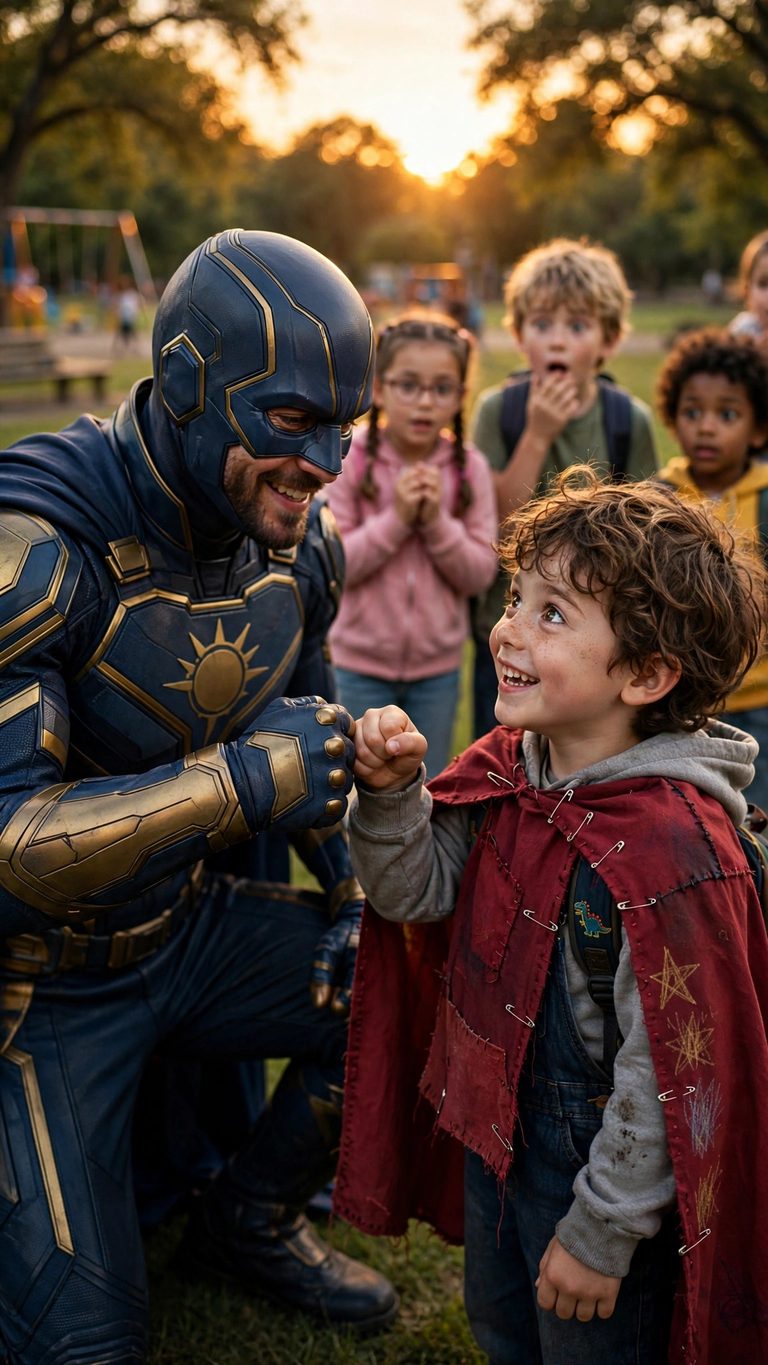
- Hero Meets His Littlest Fan: Free Viral AI Photo Prompt for a Wholesome Heartwarming Superhero Moment
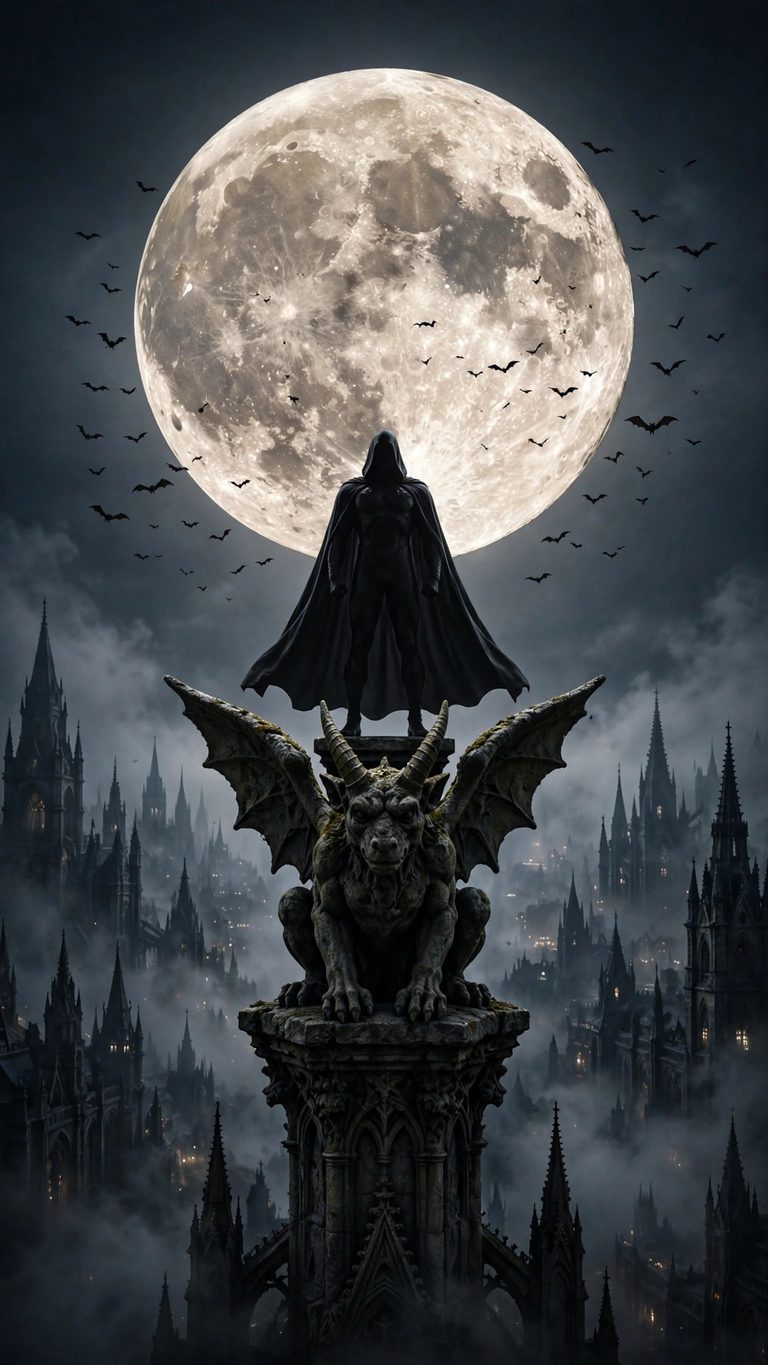
- Guardian Before the Giant Full Moon: Free Viral AI Photo Prompt for an Iconic Superhero Silhouette Shot
- Dive Into Deep-Sea Heroism: Free Viral AI Photo Prompt for a Dramatic Underwater Superhero Rescue Scene
# A I P h o t o # P r o m p t B a z a r # S u p e r h e r o # R a i n # N o i r

Leave a Reply