
Introduction
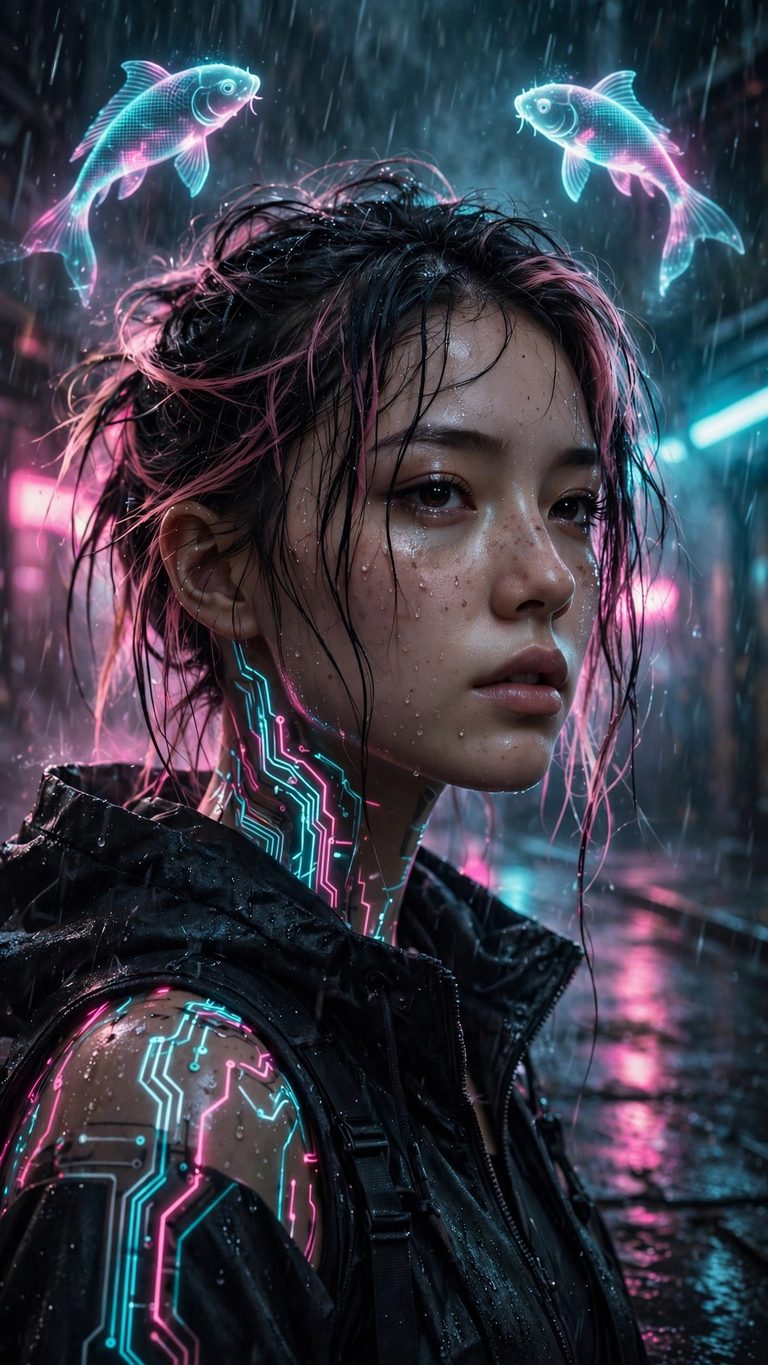
There’s a reason cyberpunk portraits go viral every single week: they fuse the raw humanity of a face with the electric energy of a neon-drenched future. Picture it — a young woman standing alone in a rain-soaked alley, glowing circuit tattoos tracing her skin, pink and cyan signs bleeding their reflections across the wet asphalt. This is the kind of AI photo that stops thumbs mid-scroll, racking up likes because it looks like a frame ripped from a big-budget sci-fi film. Every creator in the #Cyberpunk niche knows the secret: moody lighting, believable rain, and a single human subject the viewer can connect with. With this AI photo prompt from #PromptBazar, you don’t need a film crew or a lighting rig — just copy, paste, and watch your generator paint the scene. Whether you’re building a #Portrait series for Instagram or testing how far your image model can go, this rainy neon alley setup is one of the most reliable crowd-pleasers in AI photography right now.
The Prompt
Below is the exact, ready-to-copy prompt that produced this result. Paste it straight into your image generator, then read the rest of this article to learn how to push it even further.
Moody cyberpunk portrait of a young woman with glowing circuit tattoos standing in a rainy neon alley at night, pink and cyan signs reflecting on wet asphalt around her, rain streaking through beams of light, holographic koi fish drifting overhead, cinematic rim lighting, shallow depth of field, hyper detailed skin texture, 8k, masterpiece
Why This Prompt Works
This prompt succeeds because it stacks proven visual psychology layers instead of relying on one gimmick. First, the human subject: viewers lock onto faces, and glowing circuit tattoos give the portrait an instant story — a person merged with technology. That fusion of organic and synthetic is the beating heart of the cyberpunk aesthetic, and audiences on every platform are conditioned to love it thanks to years of #Neon-soaked films and games. Second, rain. Rain streaking through light beams adds depth, motion, and a cinematic texture that flat renders can’t match; it also justifies dramatic rim lighting and gives every surface something to reflect. Third, the color science: pink and cyan are complementary opponents, and when they bounce off wet asphalt the frame practically vibrates. Holographic koi fish drifting overhead add something unexpected — a surreal, poetic detail that separates this from generic street scenes. Shallow depth of field keeps the woman’s face tack-sharp while the neon blurs into creamy bokeh, mimicking how a real portrait lens behaves. Finally, quality tokens like ‘8k’ and ‘masterpiece’ signal the model to max out detail and finish. On platforms, moody portrait-style cyberpunk images consistently outperform pure landscape shots because people project themselves into the frame — and this prompt is engineered for exactly that.
How to Use This Prompt
Using this prompt is simple, and it works beautifully across the big three generators. Step 1: Copy the entire prompt from the pre block above and paste it into Midjourney (v7), DALL-E 3, or Flux exactly as written. Step 2: Set your aspect ratio. This shot was designed as a 9:16 portrait — in Midjourney add ‘–ar 9:16’ (use v7 for the best skin rendering); in DALL-E 3 choose the portrait format; in Flux set a vertical resolution like 768×1344. Step 3: Generate two to four variations and pick the one where the circuit tattoos and face look cleanest — AI hands and tattoo edges can glitch, so this is where you filter. Step 4: Upscale your winner (Midjourney’s upscale, or run it through a detail enhancer) to make the ‘hyper detailed skin texture’ and rain streaks really pop. The prompt already carries its quality tokens (‘8k, masterpiece’), so don’t fight them by adding conflicting style words at first. Settings recap: 9:16 portrait, Midjourney v7 or DALL-E 3. Once you have a strong base render, swap the subject details — age, expression, tattoo color — to build a whole series from one prompt.
Pro Tips & Creative Variations
Once you nail the base render, the real fun begins. Variation 1: change the tattoo glow from cyan to molten gold and shift the neon signs from pink to deep violet for a completely different mood using the same composition. Variation 2: swap ‘young woman’ for an older man with cybernetic scars — the rain and rim lighting flatter mature faces just as well. Variation 3: replace the holographic koi fish with drifting holographic cherry blossoms or paper lanterns for a Japanese cyberpunk twist. Variation 4: shoot the same scene from behind — a silhouetted figure watching the neon alley stretches the cinematic feel. Pro tip: append ‘shot on 85mm f/1.4 lens’ to reinforce that shallow depth-of-field bokeh the prompt already wants. Another pro move: in Midjourney, use ‘–style raw’ when the tattoos look over-painted, or raise stylization if you want a more painterly version. If the rain reads as static noise, add ‘long exposure light trails’ for silkier streaks. For social, crop a tight 4:5 from the center for feed posts and keep the full 9:16 for Stories and Reels — one render, two formats. This prompt is a workhorse: with small tweaks it can carry an entire #AIPhoto portrait series without ever looking repetitive.
Frequently Asked Questions
Which generator gives the best results for this AI photo prompt?
Midjourney v7 and DALL-E 3 both excel here. Midjourney renders the most cinematic skin texture and neon reflections, while DALL-E 3 follows the koi fish and alley details more literally. Try both — each gives a distinct, gallery-worthy take.
Why does my portrait look flat without the neon glow?
The glow sells the fantasy. If your generator dulls the circuit tattoos, strengthen them with phrases like ‘bioluminescent circuit tattoos glowing through darkness’ and keep the scene dark overall so the light has something to contrast against.
Can I use this prompt for a male subject or a different character?
Absolutely. The prompt’s power is in its lighting and environment, not the specific subject. Swap ‘young woman’ for anyone — the rain, neon, and rim light will do the rest.
What aspect ratio should I use?
Stick with 9:16 portrait as the settings recommend. It frames the alley’s vertical neon signs and the subject perfectly, and it’s the native format for TikTok, Reels, and Shorts.
The rainy neon alley portrait is one of those rare prompts that looks expensive every single time. Copy it into your favorite generator, run a few variations, and share your favorite render with the #AIPhoto community — then come back for the rest of this Cyberpunk City collection.
Related Viral Prompts
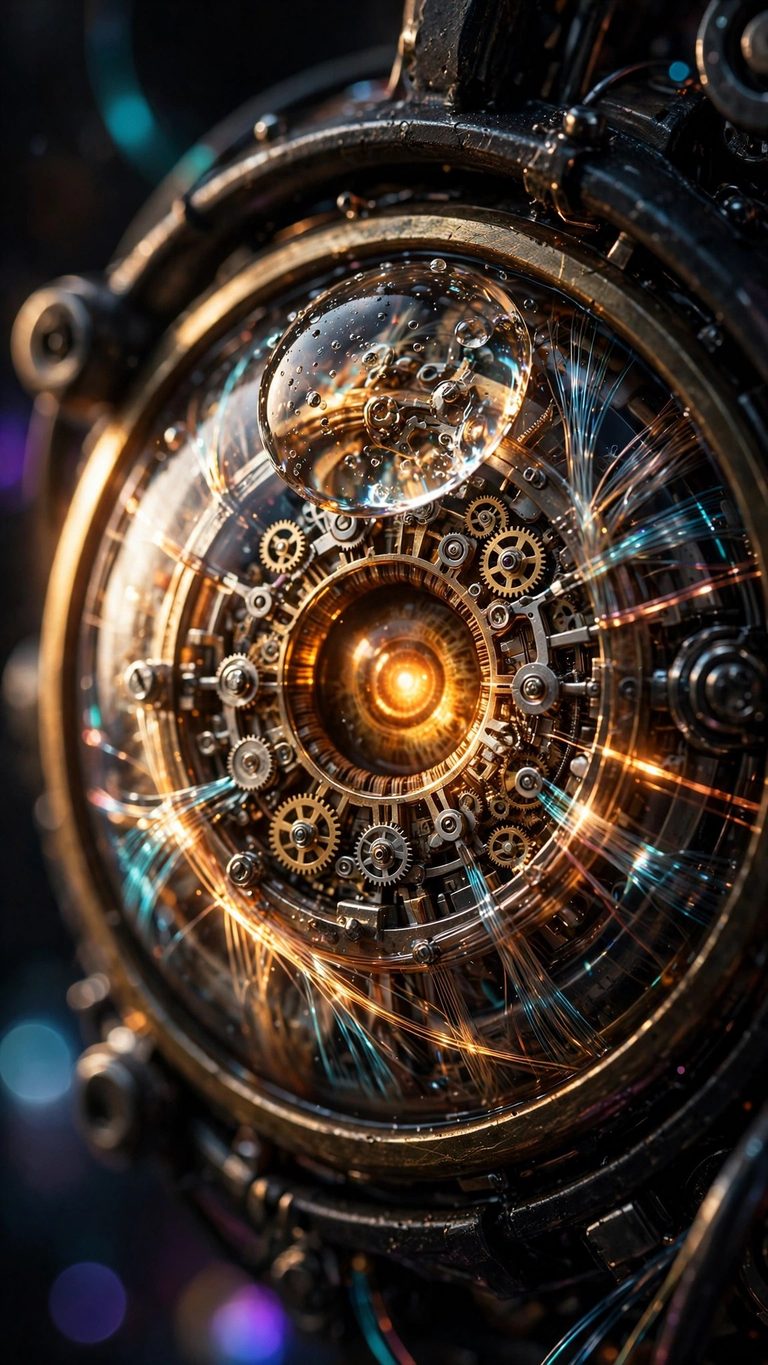
- Cyborg Eye AI Photo Prompt: Capture a Jaw-Dropping Hyper-Detailed Macro Shot With Midjourney Right Now
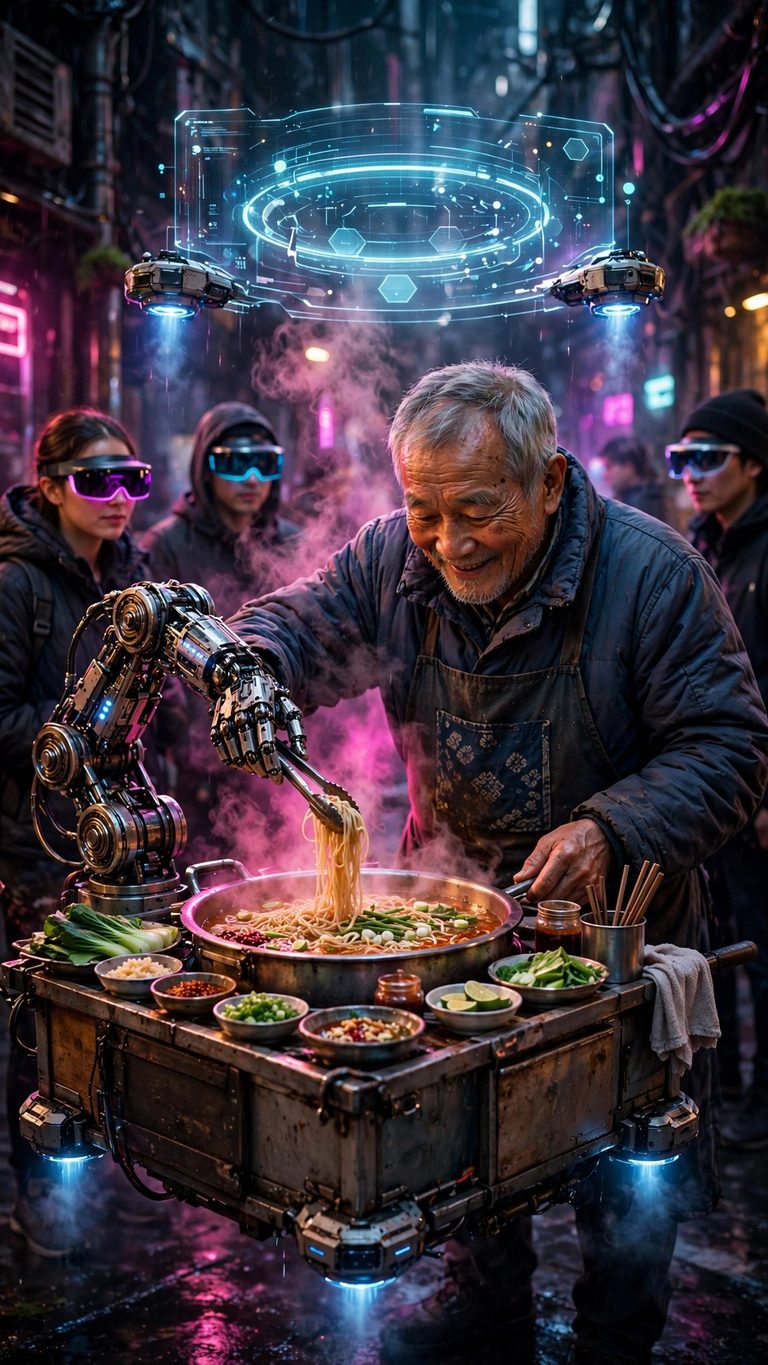
- Street Food AI Photo Prompt: Create a Heartwarming Cyberpunk Night Market Noodle Scene With Neon Glow
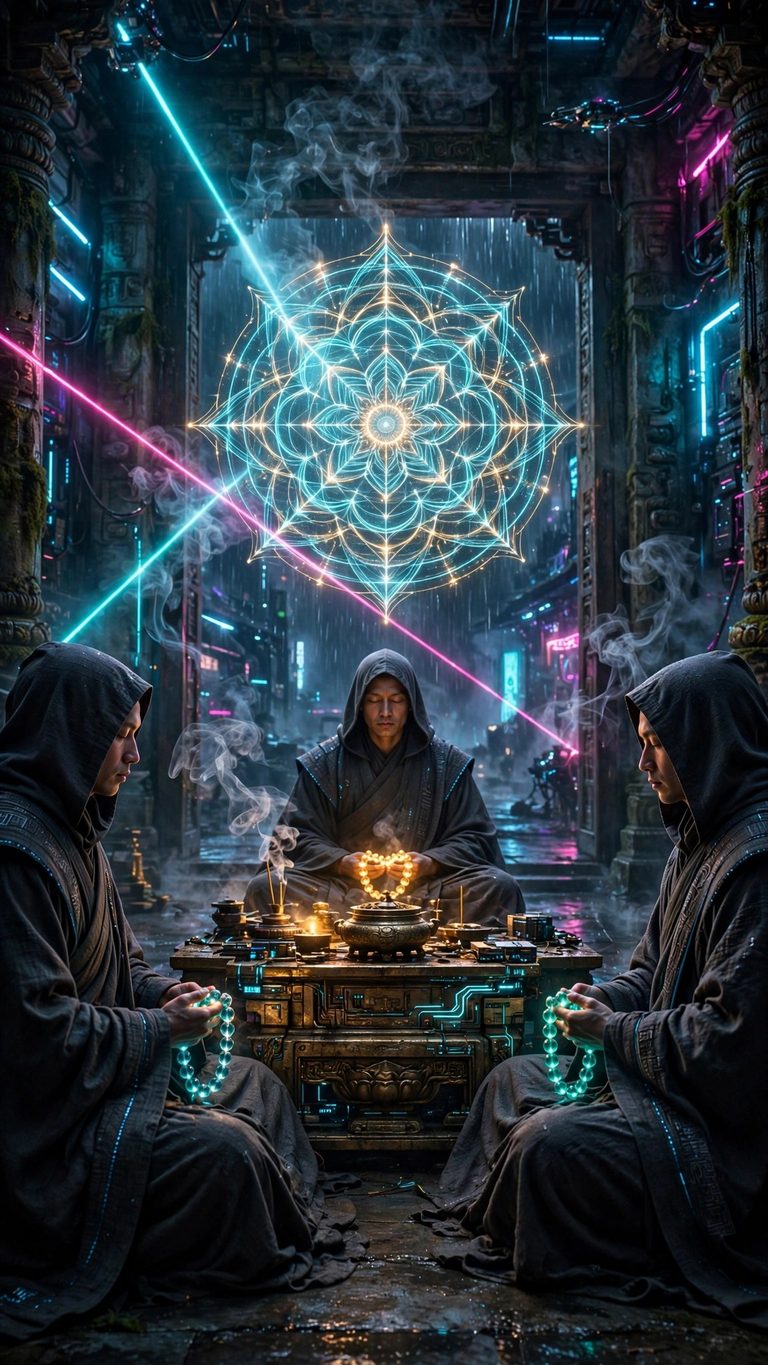
- Neon Temple AI Photo Prompt: Visualize a Surreal Fusion of Meditating Monks and Holographic Technology
# A I P h o t o # P r o m p t B a z a r # C y b e r p u n k # P o r t r a i t # N e o n

Leave a Reply