
Introduction
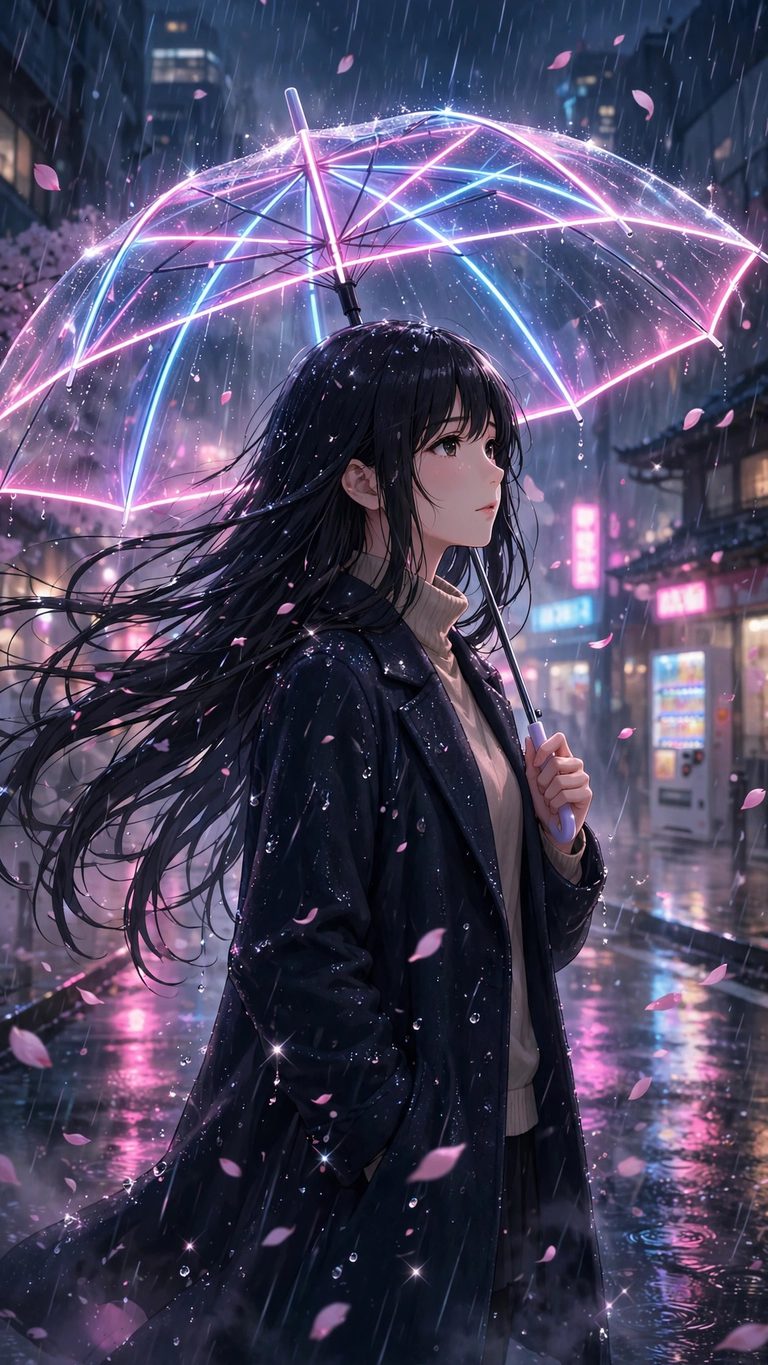
There is a reason rainy Tokyo nights in anime make millions of viewers stop scrolling. The combination of glowing neon, falling rain, and quiet emotion hits something deep in the human brain: it feels like a memory you never actually lived. Makoto Shinkai built an entire career on this feeling, and now you can generate your own version in under a minute. This AI video prompt creates a breathtaking anime scene of a beautiful girl with flowing black hair standing under a glowing neon umbrella in rainy Tokyo at night, and it is one of the most reliable viral formats on Reels, TikTok, and YouTube Shorts right now. In this guide, you will get the exact copy-paste prompt, understand why this aesthetic spreads so fast, learn how to render it in Veo 3, Runway, Kling, Pika, or Sora, and discover pro variations that keep your content fresh for months.
The Prompt
Copy the prompt below exactly as written, paste it into your favorite AI video generator, set vertical 9:16 output, and generate:
Breathtaking anime scene of a beautiful girl with flowing black hair standing under a glowing neon umbrella in rainy Tokyo at night, raindrops sparkling like diamonds, pink and blue neon reflections dancing on wet streets, cherry petals drifting through the air, emotional cinematic mood, Makoto Shinkai inspired lighting, ultra detailed anime style
Why This Prompt Works
Anime rain scenes work because they compress three powerful triggers into eight seconds. First, there is the aesthetic trigger: pink and blue neon reflections on wet asphalt are among the most rewatchable visuals on short-form platforms. The human eye is drawn to high-contrast color pairs, and the cyan-magenta palette this prompt produces is the same palette behind countless viral edits. Second, there is the emotional trigger. A lone figure under an umbrella in the rain reads instantly as longing, nostalgia, or quiet hope, and viewers project their own stories onto it, which drives comments like “this reminds me of…” that the algorithm loves. Third, there is the craft trigger: raindrops sparkling like diamonds and drifting cherry petals give the AI dense micro-motion to render, so the video feels alive rather than static. Slow motion stretches these details across the full eight seconds, which increases average watch time, the single most important metric for viral distribution. The Makoto Shinkai lighting reference is doing quiet heavy lifting too: it tells the model to aim for luminous skies, volumetric light, and hyper-detailed backgrounds, the exact look that separates amateur AI clips from ones people assume took a studio weeks to animate.
How to Use This Prompt
Using this prompt is simple, but a few settings make a big difference. Step one: choose your generator. In Veo 3, paste the prompt and select 9:16 vertical, eight seconds, with the quality preset at maximum. In Runway Gen-3, use the same prompt with a 16:9 to 9:16 crop in mind, and enable the “cinematic” style preset if available. In Kling, paste the prompt and set creativity to medium-high so the rain and petal motion stays fluid. In Pika, add “–ar 9:16” style parameters through the interface options and keep motion strength moderate so the girl does not morph. In Sora, the prompt works as-is; just confirm vertical output. Step two: generate two to three variations and pick the one with the cleanest face and most stable umbrella glow, since faces are where AI video still stumbles. Step three: export and add audio. A lo-fi piano loop or a soft Japanese city-pop track transforms this from a pretty clip into a mood piece people save. Keep any text overlay minimal, one short line in an elegant font, because the visual is already doing the work.
Pro Tips & Creative Variations
Once you have the base video, the real growth comes from variations. Swap the neon umbrella color: try “glowing red umbrella” for a bolder, more dramatic mood, or “transparent umbrella with city lights refracting through it” for a softer look. Change the season by replacing cherry petals with “golden ginkgo leaves” for autumn or “soft snowflakes” for winter, each version becomes its own post in a seasonal series. For a storytelling angle, generate a second clip with the prompt modified to “the girl lowering the umbrella and smiling softly as the rain stops” and stitch the two into a before-and-after narrative. Camera language matters: add “slow push-in toward the girl” if your tool supports camera controls, because forward motion increases retention. If faces wobble, try generating at a slightly wider framing where the girl is smaller in frame; distant faces render more reliably and the neon environment carries the shot. For thumbnails and covers, pull the most luminous frame and boost saturation slightly. Finally, build a series: “Rainy Tokyo Nights Ep.1, Ep.2…” with a different girl, umbrella color, or district each time. Series formats convert casual viewers into followers because people return for the next episode.
Frequently Asked Questions
Which AI video tool gives the best anime rain results?
Right now Veo 3 and Kling produce the most stable rain and neon reflections for anime styles. Runway is excellent for camera control. Pika is fastest for testing variations. Try the prompt in two tools and compare before committing to a series.
Why does my generated girl’s face look strange?
Faces are the hardest part of AI video. Generate three to four takes and pick the best, or frame the shot slightly wider so the face is smaller. Adding “detailed face, looking away toward the city lights” can also help, since profile views render more reliably than front-facing close-ups.
Can I use this commercially?
Check your generator’s terms of service for commercial use rights, which vary by plan. The prompt itself is free to use, but the output’s license depends on the tool and subscription tier you generate it with.
What audio works best with this video?
Lo-fi hip hop, soft piano, or Japanese city-pop instrumentals match the mood. Avoid lyrics that fight the emotional tone. Trending sad-aesthetic sounds on TikTok and Reels can multiply reach if the mood fits.
Rainy Tokyo anime scenes are not a trend, they are a permanent aesthetic. Generate this prompt tonight, pair it with the right sound, and watch how fast the saves roll in. Then come back for the next prompt and keep the series going.
Related Viral Prompts
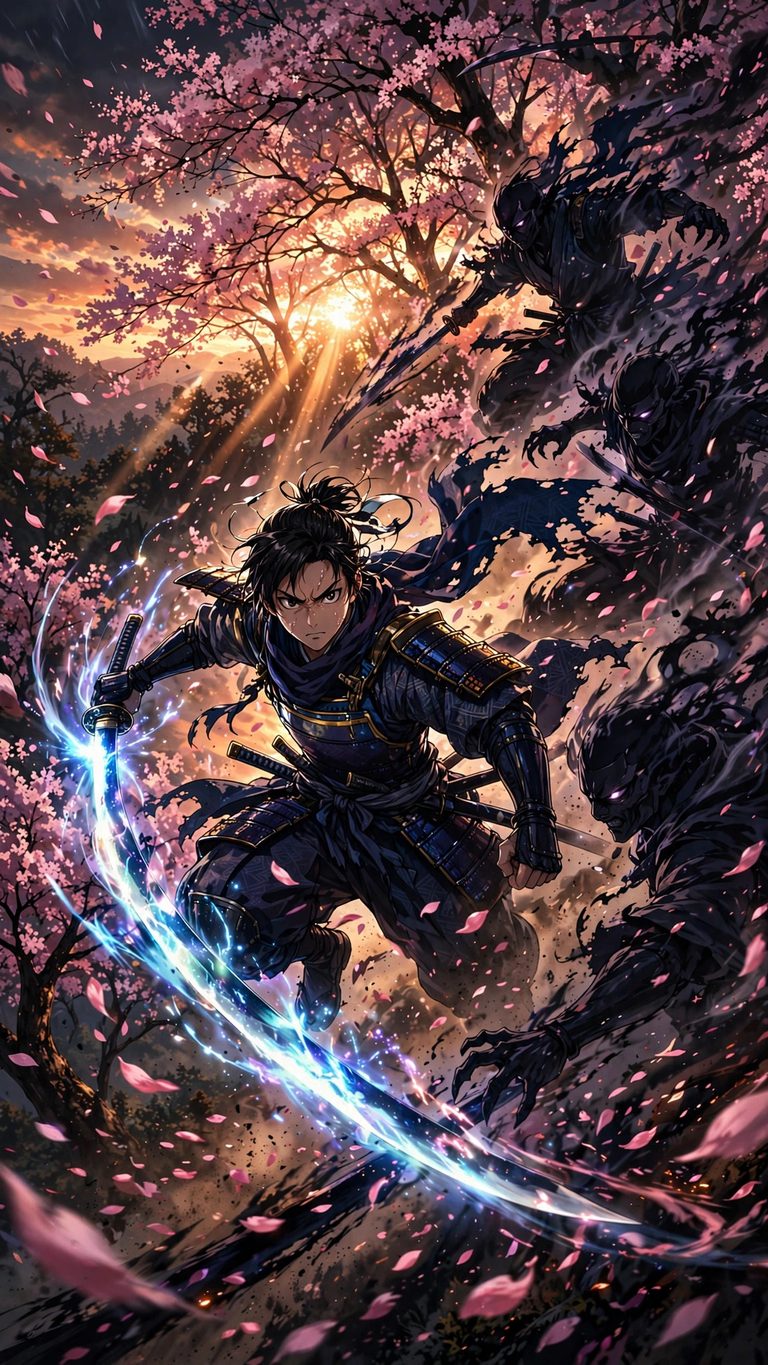
- Samurai Cherry Blossom Battle: Free Viral AI Video Prompt for Epic Anime Action Scenes in Slow Motion
- Sky Whales Over Floating Islands: Free Viral AI Video Prompt for Dreamlike Ghibli-Style Fantasy Worlds
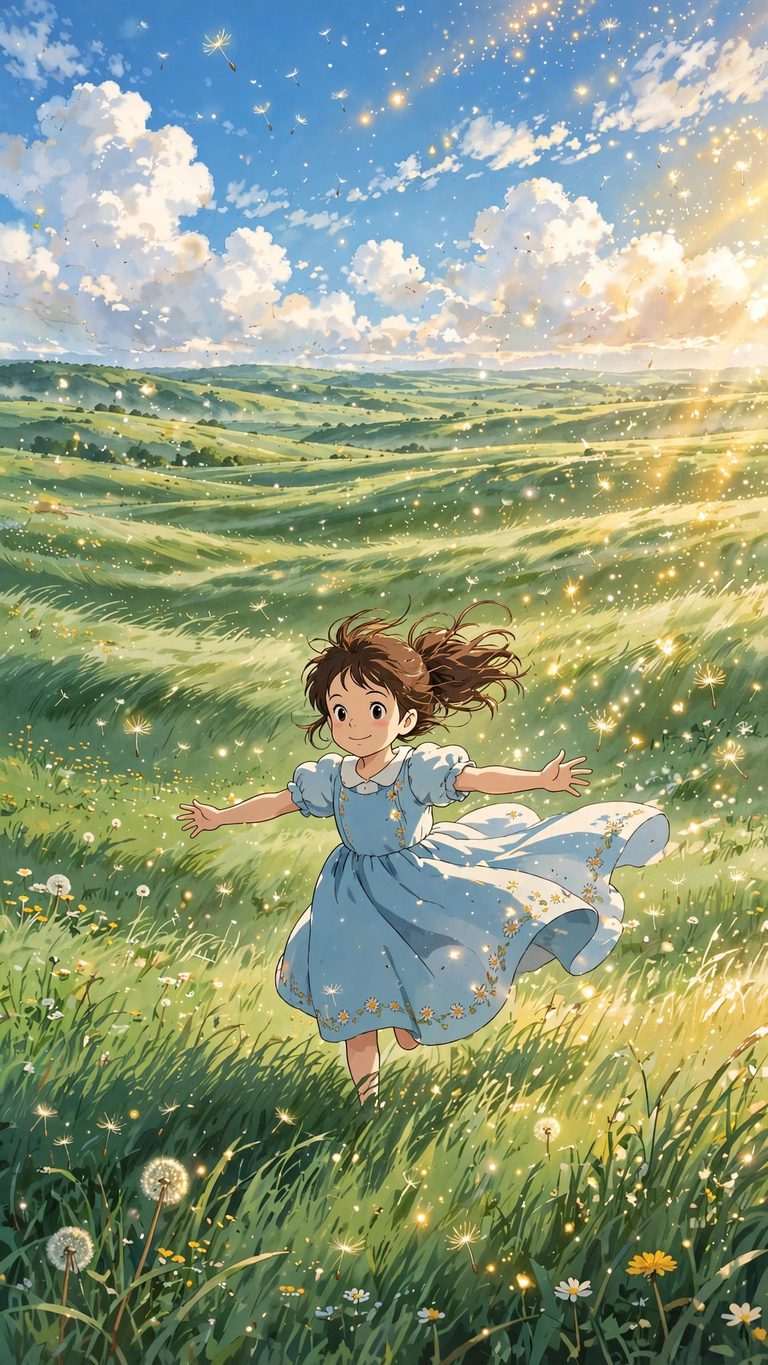
- Ghibli Meadow Wind: Free Viral AI Video Prompt for Peaceful Nostalgic Anime Nature Scenes That Calm Your Mind
# A I V i d e o # P r o m p t B a z a r # A n i m e # T o k y o R a i n # V i r a l R e e l s


Leave a Reply