
Introduction
There is a kind of silence that only exists in a nursery at nap time. The world outside keeps rushing, but inside, a newborn sleeps with the total surrender that adults spend a lifetime trying to relearn. Every parent knows this moment, and every parent also knows how fast it disappears. Those first weeks are a blur of feedings and quiet lullabies, and the tiny details fade from memory faster than anyone expects: the curled fingers no bigger than a seashell, the feather-soft eyelashes, the way gentle window light catches a perfect cheek.
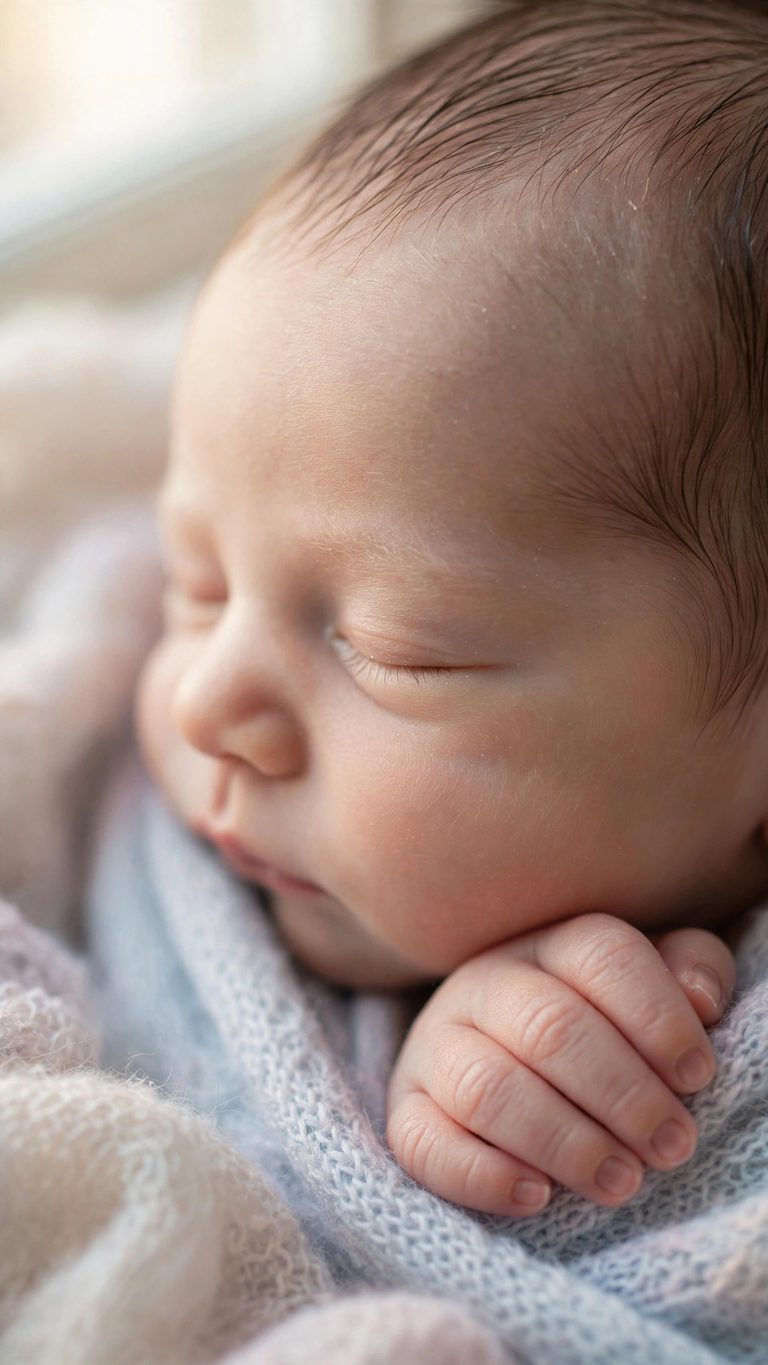
That is exactly why newborn macro photography has become one of the most beloved genres on the internet. A macro shot does not simply show a baby. It magnifies innocence itself, turning a two-inch hand into a landscape of wonder. People cannot scroll past it. Human brains are wired to respond to smallness, softness, and sleep with a flood of warmth, and a well-crafted macro portrait delivers all three in a single frame. This AI photo prompt recreates that heirloom-quality image in minutes, with no studio booking and no need to pose a real infant. Just paste it in, and let the model render pure, dreamy, angelic slumber in breathtaking detail. Tag your result with #SleepingBaby and watch the hearts roll in.
The Prompt
Copy the prompt below exactly as written, paste it into your favorite AI image generator, and watch the magic happen. Every word was chosen to guide the model toward a specific mood, light, and level of detail.
Dreamy macro photograph of a peacefully sleeping newborn, tiny curled fingers, soft eyelashes, gentle window light on smooth skin, pastel blanket, serene innocent beauty, hyper-detailed, fine-art newborn photography, ultra detailed, 8k quality, lullaby soft in background, angelic peaceful slumber, pure innocent dreams
Why This Prompt Works
Great baby photos are not accidents. They work because they tap into one of the deepest instincts humans have. Scientists call it the baby schema: round cheeks, large eyes, tiny limbs, and soft skin trigger an automatic caregiving response in the brain. A macro composition pushes this effect even further. By filling the frame with a sleeping face or a curled fist, the prompt removes every distraction and forces the viewer into an intimate, almost sacred closeness with the subject. There is nowhere else to look, and nothing else you want to look at.
The lighting language in this prompt does heavy emotional lifting too. Gentle window light is the signature of fine-art newborn photography because it wraps the skin in soft, directional glow without harsh shadows. It reads as honest, calm, and real, the opposite of flash photography, which can make baby photos feel clinical. Pastel tones in the blanket reinforce the mood. Soft pinks, creams, and powder blues lower visual tension and are consistently among the most saved colors on Pinterest nursery boards and Instagram parenting accounts.
Then there is the texture factor. Phrases like hyper-detailed and ultra detailed push the model to render individual eyelashes, the fine down on newborn skin, and the delicate creases of tiny knuckles. That tactile richness is what separates a forgettable AI image from one people zoom into, screenshot, and share. Platform trends confirm it: close-up newborn portraits earn some of the highest save and share rates in the family content niche, grandparents forward them in family chats, new parents set them as wallpapers, and nursery decor accounts repost them constantly. A dreamy sleeping baby macro is evergreen content, as shareable in December as in June, because tenderness never goes out of season.
Finally, there is a practical reason this prompt wins. Photographing a real sleeping newborn at macro distance is genuinely difficult. It requires a quiet studio, a settled baby, specialized lenses, and perfect timing. This prompt removes every barrier. Anyone with a phone and an image generator can now produce gallery-worthy newborn art, which is precisely why #AIPhotoPrompt collections built around sleeping babies keep growing.
How to Use This Prompt
Using this prompt is straightforward, but a few platform-specific tweaks will lift your result from good to gallery-worthy. In Midjourney, paste the full prompt into the imagine bar and append –ar 2:3 for a classic portrait print ratio, or –ar 9:16 if you are creating for stories and reels. Add –v 7 to use the latest model version. If the first render feels too polished, try –style raw for a more photographic, less processed look. When one of the four grid images is close to perfect, use Upscale and then Vary (Region) to fix small flaws like a stray wrinkle in the blanket without regenerating the whole scene.
In DALL-E 3, open a chat and paste the prompt as your image request, then add a sentence like: render this as a vertical portrait, soft and photographic, not illustration-like. DALL-E 3 is conversational, so iterate in plain language. If the skin looks too smooth, say: add natural newborn skin texture with fine detail. If the light feels flat, say: strengthen the soft window light from the left. Each revision keeps the composition while refining the mood.
In Flux, paste the prompt into the text field, set a portrait aspect ratio such as 768 by 1344 or 832 by 1216, and use a guidance scale around 3.5 with 30 to 40 sampling steps for clean detail. Flux excels at realistic skin, so lean into that strength and avoid over-stylizing. Whichever tool you choose, generate at least four variations before judging the prompt. The difference between the first and fourth render is often the difference between nice and unforgettable.
Pro Tips & Creative Variations
Once you have a beautiful base image, the real fun begins. This prompt is a template, and small word swaps create entirely new moods. For a nighttime version, replace gentle window light with soft moonlight through sheer curtains and change pastel blanket to deep navy knit blanket. The result is a lullaby scene that feels made for bedtime posts. For a golden, nostalgic feel, try warm late-afternoon sun and a cream muslin wrap. Each lighting word rewrites the emotional temperature of the image.
Change the crop language to explore new compositions. Add extreme close-up of tiny eyelashes and lips for an ultra-macro study that looks stunning as phone wallpaper. Add parent finger gently touching newborn hand to introduce a storytelling element about connection and protection. That single addition often doubles engagement because it gives viewers a tiny narrative to feel.
Texture swaps are another goldmine. Try chunky knit blanket, faux fur rug, silk wrap, or lace heirloom blanket, and watch how each fabric changes the perceived luxury of the photo. Seasonal versions perform wonderfully on social feeds: autumn leaves softly blurred in the background for fall, cherry blossom petals for spring, cozy knit and pine for winter announcements.
For a fine-art gallery look, append black and white, timeless monochrome to the prompt. Monochrome newborn macros are perennial favorites for nursery wall art and birth announcements. And if you want motion, feed your favorite still into an image-to-video tool with a gentle prompt like slow push-in, blanket barely moving, dust motes in light. A five-second clip of a sleeping baby macro, tagged #SleepingBaby, is the kind of content people watch on loop.
Frequently Asked Questions
Will the AI-generated baby look realistic or plasticky?
It depends on your wording and your tool. This prompt already pushes toward realism with phrases like gentle window light, hyper-detailed, and fine-art newborn photography. If a render still looks too smooth or doll-like, add natural skin texture, subtle imperfections to the prompt, or in Midjourney use –style raw. Flux and Midjourney v7 are currently the strongest at believable newborn skin, while DALL-E 3 may need one conversational revision asking for more photographic realism.
Can I sell prints or use the image commercially?
That depends on the terms of the generator you use. Most major tools grant commercial rights to images you create on paid plans, but the exact terms change often, so check your provider’s current policy before selling nursery wall art or birth announcement cards. Also note that AI newborn images should never be presented as photographs of a real, identifiable child.
What aspect ratio should I choose?
Match the ratio to the destination. Use 2:3 for printed portraits, nursery wall art, and announcement cards. Use 9:16 for Instagram stories, reels covers, TikTok, and Pinterest idea pins, since vertical images fill the phone screen and earn more attention. This prompt was designed for portrait orientation, and the source settings recommend 9:16 portrait on Midjourney v7 or DALL-E 3.
How do I avoid weird-looking fingers and hands?
Hands are famously tricky for image models, and macro shots magnify every flaw. Generate several variations and pick the cleanest. In Midjourney, use Vary (Region) to repaint just the hand area. In DALL-E 3, ask for a revision with corrected hand anatomy in plain words. Phrases like tiny curled fingers, peacefully tucked help, because a naturally curled newborn fist is simpler for the model to render than splayed fingers.
A sleeping newborn macro is more than a pretty picture. It is a time capsule of the tiniest, most fleeting chapter of life, rendered in light and softness. Paste this prompt into your favorite generator today, try two or three lighting variations, and share the one that makes your own heart skip. Your dreamiest newborn portrait is one prompt away.
Related Viral Prompts
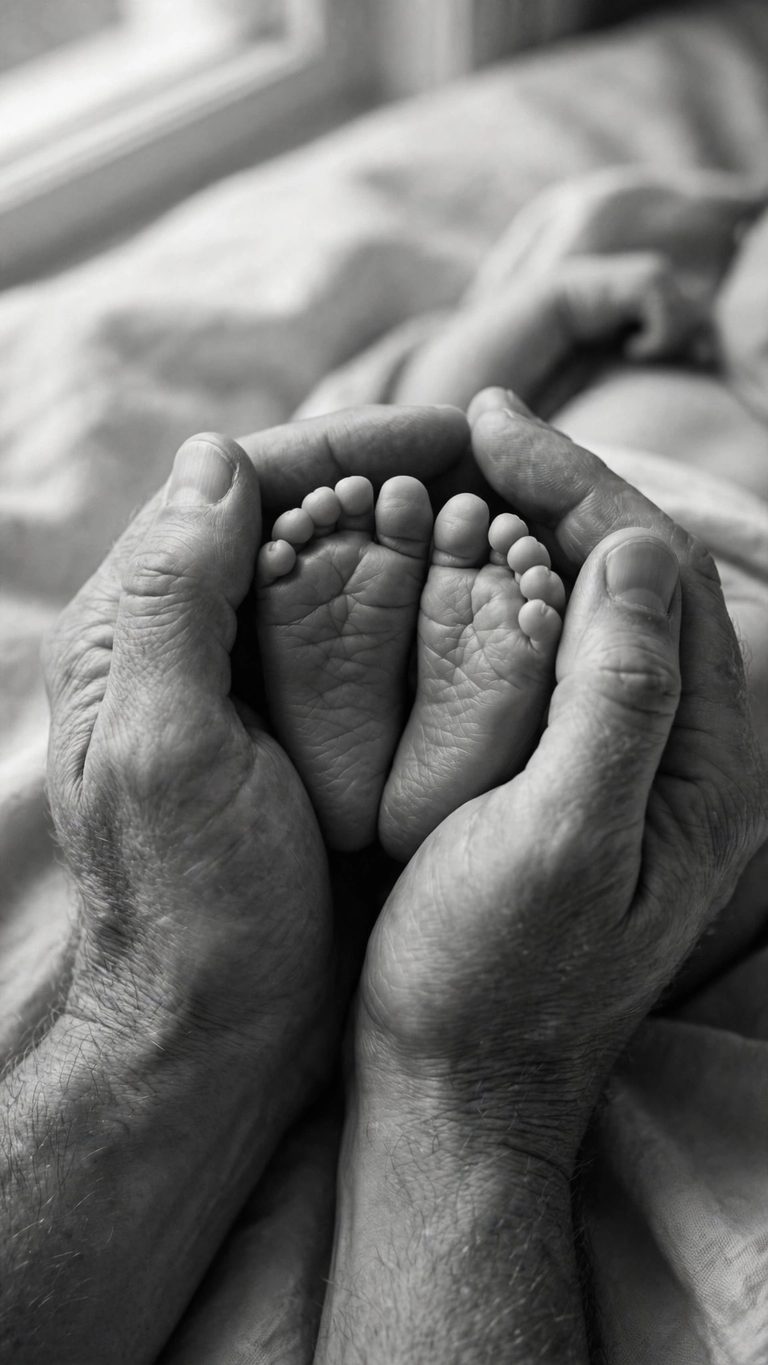
- Baby Feet in Parent Hands AI Photo Prompt: Create a Touching Family Portrait Full of Love and Tender Scale
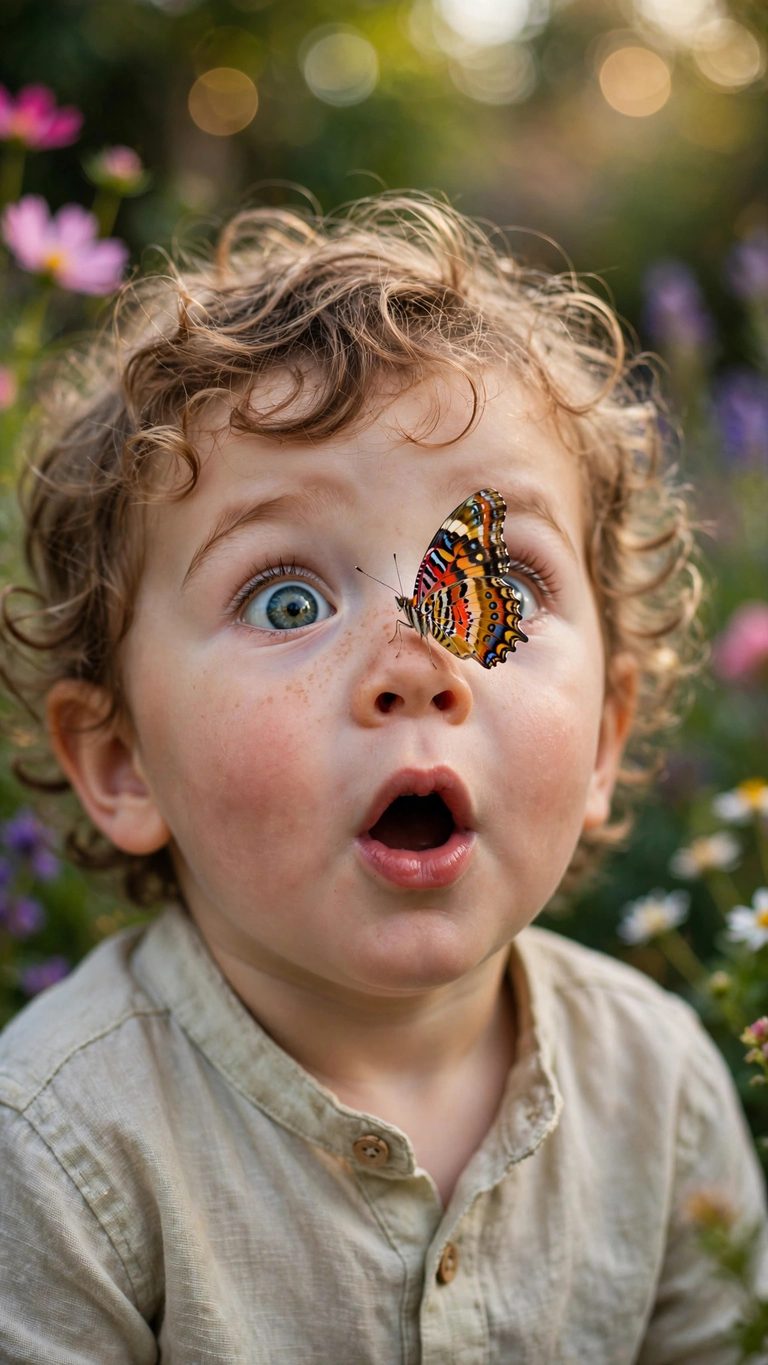
- Butterfly on Nose Toddler AI Photo Prompt: Capture Pure Childhood Wonder in One Magical Garden Moment
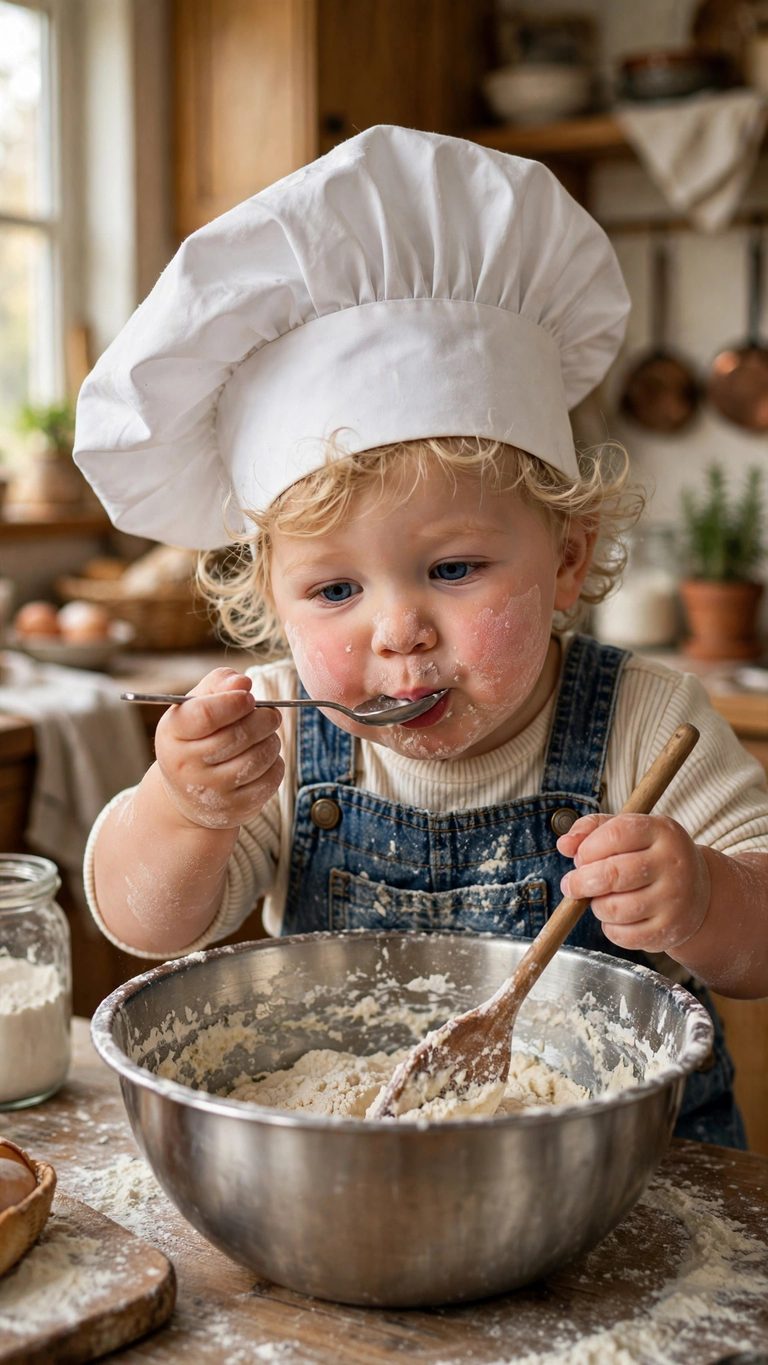
- Little Chef Toddler AI Photo Prompt: Bake Up a Hilarious Kitchen Portrait Full of Flour, Frosting and Giggles
# A I V i d e o # P r o m p t B a z a r # A I P h o t o P r o m p t # S l e e p i n g B a b y # P e a c e f u l # C u t e

Leave a Reply