
Introduction
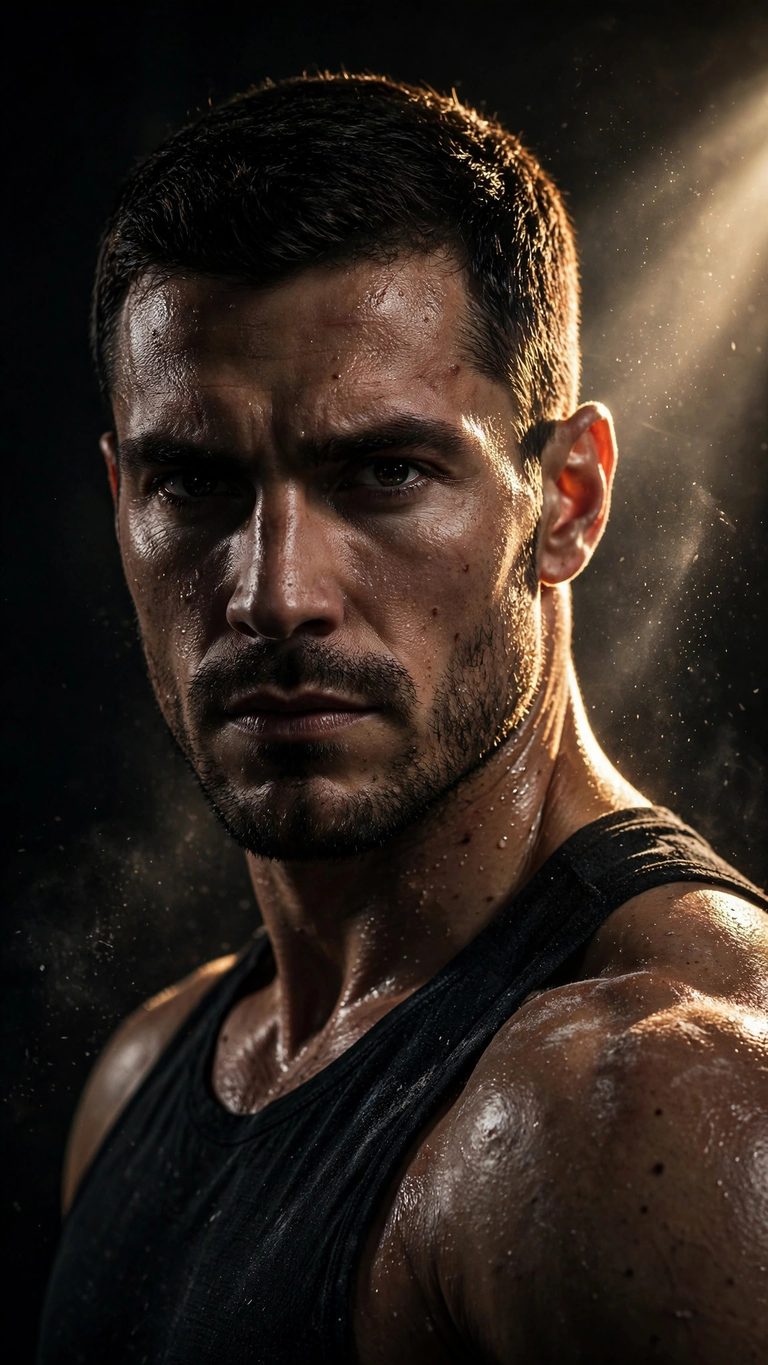
There is a reason the world’s biggest fitness brands spend fortunes on athlete portrait shoots: a single powerful image of a focused, sweat-glistened competitor can stop a scroll, sell a supplement, and define an entire brand identity in under a second. The look is unmistakable — deep black backgrounds, sculpted shoulders carved out of darkness by a single hard rim light, chalk dust hanging in the beam like frozen stars, and a gaze that burns straight through the lens. Until recently, creating this image required a professional photographer, an expensive gym studio, cinema-grade strobes, and an athlete willing to train at midnight. Artificial intelligence has demolished that barrier. With one carefully engineered text prompt, you can now generate a dramatic gym portrait that rivals anything shot for a major sports magazine, complete with hyper-detailed skin texture and cinematic depth. In this guide, we break down a battle-tested AI photo prompt for a dramatic athlete portrait, explain exactly why every phrase earns its place, show you how to run it in Midjourney v7 and DALL-E 3, and give you the creative variations that turn one good prompt into an entire portfolio.
The Prompt
Copy this prompt exactly as written and paste it into your image generator. Every word has been chosen to push the model toward cinematic, magazine-grade sports photography:
Dramatic portrait photograph of a muscular athlete in a dark gym, single hard rim light sculpting shoulders and jawline, deep shadows, chalk dust floating in light beam, intense gaze into camera, black background, hyper-detailed skin texture, cinematic sports portrait photography, 85mm lens, shallow depth of field, ultra detailed, 8k quality
Why This Prompt Works
This prompt is a masterclass in how descriptive precision steers an AI image model toward a specific photographic tradition — in this case, high-end cinematic sports portraiture. Let us unpack it phrase by phrase so you can reuse these techniques in your own prompts. The opening anchor, “dramatic portrait photograph,” does two jobs at once: it tells the model the medium is photography rather than illustration, and it sets the emotional register as drama, not casual documentation. Without this, models often default to flat, brightly lit stock-photo aesthetics. The “single hard rim light sculpting shoulders and jawline” clause is the lighting blueprint. Rim lighting places the illumination source behind the subject, so edges glow while the front falls into shadow — the signature of every iconic athlete portrait. The word “hard” matters because it requests a sharp, high-contrast light source rather than soft, diffused studio fill; hard light creates the crisp highlights and deep blacks that make muscles look carved. “Deep shadows” and “black background” reinforce the low-key setup, eliminating visual clutter so all attention locks onto the subject’s face and physique. “Chalk dust floating in light beam” is the atmospheric secret weapon. It adds environmental storytelling — the viewer instantly smells the gym — and gives the light something to interact with, creating visible volumetric rays that AI models render beautifully. It also adds texture to negative space that would otherwise feel empty. “Intense gaze into camera” solves the composition problem: it directs the model to build a front-facing, confrontational portrait with visible eyes, which is exactly what drives engagement on social platforms. Eye contact is the single strongest predictor of stopping a scroll. “Hyper-detailed skin texture” fights the plastic, over-smoothed skin that plagues many AI portraits by explicitly requesting pores, sweat, and micro-detail. “Cinematic sports portrait photography” is the style anchor, pulling from the model’s training data of editorial sports editorials rather than amateur gym selfies. Finally, the technical tail — “85mm lens, shallow depth of field, ultra detailed, 8k quality” — speaks the model’s native language of camera optics. The 85mm focal length is the classic portrait lens because it flatters facial proportions, and shallow depth of field keeps the subject razor sharp while the background melts away. Together, these phrases layer subject, light, atmosphere, style, and optics into one coherent visual instruction, which is why the output consistently looks expensive.
How to Use This Prompt
Running this prompt takes less than five minutes, but a few tool-specific settings make the difference between a good result and a jaw-dropping one. Start by copying the prompt exactly as shown above — do not trim phrases, because each one carries weight. In Midjourney v7, paste the prompt into the imagine bar and add the aspect-ratio parameter for a vertical portrait: append “–ar 9:16 –v 7” to match the intended 9:16 portrait format, which is perfect for Instagram Reels covers, TikTok thumbnails, and phone wallpapers. Generate four variations, then pick the strongest face and lighting and use the upscale option to refine detail. If the skin looks too smooth, regenerate with a slightly higher stylize value or add “raw photographic detail” to your reroll. In DALL-E 3, the workflow is conversational: paste the prompt as your request, and explicitly ask for a vertical 9:16 composition, since DALL-E 3 otherwise defaults to square or wide. Follow up with targeted edits — for example, “make the rim light slightly cooler” or “intensify the chalk dust” — and the model will iterate on the same image. Whichever tool you choose, run at least three batches before judging the prompt; AI image generation is probabilistic, and the best of four generations is typically far stronger than the first. Save your favorite seed or generation ID so you can reproduce the exact result later. For final delivery, upscale to at least 2048 pixels on the long edge for social use, or use a dedicated AI upscaler for print. Total time from copy-paste to a finished, share-ready dramatic gym portrait: about ten minutes.
Pro Tips & Creative Variations
Once the core prompt is working, the real fun begins: bending it into fresh concepts without losing the cinematic quality. First, swap the subject. Replace “muscular athlete” with “female boxer wrapping her hands,” “veteran powerlifter chalking his grip,” or “young sprinter tying her shoes” — the lighting formula holds up across sports, ages, and genders, giving you an entire series from one template. Second, recolor the rim light. Add “cold blue rim light” for a futuristic, high-tech gym aesthetic, or “warm amber rim light” for a gritty, old-school boxing-gym feel; colored gels are a classic sports-photography trick and models render them convincingly. Third, experiment with atmosphere: swap “chalk dust” for “sweat droplets frozen mid-air,” “steam rising off shoulders,” or “rain spray” to change the mood entirely while keeping the volumetric light effect. Fourth, play with the crop. The 9:16 vertical format is ideal for mobile, but rerun the same prompt at 3:2 or 1:1 for editorial layouts and profile avatars — the composition adapts well. Fifth, push the drama further with negative space: add “dramatic negative space above the subject” to create room for headline text if you are designing a poster or ad creative. Sixth, iterate on the face. If you need consistency across a campaign, generate your hero portrait first, then use it as a character reference in Midjourney so every variation keeps the same athlete. Seventh, try a duotone grade by adding “deep teal and orange cinematic color grade” to the end — the classic blockbuster palette makes gym imagery look instantly premium. Eighth, for maximum realism, add “subsurface scattering on skin” and “fine film grain” — these micro-detail cues trick the eye into reading the image as a real photograph rather than a render. Finally, keep a prompt journal: save the exact wording, tool, seed, and settings of every keeper. Within a month you will own a reusable library of proven sports-portrait formulas instead of starting from scratch each time.
Frequently Asked Questions
Which AI tool gives the best results for this prompt?
Midjourney v7 generally produces the most cinematic skin texture and lighting for this prompt, especially at 9:16. DALL-E 3 is easier to iterate with in plain language and is better at following unusual subject swaps, but its faces can look slightly softer. For the absolute best output, generate in Midjourney and refine with DALL-E 3-style conversational edits if your workflow supports image-to-image refinement.
Can I make the athlete look like a specific person?
You can steer age, gender, ethnicity, and build with descriptive words, but you should not attempt to recreate a real, identifiable person without their consent — most platforms block this anyway, and it raises clear ethical and legal issues. For brand work, describe an original character and use character-reference features to keep them consistent.
How do I keep the image vertical at 9:16?
In Midjourney, append “–ar 9:16” to the prompt. In DALL-E 3, state “vertical 9:16 portrait orientation” explicitly in your request, since it defaults to other ratios. If you receive a square image, most editors let you extend or crop it, but generating at the right ratio from the start always looks better.
Can I use the generated image commercially?
Usage rights depend on the tool and your subscription tier — Midjourney’s paid plans generally allow commercial use, while free tiers and some other tools have restrictions. Always check your plan’s current terms, and remember that AI-generated images of realistic people can carry additional personality-rights considerations in advertising.
This dramatic gym portrait prompt proves that world-class sports photography no longer requires a world-class studio — just the right words and the right settings. Copy the prompt, run it in Midjourney v7 or DALL-E 3 at 9:16, and generate your first cinematic athlete portrait today. Then start bending the formula with your own variations, and watch a single prompt grow into a full fitness-brand visual identity.
Related Viral Prompts
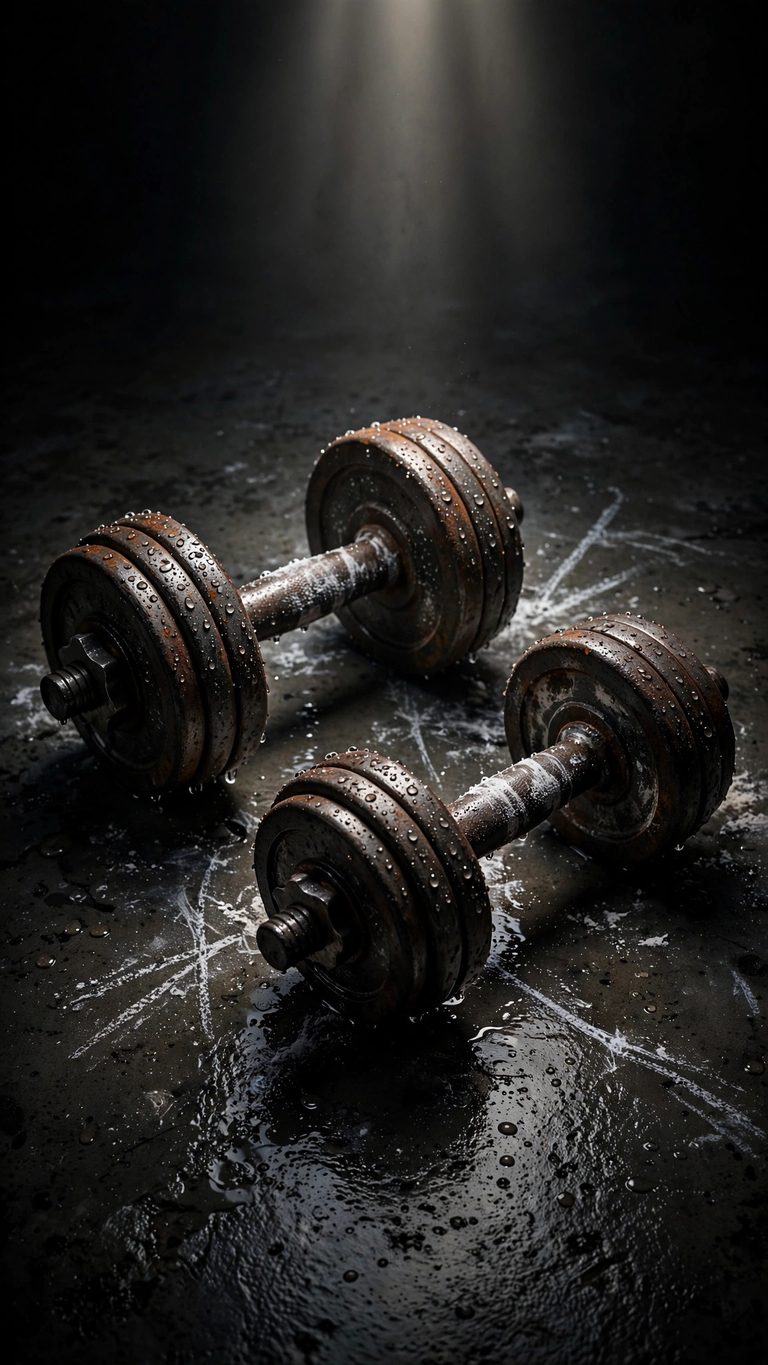
- Moody Dumbbell Still Life AI Photo Prompt: Create Dark Cinematic Gym Aesthetic Shots for Social Media
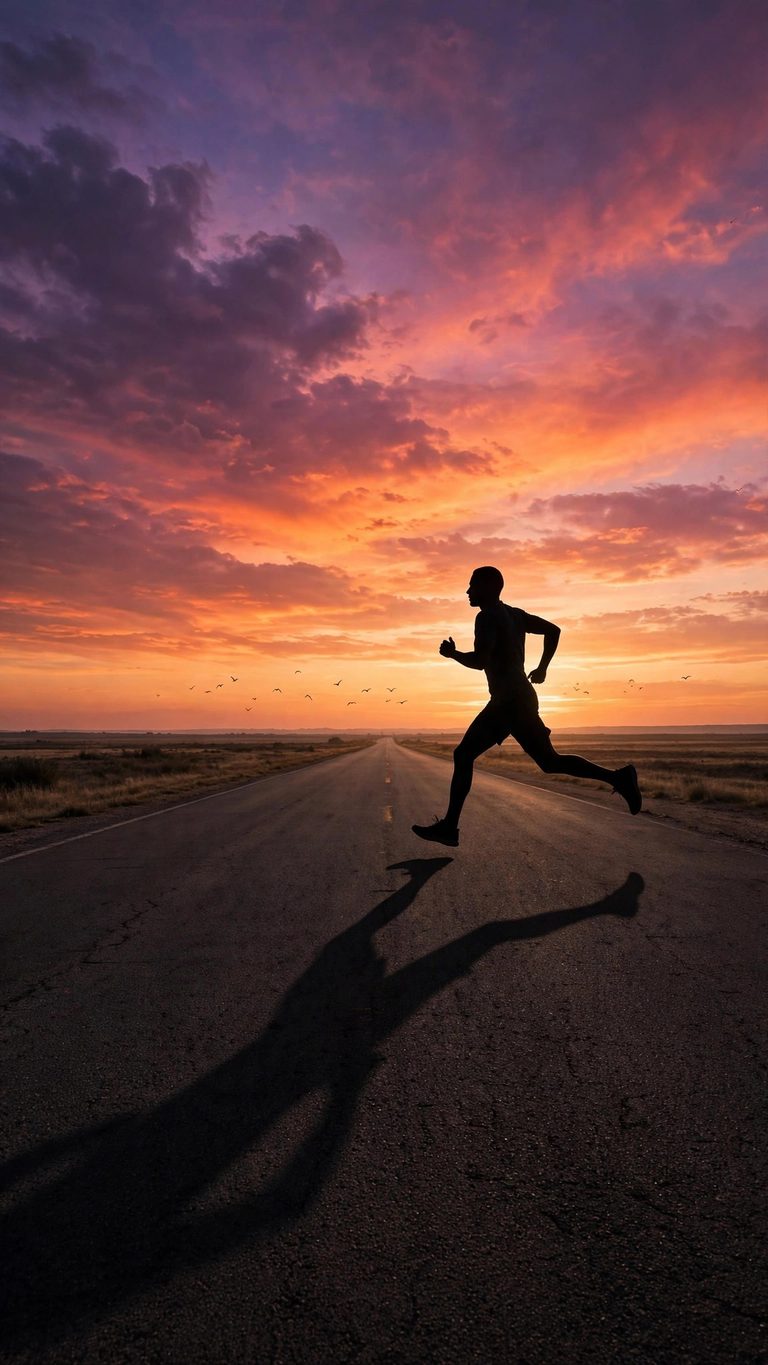
- Sunrise Runner Silhouette AI Photo Prompt: Capture Stunning Inspirational Dawn Running Photos for Feeds
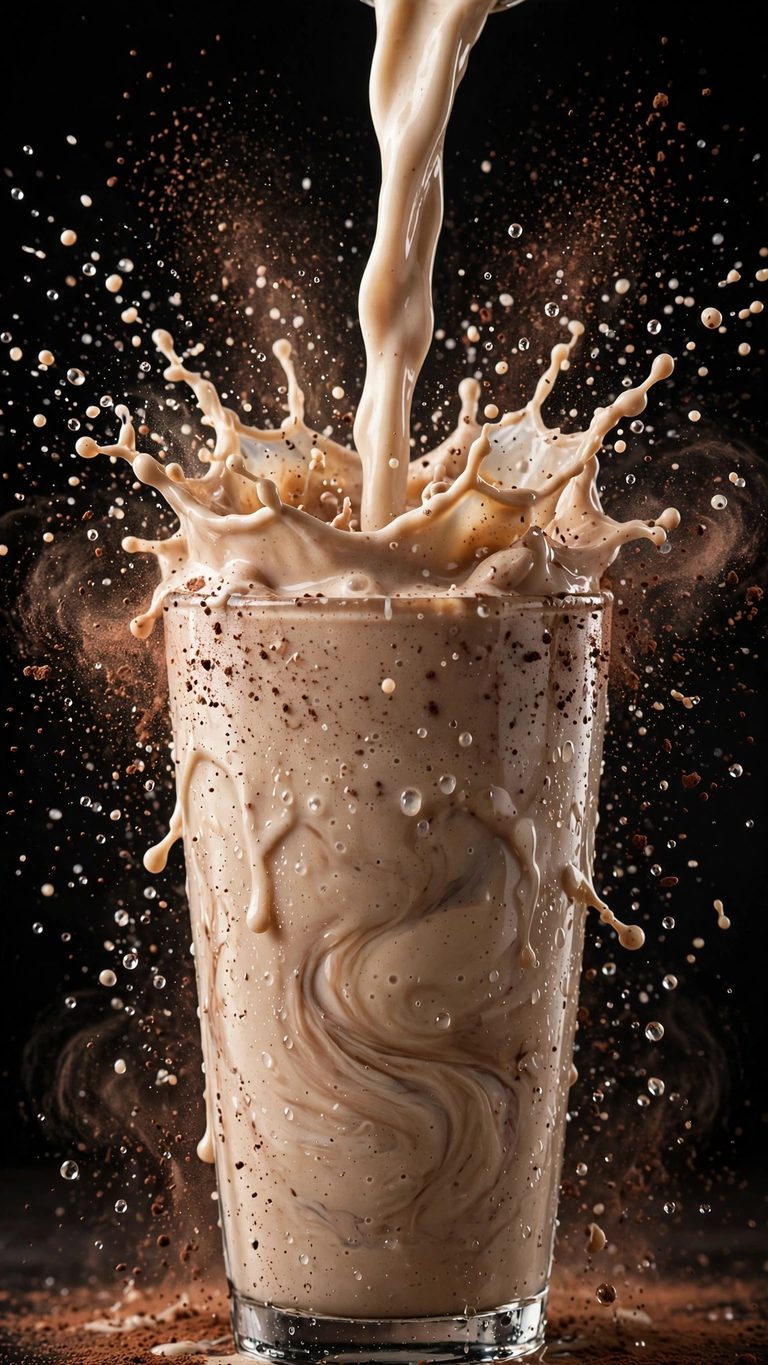
- Protein Shake Splash AI Photo Prompt: Freeze Commercial Beverage Shots with Stunning Liquid Motion Pro
# A I V i d e o # P r o m p t B a z a r # A I P h o t o P r o m p t # G y m # P o r t r a i t # F i t n e s s

Leave a Reply