
Introduction
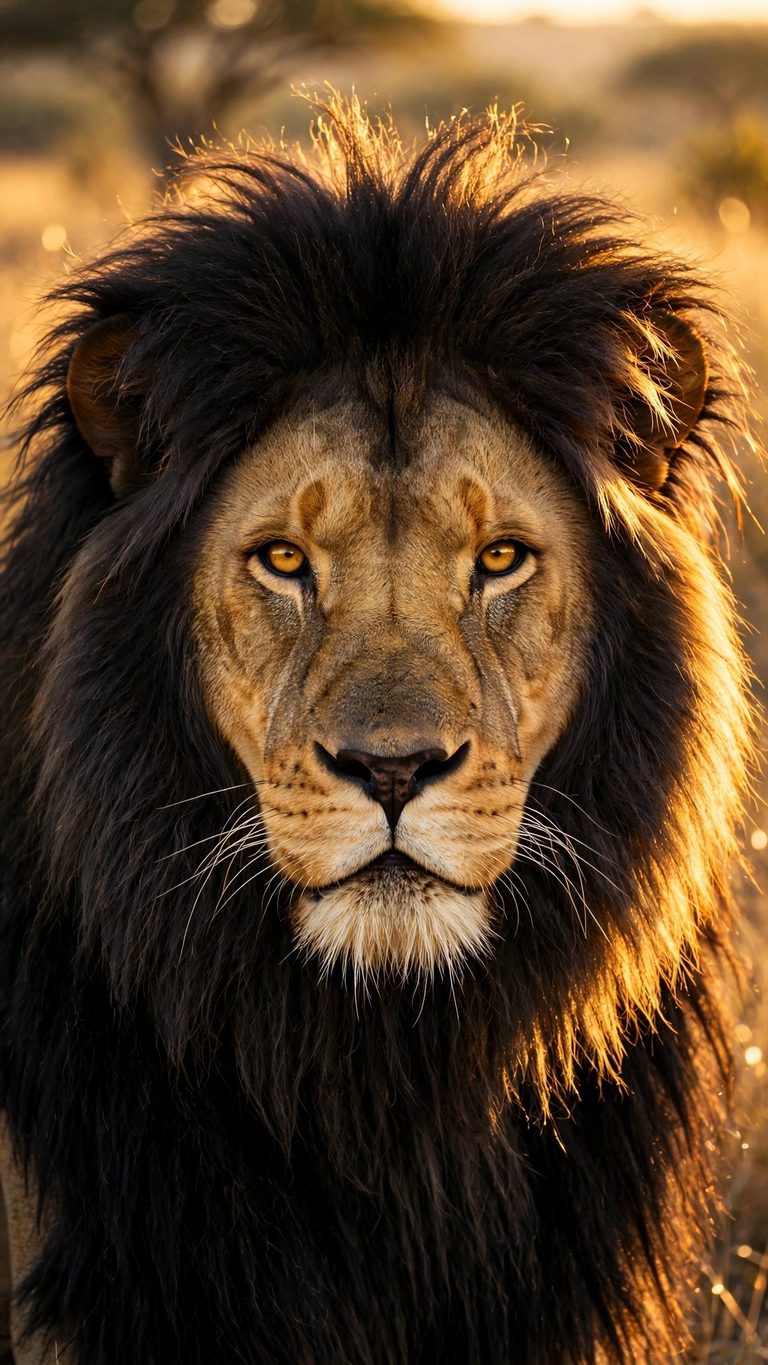
Kings do not ask for attention — they command it with a look. This AI photo prompt captures the most powerful gaze in the animal kingdom: a male lion at golden hour, his magnificent dark mane rimmed with sunlight, intense amber eyes staring directly into the lens. Shallow depth of field melts the savanna into a golden blur while every whisker stays razor sharp. Lion portraits are the crown jewels of wildlife photography feeds — they stop thumbs, earn saves, and get shared with captions about strength and leadership. Unlike video, a still portrait lives forever as a wallpaper, a poster, a profile image. This prompt was engineered to produce exactly that kind of timeless, wall-worthy image: regal, powerful, and so detailed viewers will swear they can feel the lion breathing.
The Prompt
Copy the exact prompt below and paste it into your favorite AI image generator:
Regal portrait photograph of a male lion at golden hour, magnificent dark mane rimmed with sunlight, intense amber eyes staring directly into the lens, shallow depth of field blurring the savanna behind, every whisker sharp, kingly and powerful, ultra detailed, 8k, photorealistic, wildlife portrait photography
Why This Prompt Works
Portrait prompts succeed or fail on specificity, and this one is specific in all the right places. The golden hour specification is doing enormous work: rim lighting — sunlight tracing the edge of the mane — is what separates a flat animal snapshot from a majestic portrait. It creates a halo effect that reads as power and divinity, the visual language of kingship across every culture. By naming it explicitly, the prompt ensures the generator prioritizes that luminous edge rather than defaulting to flat midday light. The direct eye contact is the psychological core. Humans are hardwired to respond to direct gaze; it triggers attention, emotional arousal, and memory formation. A lion staring into the lens creates an interspecies standoff that viewers find thrilling — the safest possible encounter with the most dangerous possible stare. Shallow depth of field serves two masters: aesthetically, the blurred savanna becomes a creamy golden backdrop that makes the sharp subject pop with three-dimensional presence; technically, blur hides background imperfections where AI models often stumble, concentrating detail budget on the face where it matters. Every whisker sharp is a brilliant micro-instruction — whiskers are high-frequency detail that signal photographic realism to the human eye, and asking for them explicitly pushes the render toward tack-sharp focus. Describing the mood as kingly and powerful rather than just beautiful gives the image its emotional posture: chin up, chest out, utterly assured. Finally, the stack of quality tags — ultra detailed, 8k, photorealistic, wildlife portrait photography — tells the model which visual dialect to speak: not digital art, not illustration, but the crisp, honest language of a professional wildlife photograph.
How to Use This Prompt
Copy the prompt exactly and paste it into Midjourney, DALL-E 3, Flux, or Stable Diffusion. Set your aspect ratio to 9:16 portrait — this prompt was composed for phone wallpapers, Pinterest pins, and story-format posts, where vertical portraits dominate. In Midjourney, add –ar 9:16 –style raw for the most photographic result; the raw style reduces the default beautification and keeps the lion looking like a real animal rather than a fantasy beast. In DALL-E 3, the prompt works as-is, though you may add hd quality for extra detail. Generate at least four variations and compare the eyes first — the gaze must be sharp, symmetrical, and genuinely directed at the viewer. Check the mane for natural flow rather than helmet-like stiffness, and verify the whiskers are distinct rather than smudged. The background should dissolve into smooth golden bokeh with no weird shapes or ghost animals. Once you have your hero image, consider a light pass in your photo editor: a touch of clarity on the eyes, slight vignette to deepen the regal mood. Export at full resolution for wallpapers and prints, and a compressed version for social. Pair it with a short, powerful caption about leadership or courage — lion portraits with motivational text are among the most shared image formats in existence.
Pro Tips & Creative Variations
The regal portrait formula adapts endlessly. Try the same composition at blue hour for a cooler, more mysterious king, or in dramatic storm light for a battle-worn warrior version. A black-and-white conversion of this prompt’s output is stunning — monochrome strips away color distraction and leaves pure power in the bone structure and gaze. For a maternal counterpart, describe a lioness with cubs in identical lighting; the tenderness-power contrast makes a perfect diptych post. Experiment with tighter crops: an extreme close-up of just the eyes and nose bridge creates an abstract, intense image that works brilliantly as a profile picture or album cover. If your generator supports it, try a subtle low-angle description — camera slightly below eye level — which makes the lion loom with even greater authority. For a series, generate the same lion at different times of day as a dawn-to-dusk character study; audiences bond with recurring animal characters. In post-processing, dodge the catchlights in the eyes slightly to make the gaze pierce, and consider a fine film grain for an analog wildlife-magazine feel. For print products — posters, phone cases, t-shirts — this vertical composition is already perfectly proportioned. And for social, test carousel posts: the portrait first, then a zoomed detail crop of the eyes as slide two — carousels earn significantly more engagement than single images.
Frequently Asked Questions
Which AI image generator is best for photorealistic animal portraits? Midjourney v7 in raw style currently leads for fur detail and natural lighting. DALL-E 3 is excellent at following the prompt literally. Flux is strong and fast for iterations. Try the same prompt in two and compare the eyes — the winner is obvious.
How do I avoid the plastic, over-processed look? Use raw or photographic style modes, avoid words like hyperdetailed fantasy or digital art, and keep the quality tags photographic: photorealistic, wildlife portrait photography, 8k. Less is more with style adjectives.
Why 9:16 instead of square or landscape? Because this image is designed for phones — wallpapers, stories, pins, and reels covers are all vertical. A vertical portrait fills the screen and commands the space. Generate a landscape version separately if you need one for banners.
Can I sell prints of AI-generated wildlife portraits? Check your generator’s commercial terms — most paid tiers allow commercial use of your generations. Be transparent that the image is AI-generated if selling as art, and never misrepresent it as a real photograph in wildlife or journalism contexts.
In conclusion, this lion portrait prompt distills majesty into a single frame: golden rim light, an unflinching amber gaze, and whisker-sharp detail. It is the kind of image that becomes a wallpaper, a poster, a statement. Generate it with care, choose the most piercing eyes, and let the king of beasts hold court on screens everywhere.
Related Viral Prompts
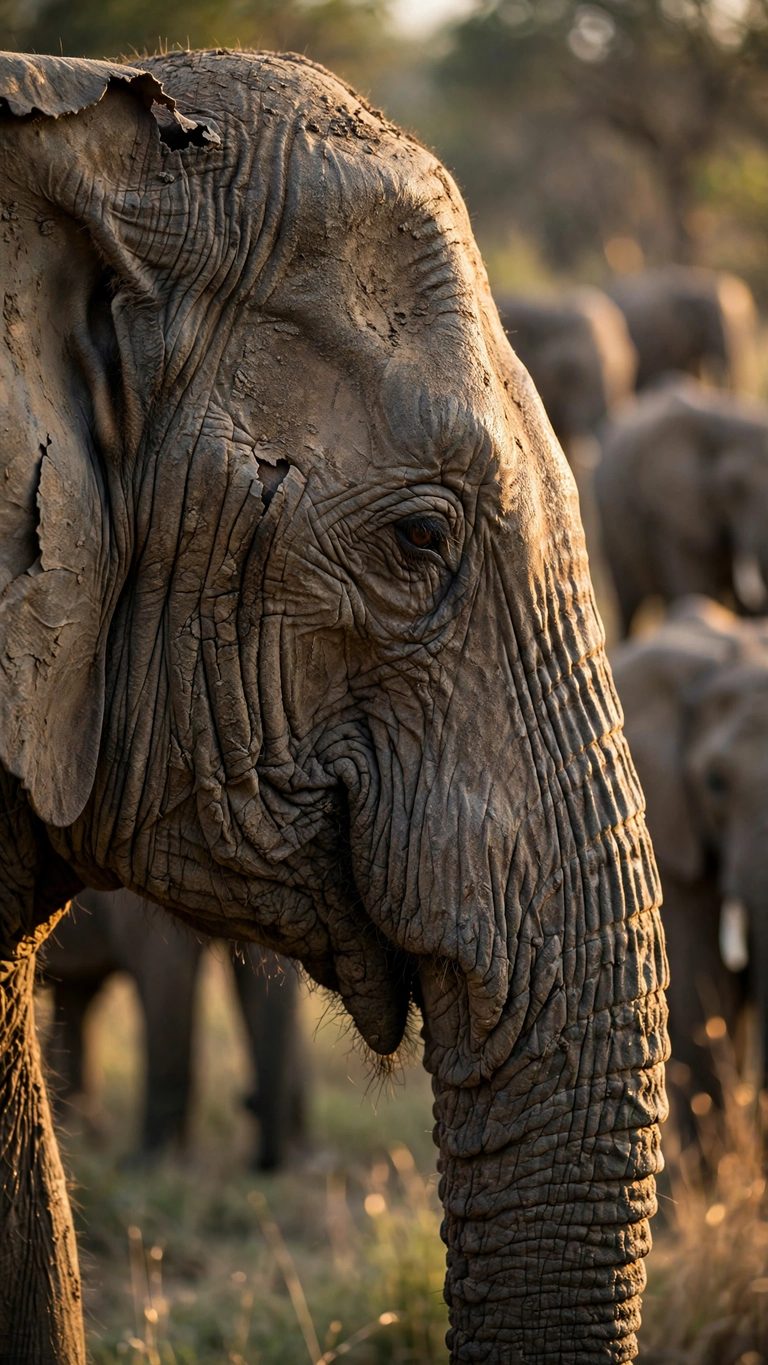
- Elephant Matriarch Portrait: Emotional AI Photo Prompt for a Wise Old Elephant in Warm Light (Midjourney Ready)
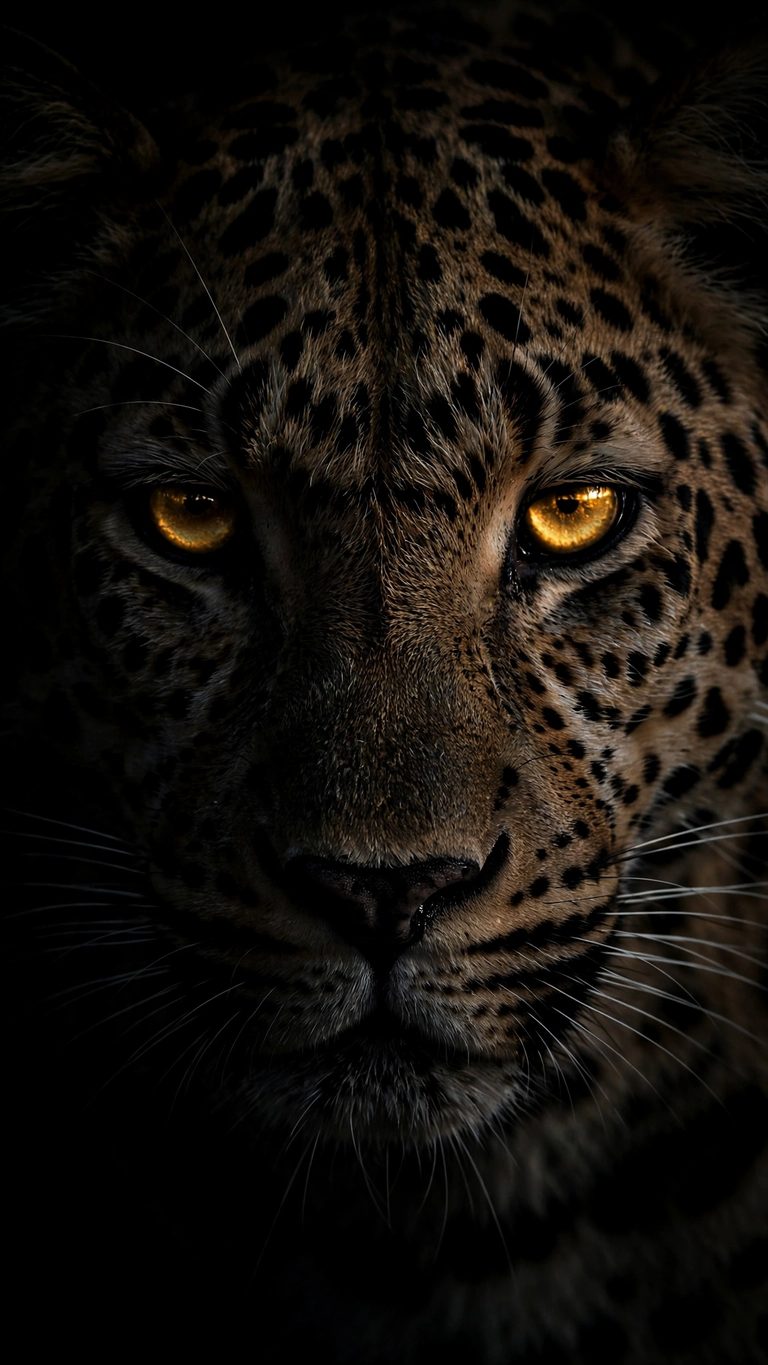
- Leopard Eyes at Night: Haunting AI Photo Prompt for a Glowing Predator Gaze Portrait (Midjourney & Flux Ready)
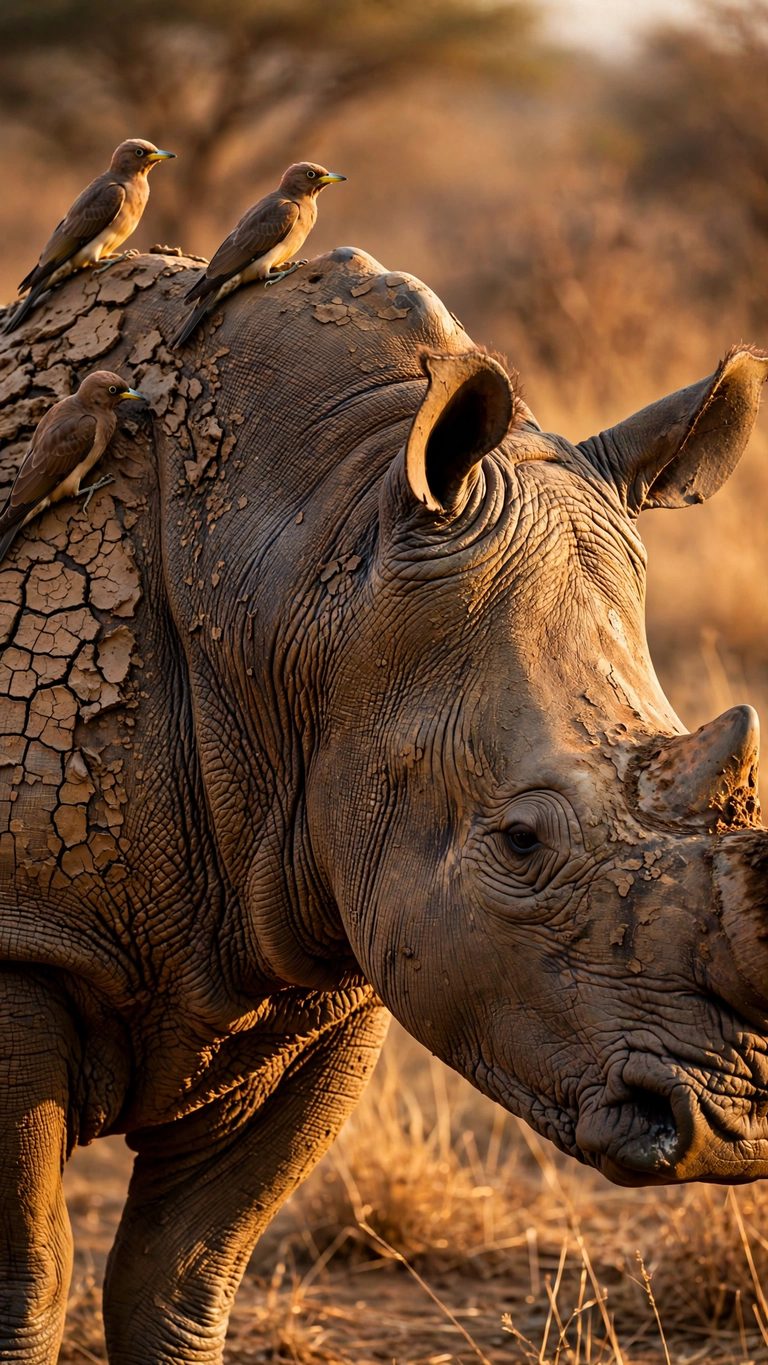
- Rhino Mud Bath: Characterful AI Photo Prompt for a Rugged African Wildlife Portrait (DALL-E 3 & Midjourney Ready)
# A I P h o t o # P r o m p t B a z a r # L i o n # P o r t r a i t # K i n g

Leave a Reply