
Introduction
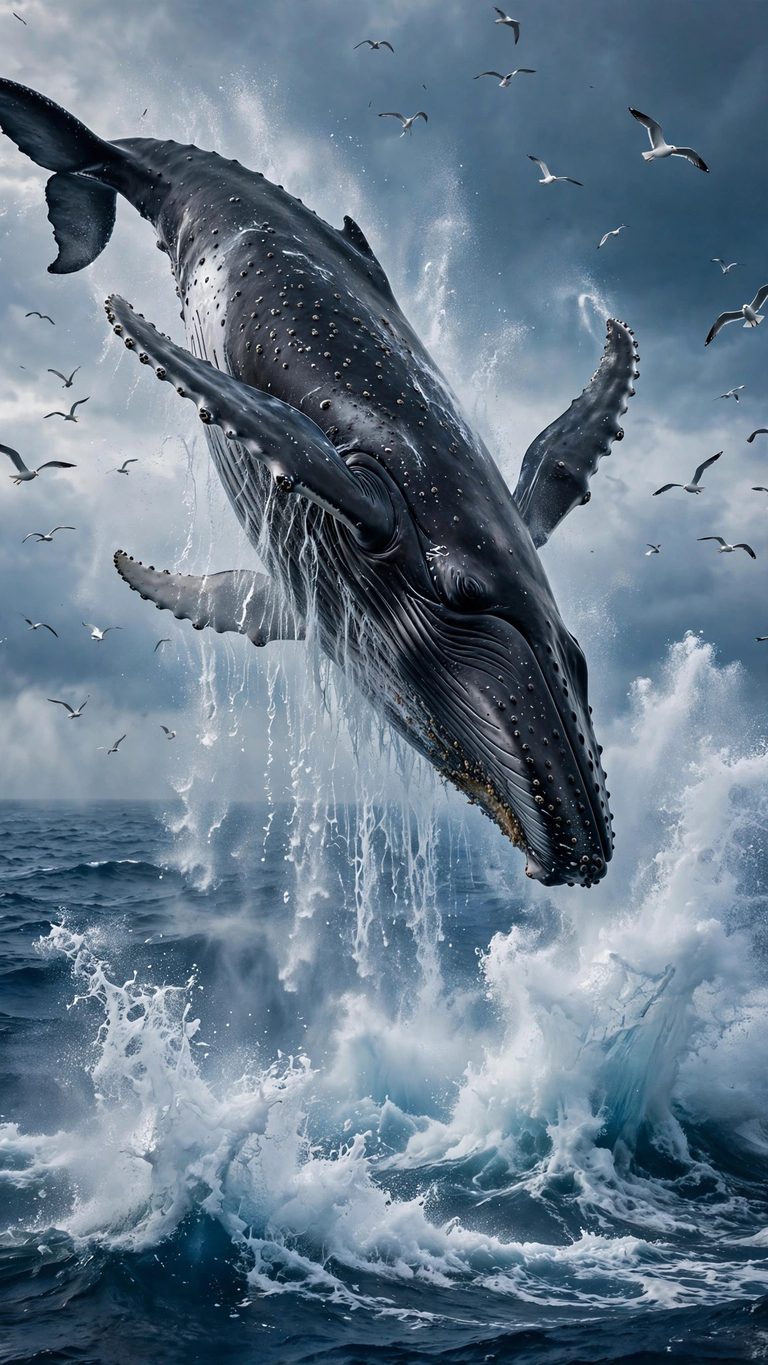
There are moments in nature that stop you mid-scroll, and a forty-ton humpback whale launching its entire body out of the sea is one of them. For three heart-stopping seconds, gravity loses. Water falls away in glittering curtains, gulls scatter in panic and wonder, and then the ocean swallows its giant back with a boom you can almost hear through the screen. Few spectacles on Earth deliver this mix of raw power and impossible grace, which is exactly why breaching-whale clips dominate ocean feeds across every platform. AI-generated ocean content goes viral for a simple reason: it gives viewers front-row seats to the rarest, most expensive-to-film moments in nature, rendered with cinematic polish that used to require a film crew, a boat, and months of luck. Slow motion deepens the effect. It stretches one explosive second into an eternity of detail, with every droplet frozen and every ripple visible, so the brain can savor what real time would blur past. When you pair that spectacle with vertical short-form video, the most shareable format on the internet, you get content engineered for rewatches, saves, and shares.
The Prompt
Below is the exact prompt, ready to copy and paste into your favorite AI video generator. Every word is intentional, so use it verbatim for the best results.
Epic slow motion of a giant humpback whale breaching, its massive body launching fully out of the deep blue ocean, water cascading off in sparkling sheets, camera tracking the arc, seagulls scattering, the whale crashing back with a thunderous splash, raw power and grace, ultra realistic, cinematic, 8k
Why This Prompt Works
This prompt works because it layers cinematic technique on top of an unbeatable subject. Slow motion is the engine: it turns a violent, two-second event into an eight-second sequence with a clear arc of launch, hang, and crash that fits the short-form format perfectly. The phrase “water cascading off in sparkling sheets” matters enormously, because it directs the model toward backlit, glittering water texture, the visual element viewers actually rewind to see. Camera movement seals the cinematic feel. “Camera tracking the arc” creates a smooth, professional follow-shot instead of a static wildlife clip, and that tracking motion is what separates amateur footage from movie footage in a viewer’s mind. The supporting cast, scattering seagulls and the deep blue ocean backdrop, adds depth, scale, and life to the frame, so the whale never floats in empty water. Then comes the payoff: “crashing back with a thunderous splash.” Great viral videos are built on setup and payoff, and this prompt guarantees both. Emotionally, the breach hits the awe button, the single strongest driver of shares. Psychologists have shown that awe makes people feel small in the best way and compels them to pass the feeling on, and a share is how a viewer says “you have to see this.” On Facebook Reels, TikTok, and YouTube Shorts, this content thrives because it is silent-friendly and instantly legible: no dialogue is needed, the hook lands in the first frame, and the slow arc rewards rewatching. Nature pages built entirely on whale, shark, and storm footage routinely pull millions of views per post, and an AI-generated breach is indistinguishable from the real thing at a glance.
How to Use This Prompt
Putting this prompt to work takes about five minutes from copy to posted video. First, open your AI video generator of choice. Veo 3, Runway, Kling, Pika, and Sora all handle this style well, and each is free or cheap to test. Paste the full prompt text into the prompt field exactly as written, because every descriptive clause earns its place. Second, set the output format before generating: choose 9:16 vertical aspect ratio so the video fills a phone screen, and set the duration to around 8 seconds to match the slow-motion pacing the prompt was designed for. Third, generate two or three takes if your tool allows it; whale anatomy is complex, so cherry-picking the cleanest render costs nothing and pays off. Fourth, download your favorite take and, if you like, add a short on-screen caption such as “The ocean’s biggest show” plus the hashtags #AIVideo #Whale #Ocean. Finally, post it natively to Reels, TikTok, or Shorts during your audience’s evening scroll hours. AI ocean videos like this routinely outperform talking-head content because they need zero context to delight a stranger.
Pro Tips & Creative Variations
Once the base version performs, small variations keep the concept fresh without losing the magic. Change the time of day: regenerate with “golden hour sunset” for warm backlight that turns the spray into fire, or “stormy gray dawn” for a darker, more dramatic documentary mood. Shift the camera angle: an aerial drone-style view emphasizes the whale’s full length against the water, while a low water-level angle makes the launch feel impossibly tall. Swap the species for a series: a blue whale breach carries the “largest animal ever” hook, while an orca breaching beside a calf adds an emotional family angle. Play with mood by adjusting the water: glassy-calm seas feel serene and majestic, while choppy swells sell raw power. You can also combine this prompt with other deep-ocean prompts. A breach followed by a slow descent into dark water creates a mini narrative arc that holds viewers across a two-clip edit. Try rendering the same prompt across tools, too: Veo 3 leans cinematic, Kling is strong on physics, and Runway handles water textures beautifully, so each gives you a slightly different director’s cut to post on different days. Finally, experiment with the season and setting: an Arctic breach with icebergs or a tropical breach with a volcanic island on the horizon gives the same whale two completely different stories.
Frequently Asked Questions
Q: Which AI video tool gives the best result for this whale prompt?
A: Veo 3 and Kling currently produce the most convincing water physics and whale anatomy for this prompt. Runway is excellent for the cinematic grading and slow-motion smoothness, while Pika and Sora are solid free or low-cost ways to test the concept before committing. Generate on two tools and post the better take.
Q: Can I make the video longer than 8 seconds?
A: Yes. Most generators now support extending clips or chaining generations. A 15 to 20 second version, with the breach, the splash, and then a calm surface shot, can work well on YouTube Shorts, but keep Reels and TikTok versions tight at 8 seconds so the action loop feels snappy and rewatchable.
Q: What caption and hashtags should I use?
A: Keep captions short and emotional, like “Nature’s biggest show” or “40 tons of pure grace.” Use the prompt’s hashtags of #AIVideo #Whale #Ocean, and add #SlowMotion and #NatureLovers to reach adjacent audiences who binge this content.
Q: Can AI ocean videos be monetized?
A: On most platforms, yes, as long as you follow each platform’s AI-content disclosure rules and the footage is genuinely original generation. Nature and ocean niches are advertiser-friendly, which makes them some of the safest AI content to monetize.
A breaching humpback is one of nature’s greatest shows, and this AI video prompt puts a front-row seat in your pocket. Copy it, generate it, post it, and watch the ocean do what it does best: stop the scroll. Few prompts deliver this much spectacle in eight seconds, and every variation you create is another chance to ride the wave of awe that breaching whales inspire.
Related Viral Prompts
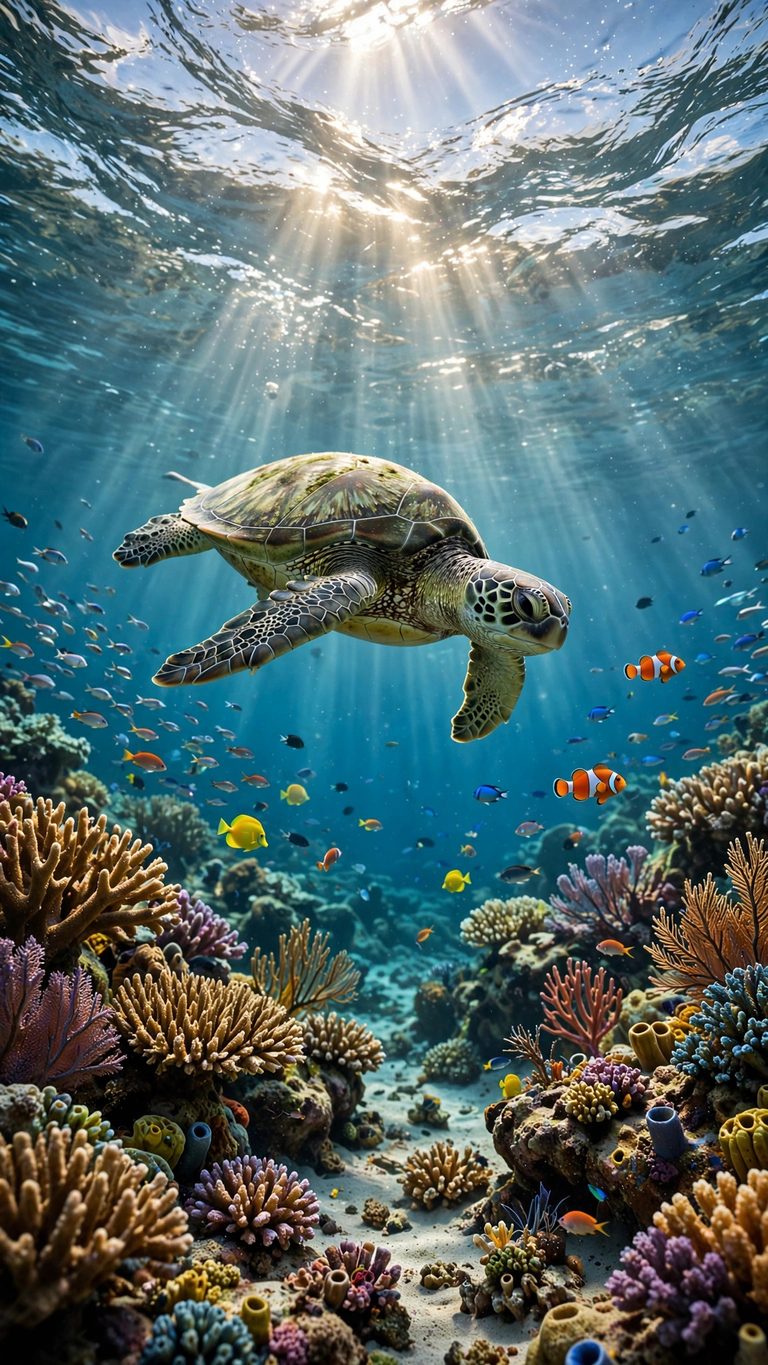
- Sea Turtle Gliding Over a Vibrant Coral Reef: Serene AI Video Prompt for Mesmerizing Underwater Calm
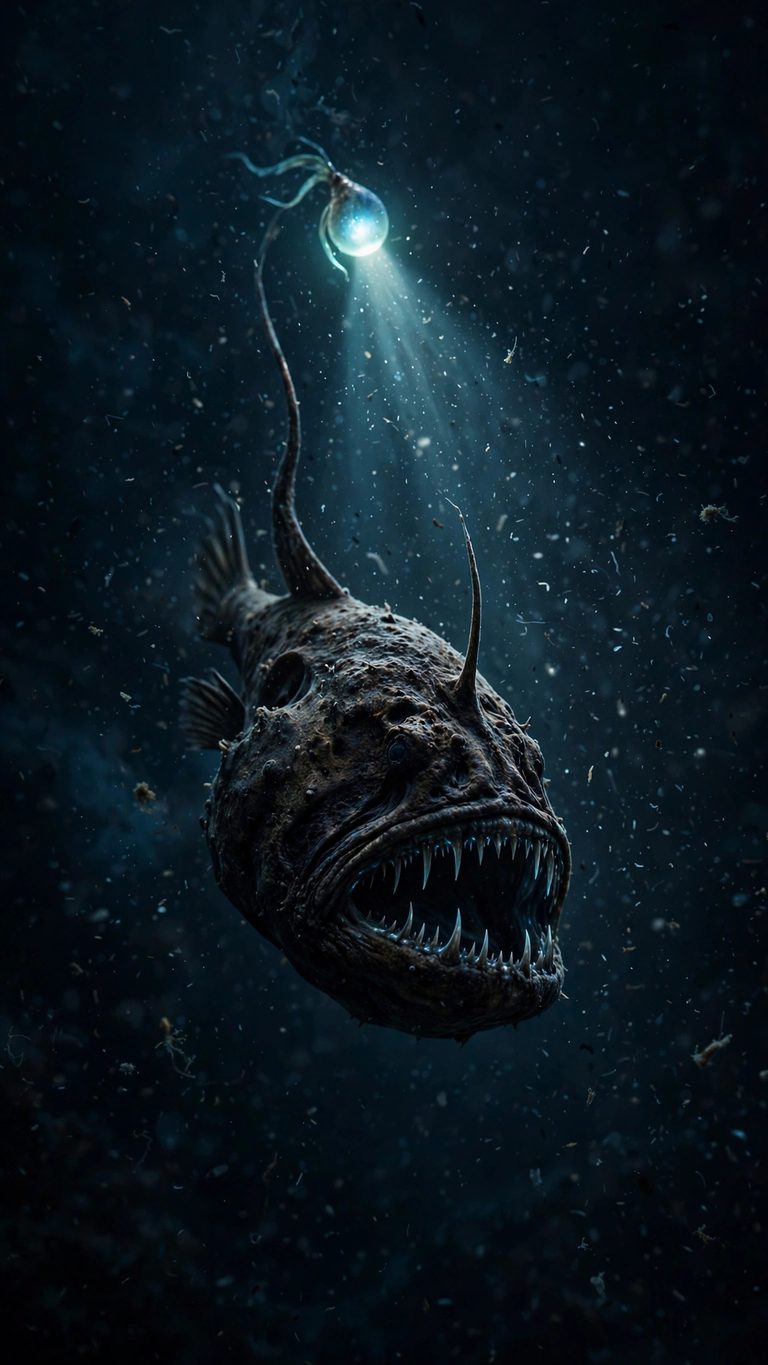
- Anglerfish Glowing in the Pitch Black Deep Sea: Eerie AI Video Prompt for Haunting Underwater Horror
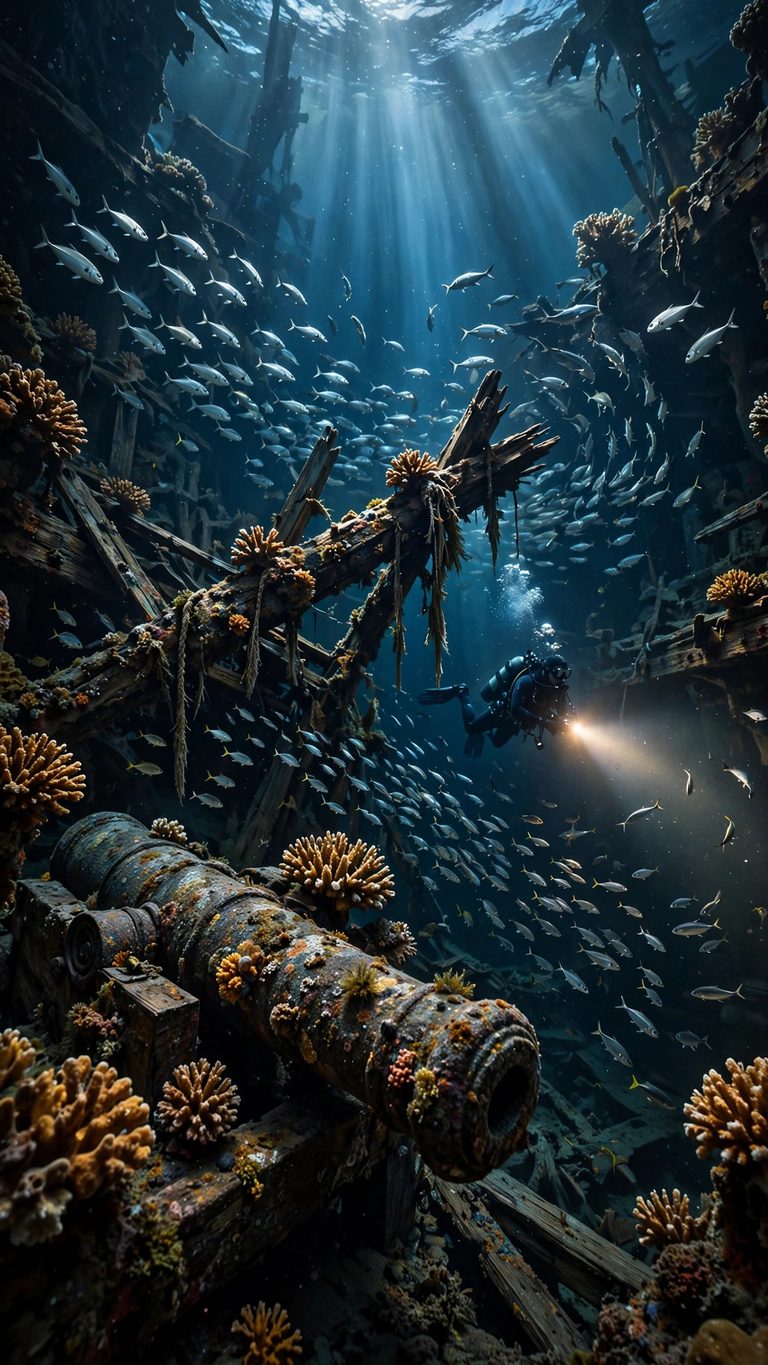
- Shipwreck Diver Exploring a Sunken Coral Ruin: Thrilling AI Video Prompt for Mysterious Underwater Adventure
# A I V i d e o # P r o m p t B a z a r # W h a l e # O c e a n # B r e a c h

Leave a Reply