
Introduction
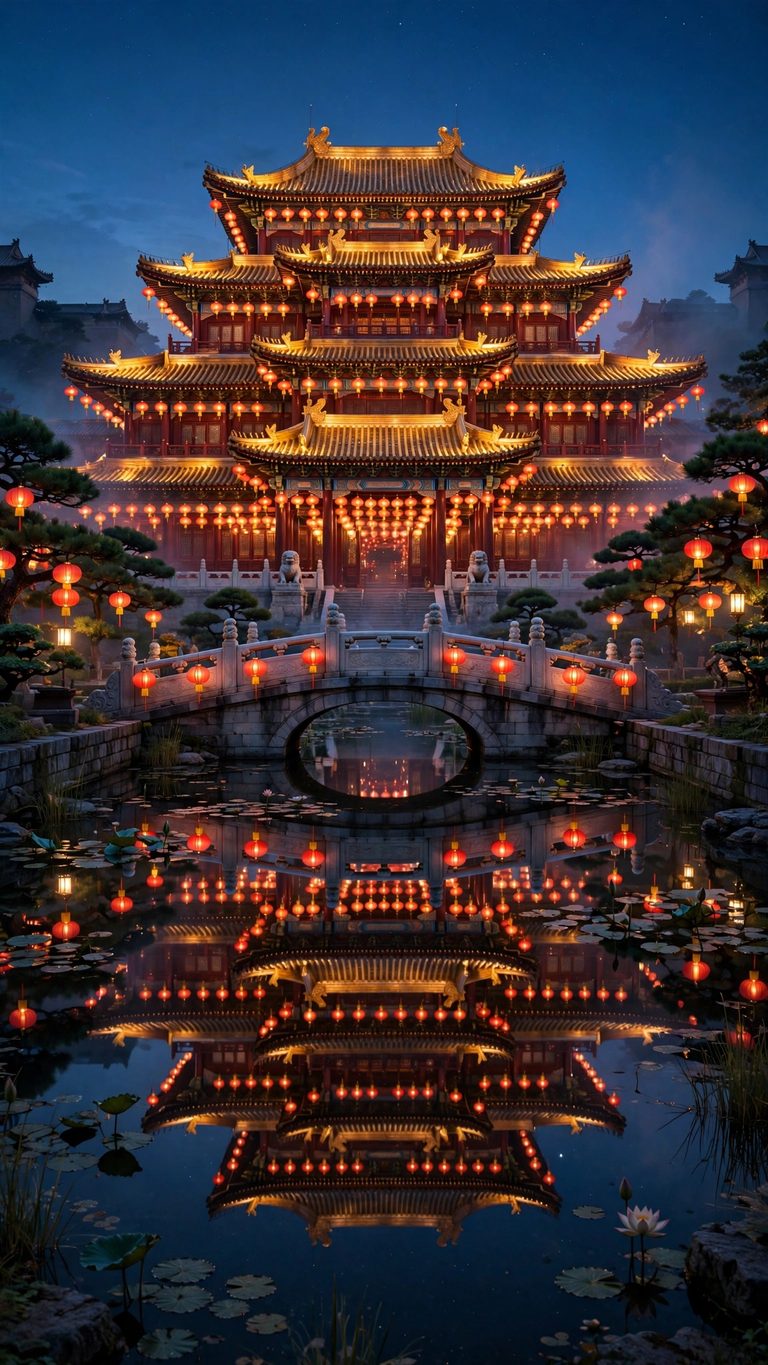
There are images that make you stop scrolling before you even realize you have stopped. An ancient chinese palace glowing with hundreds of red lanterns under a deep blue sky is one of them. The moment this composition loads on your screen, something ancient and cinematic takes over: the mood is heavy with mystery, the colors are saturated with drama, and the whole frame feels like the opening shot of a big-budget historical epic rather than a single still photograph. That is exactly why this particular AI photo prompt has become such a favorite among creators, history lovers, and digital artists on social media.
The fascination with ancient civilizations runs deep in human storytelling. From blockbuster movies to bestselling novels, we are endlessly drawn to the idea that great empires once rose, flourished, and faded — leaving behind monuments that still whisper their secrets. Photography has always been the bridge between that distant past and our present imagination. Now, with text-to-image AI, anyone can stand in the director’s chair and recreate that bridge in seconds. No plane ticket to Egypt or Mexico, no film crew, no waiting for golden hour. Just one well-crafted prompt and a capable generator.
In this guide, we break down a copy-paste AI photo prompt that nails the ancient Chinese palace glowing with red lanterns at night look with stunning consistency. You will get the exact prompt, a deep dive into why every phrase in it matters, a practical step-by-step workflow for Midjourney, DALL-E 3, and Flux, pro-level variations to make the concept your own, and answers to the most common questions creators ask. Whether you are building a viral history page, designing wall art, or simply exploring what AI imagery can do, this is your complete playbook.
The Prompt
Here is the exact, ready-to-copy prompt. Paste it exactly as written into your image generator of choice — every word was placed deliberately:
Enchanting night photograph of an ancient Chinese palace glowing with hundreds of red lanterns, golden rooftops, reflections in a still pond, deep blue sky, symmetrical composition, magical imperial night, ultra detailed, 8k, photorealistic
Why This Prompt Works
Great AI prompts are not word salad; they are layered instructions, and this one is a masterclass in layering. Let us unpack it phrase by phrase. It opens with a subject anchor — the core noun that tells the model what to build the scene around. For this prompt, that anchor is hundreds of glowing red lanterns, which immediately locks in a recognizable historical identity. The model does not have to guess what civilization or mood you want; it knows from the first few tokens.
The next layer is composition and environment: hundreds of glowing red lanterns, golden rooftops, mirror-still pond reflections, deep blue night sky, perfect symmetry. Each of these is a concrete visual cue the diffusion model can latch onto. Notice how the prompt never relies on abstract adjectives alone. Instead of just saying “beautiful,” it names specific, renderable things — canopy, clouds, birds, mist, reflections. Concrete nouns are the secret weapon of consistent AI photography because they give the model geometry to work with, not just vibes.
Then comes the lighting direction, which is arguably the single most powerful lever in any photo prompt. Whether it is a blazing sunset, dramatic side lighting, warm raking light, or a glowing lantern night, the prompt always names the light. Lighting controls contrast, color palette, and mood in one stroke, and models respond to lighting cues far more reliably than to emotional adjectives. The symmetry and glow angle here is no accident: it is what makes the final image feel photographed rather than rendered.
The tail of the prompt is a quality stack — phrases like “ultra detailed,” “8k,” and “photorealistic.” These are well-known steering tokens that push the generator toward high-fidelity output with clean edges and realistic textures. While no single token guarantees perfection, the combination materially raises the average quality of the batch. It also signals intent: this is meant to look like a real camera captured it, not a digital painting.
Finally, there is the psychological layer — why this image performs so well with audiences. Ancient-civilization imagery triggers curiosity, awe, and a touch of melancholy about time itself. Viewers lean in to inspect details, and that extra dwell time is algorithmic gold on every platform. The prompt is engineered, consciously or not, to produce exactly the kind of image people pause on, zoom into, and share.
How to Use This Prompt
Follow these steps to turn the prompt above into a finished, share-ready image. The workflow is tuned for the recommended tools for this prompt (DALL-E 3 / Midjourney v7), but the principles apply anywhere.
- Pick your generator. For this prompt, DALL-E 3 / Midjourney v7 give the most reliable results. Midjourney excels at cinematic lighting and atmosphere; DALL-E 3 follows long descriptive prompts very literally; Flux delivers razor-sharp photorealism, especially for textures and faces.
- Set a portrait aspect ratio. This concept was designed for 9:16 vertical. In Midjourney, append
--ar 9:16. In DALL-E 3 or ChatGPT, request “vertical 9:16 portrait orientation.” In Flux interfaces, set 768×1344 or the closest vertical preset. - Paste the prompt exactly as written. Do not paraphrase on the first run. The exact wording above has been tuned so the subject, lighting, and quality tokens balance correctly. Your first generation is your baseline.
- Generate a batch of four. Always run multiple variations at once. AI output is stochastic — the same prompt produces different images each time. A batch of four gives you real choice instead of settling for a single roll of the dice.
- Pick the winner and refine. Choose the image with the strongest composition and light, then iterate: in Midjourney use Vary or Remix on the specific element you want to change; in DALL-E 3, ask for a targeted edit (“keep everything, but make the sky more dramatic”); in Flux, adjust the seed or strength slightly.
- Upscale and polish. Run your favorite through the tool’s native upscaler, then do a light pass in any photo editor: slight contrast lift, a touch of clarity, and careful sharpening. Avoid heavy filters — the AI lighting is already doing the heavy lifting.
- Caption and publish. Pair the image with a short, curious caption and 3-5 relevant hashtags. Post at peak hours for your audience, and pin your best-performing version so new visitors see it first.
Total time from blank prompt to published post: about ten minutes once you have the workflow down. The prompt does the creative heavy lifting; your job is curation and polish.
Pro Tips & Creative Variations
Once you have your first great result, do not stop there. The real power of this prompt is how remixable it is. Small, deliberate swaps produce dramatically different images while keeping the core magic intact.
Control the light, control the mood. Lighting is the fastest way to reskin this concept. Try swapping the current lighting cue for alternatives: swap sunset for “stormy twilight,” night glow for “blue hour,” raking light for “soft overcast daylight.” Each change rewrites the emotional register of the image — mysterious, serene, ominous — without touching the subject. Keep a personal list of lighting phrases that work; they are reusable across every prompt you ever write.
Play with era and weather. Weather is atmosphere’s twin. Add “after a rainstorm,” “dust in the air,” “light snowfall,” or “heat shimmer” to the environment layer and watch the scene transform. Seasonal variants — monsoon greens, autumn gold, winter frost — can turn one prompt into a four-part series, which is fantastic for content calendars and carousel posts.
Change the camera, not just the scene. Photography prompts respond beautifully to lens and angle language. Try “shot on 85mm,” “low-angle heroic framing,” “drone perspective,” or “extreme close-up.” For portraits, “eye-level, shallow depth of field” keeps attention on the face; for landscapes, “wide-angle, deep focus” sells the epic scale. One concept, five camera angles, five fresh posts.
Cross-pollinate civilizations. The structure of this prompt — subject anchor plus environment plus named light plus quality stack — is a template. Swap the civilization while keeping the skeleton: the same compositional grammar works for Roman, Aztec, Persian, or Khmer subjects. Creators who build a whole series this way end up with a coherent visual brand that followers recognize instantly.
Negative prompts and cleanup. If your tool supports negative prompts, use them surgically: “blurry, distorted hands, watermark, text artifacts” covers the most common failure modes. For this ancient Chinese palace glowing with red lanterns at night concept specifically, watch for mangled small details at the edges of the frame and regenerate or inpaint those regions rather than accepting them.
Batch a series, not a single. The highest-performing creators treat prompts as episode engines. Generate six to ten variations with different lighting and weather, pick the best four, and release them as a themed series over a week. Consistency of style across the series signals intention, and intention is what separates a random AI image from a portfolio piece.
Frequently Asked Questions
Which AI image generator works best with this prompt?
The recommended pairing for this prompt is DALL-E 3 / Midjourney v7. Midjourney tends to produce the most cinematic, gallery-ready results; DALL-E 3 follows the descriptive detail most faithfully; Flux is outstanding for crisp photorealistic texture. All three handle the 9:16 portrait format well. If you only have access to one, use it — the prompt’s structure is tool-agnostic.
Can I use the generated images commercially?
Generally yes, but check your specific tool’s terms of service, because commercial rights vary by plan and provider. Midjourney’s paid plans include commercial rights; DALL-E 3 images via a paid ChatGPT plan are yours to use; Flux licensing depends on the model variant and host. When in doubt, read the current terms before selling prints or using images in client work.
Why do my results look different from the examples?
Three usual suspects: paraphrasing the prompt (word choice matters more than you think), different aspect ratios (composition changes everything), and single-roll luck (always generate batches of four). Also confirm you are on a current model version — older checkpoints interpret descriptive prompts less reliably. Paste the prompt exactly, set 9:16, and run a full batch before judging it.
How do I make my version stand out from everyone using the same prompt?
Remix one layer at a time: change the lighting, the weather, the camera angle, or the era details while keeping the subject anchor. Add a signature element — a consistent color grade, a recurring motif, a series title — so your variations read as yours. The prompt is a starting line, not a finish line; the curation and variation work is where your style lives.
Ancient wonders never go out of style — they just find new storytellers. This AI photo prompt hands you ancient Chinese palace glowing with red lanterns at night on a silver platter: copy it, run it, remix it, and make it unmistakably yours. The past is waiting for its close-up. Go create something timeless.
Related Viral Prompts
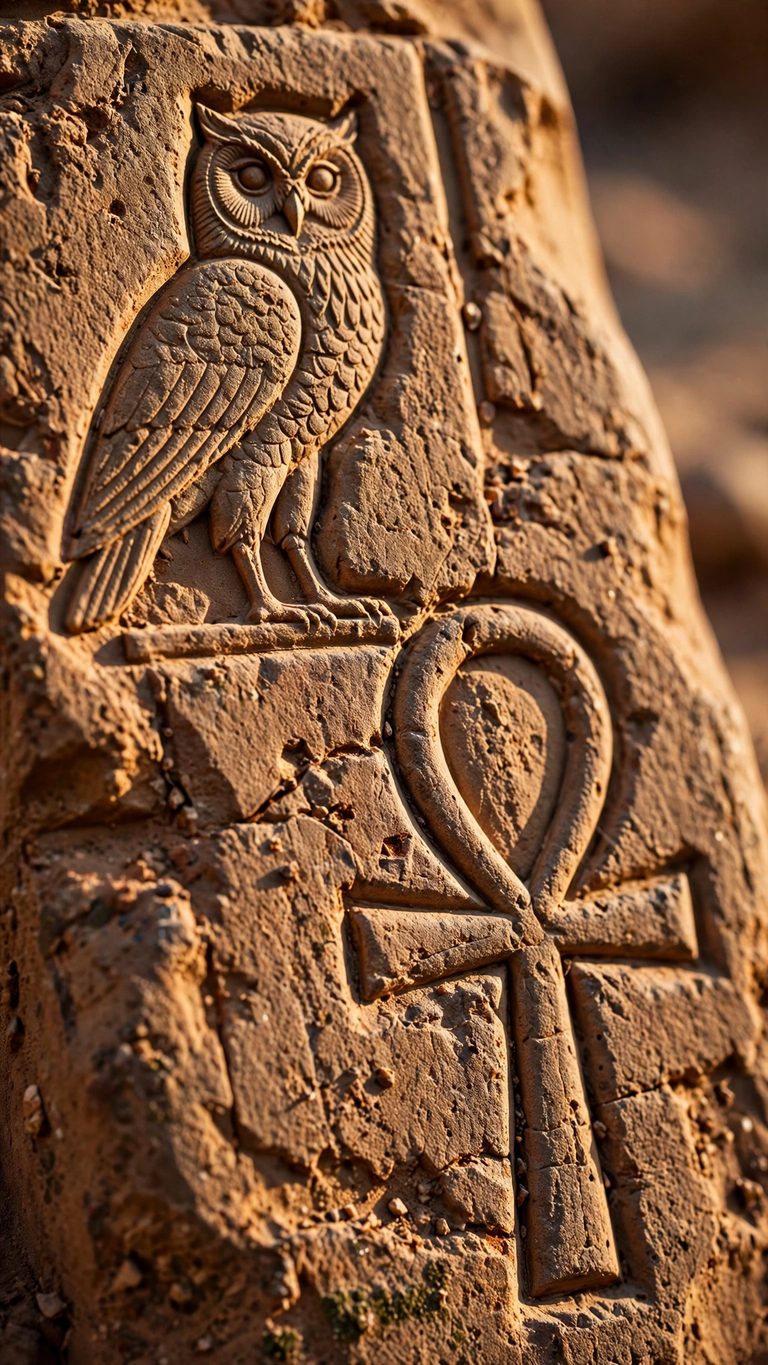
- Egyptian Hieroglyph Macro AI Photo Prompt: Stunning Ancient Sandstone Texture for Midjourney & DALL-E 3
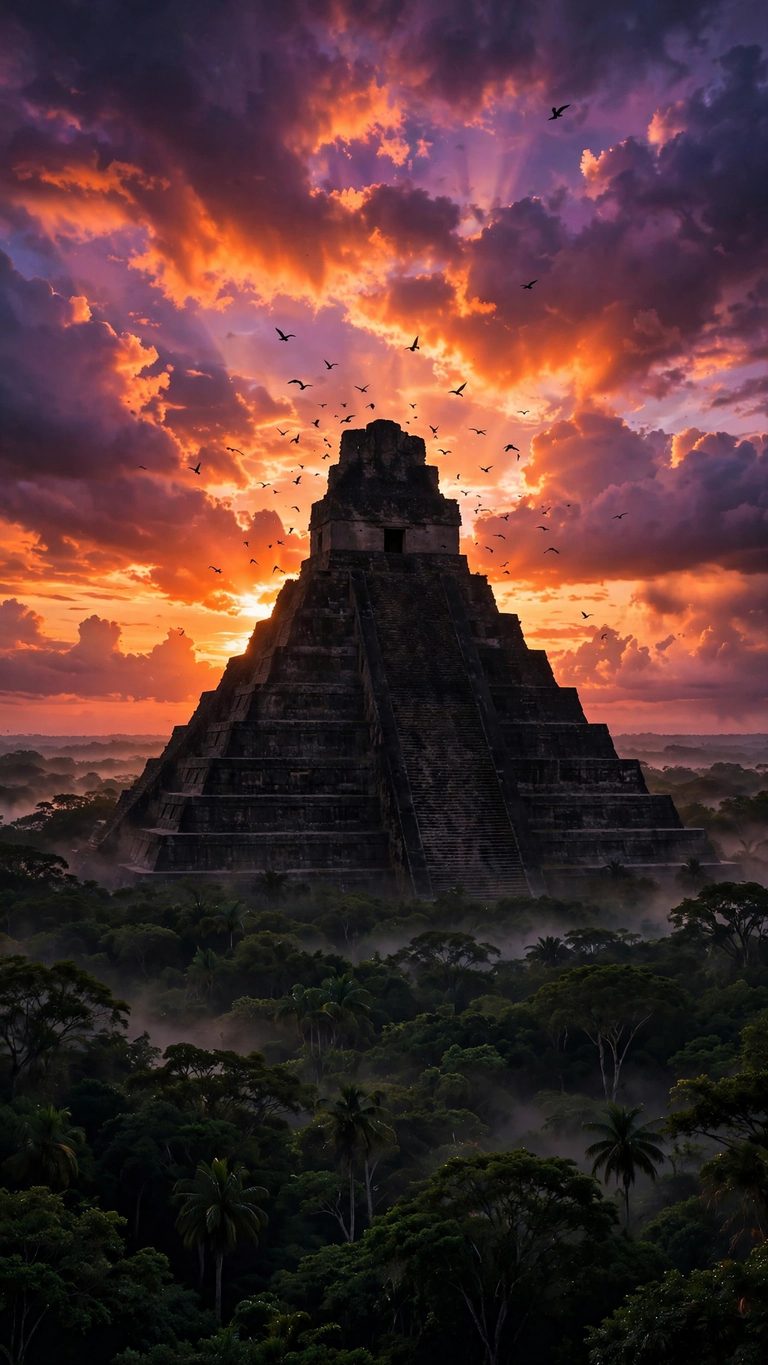
- Lost City Jungle Aerial AI Photo Prompt: Capture Epic Ancient Ruins Reclaimed by Nature in DALL-E 3 & Midjourney
- Greek Marble Statue Close-Up: Viral AI Photo Prompt for Ultra-Detailed Classical Sculpture Art Images | PromptBazar
# A I P h o t o # P r o m p t B a z a r # C h i n e s e P a l a c e # L a n t e r n s # N i g h t

Leave a Reply